Document Generation REST API
Generate Documents Programmatically via REST API
A developer-friendly API for document generation. Send data, get back a PDF. Templates are managed by your business team in Google Docs — no code changes needed when documents change. Supports sync and async modes, webhook callbacks, and queue management.








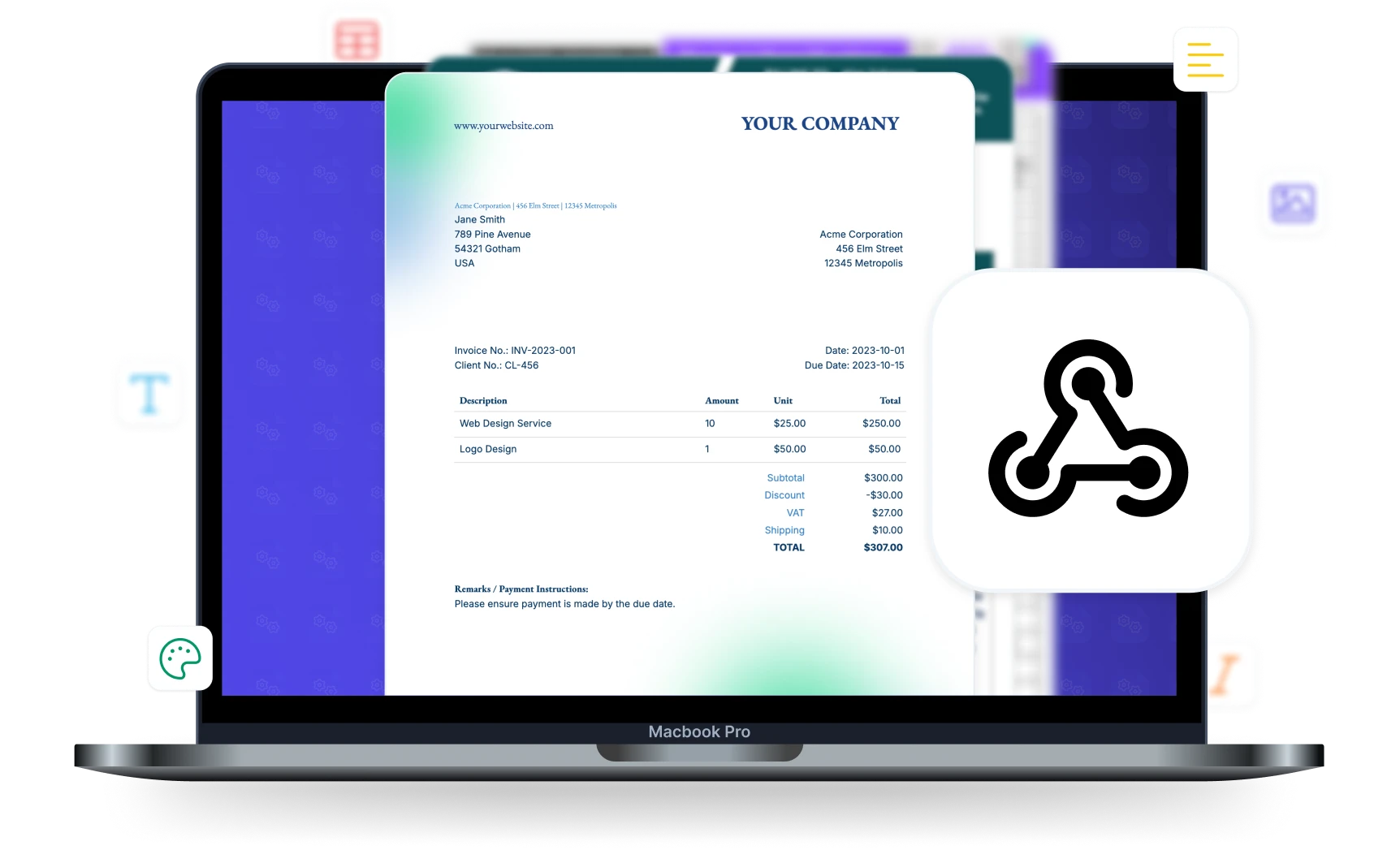
Developers Build Once, Business Users Own Templates
The API integration never changes — only the Google Docs template does
Hard-Coded Templates
- Every template change requires a developer
- HTML/PDF libraries embedded in your codebase
- Layout and styling managed in code
- Weeks of back-and-forth for simple wording changes
- Developers are a bottleneck for document updates
With DocsAutomator API
- Business users edit templates in Google Docs
- Developers just send data — one API call
- Layout and branding controlled by non-technical users
- Template changes go live instantly, no deploys needed
- Developers focus on product, not document formatting
Start automating & signing in minutes!
Key Benefits
Why teams choose DocsAutomator for REST API
Templates Owned by Business Users
Your team edits templates in Google Docs — no developer involvement needed. When a contract clause changes or a logo is updated, business users handle it themselves. Developers never touch templates.
Simple REST Interface
One POST request generates a document and returns the PDF URL. Bearer token auth, JSON payloads, predictable responses. Integrate in minutes, not days.
Sync & Async Modes
Synchronous mode waits for the document and returns the result. Async mode returns a job ID instantly for polling — perfect for batch workflows or serverless functions.
Webhook Callbacks
Pass a webhook URL and DocsAutomator posts the result when the document is ready. No polling needed — your system is notified the moment generation completes.
API Endpoints
Everything you need to automate documents programmatically
Document Generation
POST /createDocument with your automation ID, data payload, and optional settings. Returns the PDF URL, Google Doc URL, and file ID. Supports line items, conditional rendering, and line deletions.
Automation Management
Full CRUD: GET /automations to list, POST /createAutomation to create, PUT /updateAutomation to modify, DELETE /deleteAutomation to remove. Manage your entire document workflow via code.
Template Operations
GET /listPlaceholders to extract all placeholders from a template. POST /duplicateGoogleDocTemplate to copy templates programmatically. Inspect and manage templates without opening Google Docs.
Queue & Job Tracking
GET /job/:jobId to check job status (waiting, active, completed, failed) with progress percentages. GET /queue/stats for workspace queue overview. Full visibility into async operations.
Start automating & signing in minutes!
How it works
Get started in minutes
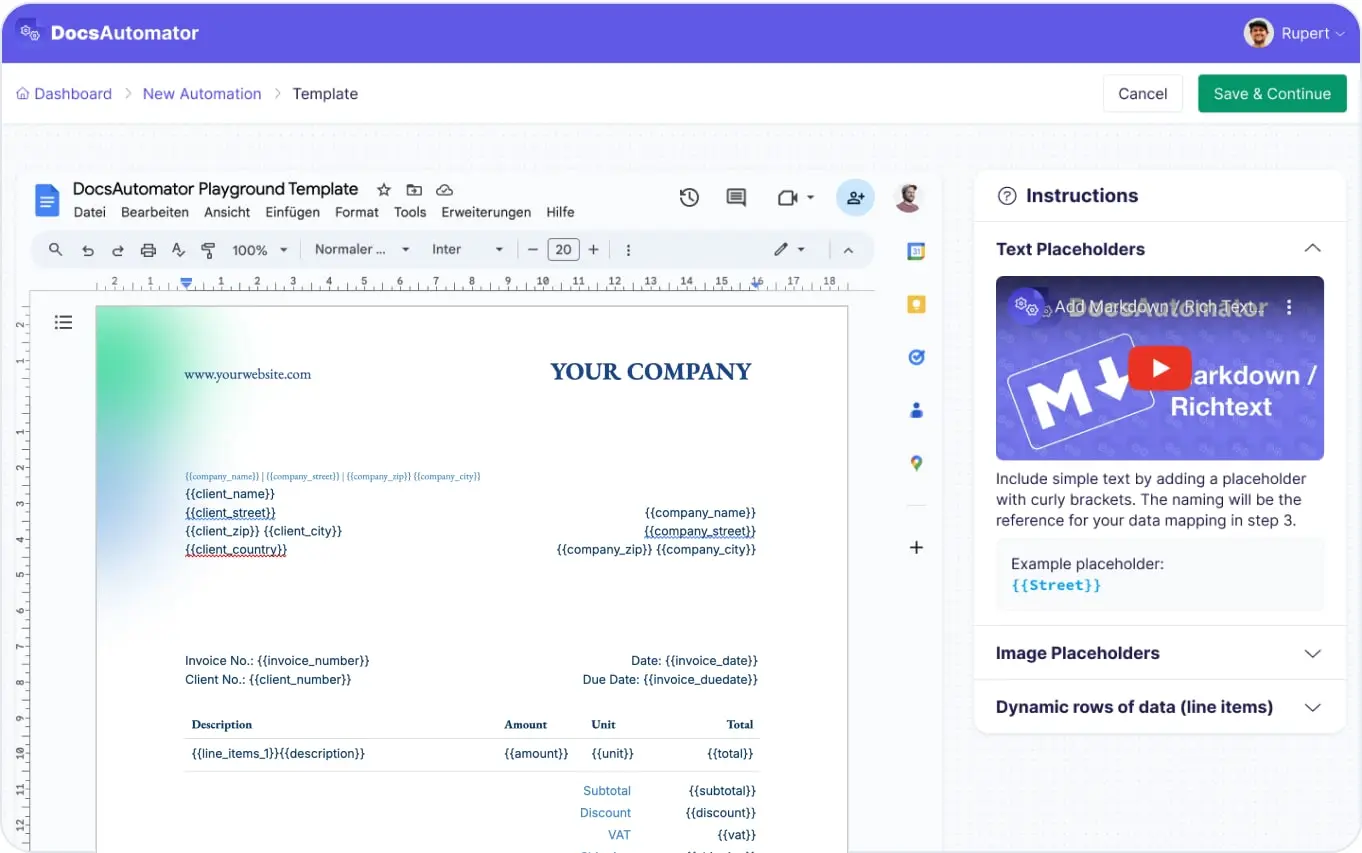
Create a Template & Automation
Send a POST Request
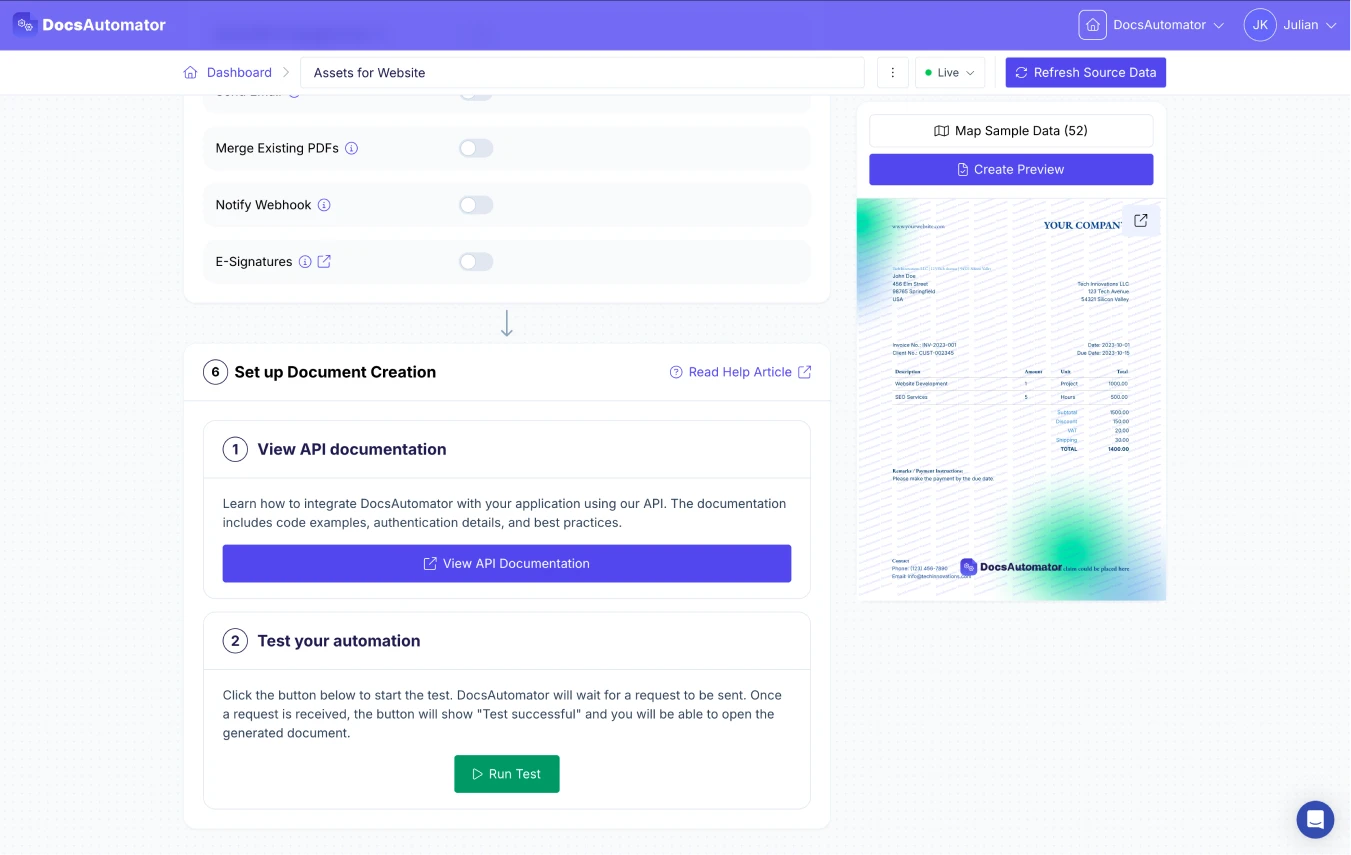
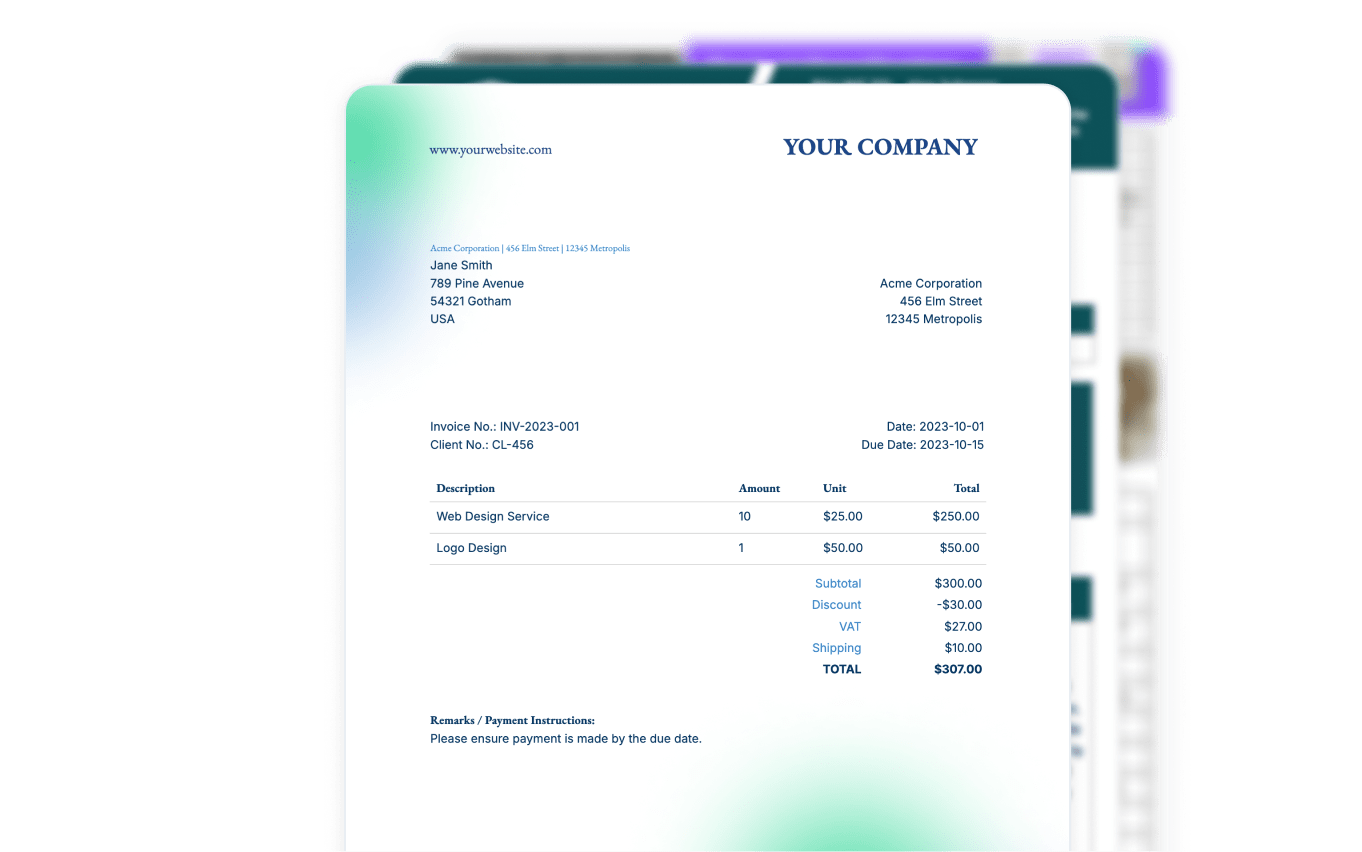
Receive Your Document
Learn more in our Knowledge Base
Start automating & signing in minutes!
Use Cases
Popular ways teams use REST API
SaaS Document Generation
Embed document generation in your own product. Your users trigger documents from your UI, DocsAutomator renders the PDF, and your ops team manages the templates in Google Docs without any code changes.
Scheduled Report Generation
Trigger batch document creation from a cron job or scheduled task. Generate monthly invoices, weekly reports, or daily summaries programmatically without any manual intervention.
Custom Workflow Integration
Integrate document generation into any custom workflow — CI/CD pipelines, internal tools, or serverless functions. Any system that can make HTTP requests can generate documents.
Automated Signing Flows
Generate a contract via API and trigger e-signatures in a single request. Receive signing links in the response for embedding in your own UI, or let DocsAutomator email the signers directly.
and many more...
Customer Voices
Don't take our word for it. Here's what our customers say about us:
I've just been looking for this app for weeks. DocsAutomator simply outperforms any competitor out there. I've tried almost every possible way to generate PDF from Airtable, and none offer half of the capacities DocsAutomator does.

Foulques de Moncade
DocsAutomator is great to generate on the fly PDF documents. We use it for several applications. it's easy to implement and great to use. I can highly recommend it.
Samuel
Found DocsAutomator at the perfect time. Excited to see the ways that it saves me, and our company, time. Super simple to set up and use. Customer service was PROMPT, thorough, and helpful when I ran into some issues.
Cody Nailor
I find this tool really great! Very rich, and so easy to use! the parameters are numerous and very well detailed. Preview mode allows you to immediately see our changes.I use Docsautomator for my training institute managed by Airtable.
Fred de Artistepro
I wonder why I lost so much time using page designer on Airtable. This is the best solution for regarding functionality, ease of use and price. I definitely recommend is. It s a no brainer - really! He also offers precise and super fast support!

Florence Bouchat
I have been using DocAutomator for about 2 weeks now and it is fantastic! Very easy to set up the configuration between Google Docs, Airtable, and DocAutomator.
Jason Wilson
Developer Experience
Built for developers who value simplicity and reliability
Authenticate with a Bearer token in the Authorization header. Generate API keys in your DocsAutomator dashboard. Each key is scoped to a workspace with configurable rate limits.
Pass line item data as JSON arrays with a "children" key for nesting. Up to 3 levels deep. No special syntax — just structured JSON that maps to your template's table rows.
500 requests per 15 minutes per API key. Queue an unlimited number of jobs per workspace with 5 parallel workers. Overage pricing available on all paid plans so you never hit a hard wall.
Documents generated via API can automatically trigger e-signature workflows. The response includes signing session ID, signing links, and status. Build fully automated signing flows from your own application.

Start automating & signing in minutes!
API-First, But Works with Everything








Frequently Asked Questions
Authorization: Bearer YOUR_API_KEY. Generate API keys from your DocsAutomator workspace settings.async: true), the API returns immediately with a job ID that you can poll for progress."children" key to nest sub-items up to 3 levels deep. DocsAutomator expands the table rows in your template automatically.Start automating & signing in minutes!
Explore more features
Everything you need for document automation
AI Template Generator
Describe a document and let AI create a professionally designed Word (.docx) template for you.
Google Docs Templates
Build templates in Google Docs, one of the most intuitive document tools on the web.
Word Templates
Upload a Microsoft Word .docx template and generate Word or PDF documents from your data.
E-Signatures
Collect legally binding e-signatures on your generated documents.
Email Automation
Generate documents and email them as PDF attachments automatically.
Dynamic Line Items
Handle invoices, reports, and itemized lists with dynamic line items including nested data.
Conditional Logic
Show, hide, or style content conditionally based on your data.
AI Field Mapping
Map or generate sample data in seconds with the help of AI.
PDF Generation & Delivery
Generate PDFs, save to Google Drive or OneDrive, send via email, or trigger webhooks.
Batch Processing
Generate dozens of documents in parallel with queue-based batch processing.
AI & Agents
Give AI assistants the power to generate documents via MCP server.
Teams using the DocsAutomator API:







Ready to generate documents via API?
Trusted by 1,215 businesses for their most critical documents
Unlimited testing, no credit card required