Dynamic Line Items Document Automation
Dynamic Line Items & Nested Tables in Your Documents
Generate invoices, reports, and itemized documents with dynamic rows that expand based on your data — up to 3 levels of nesting.








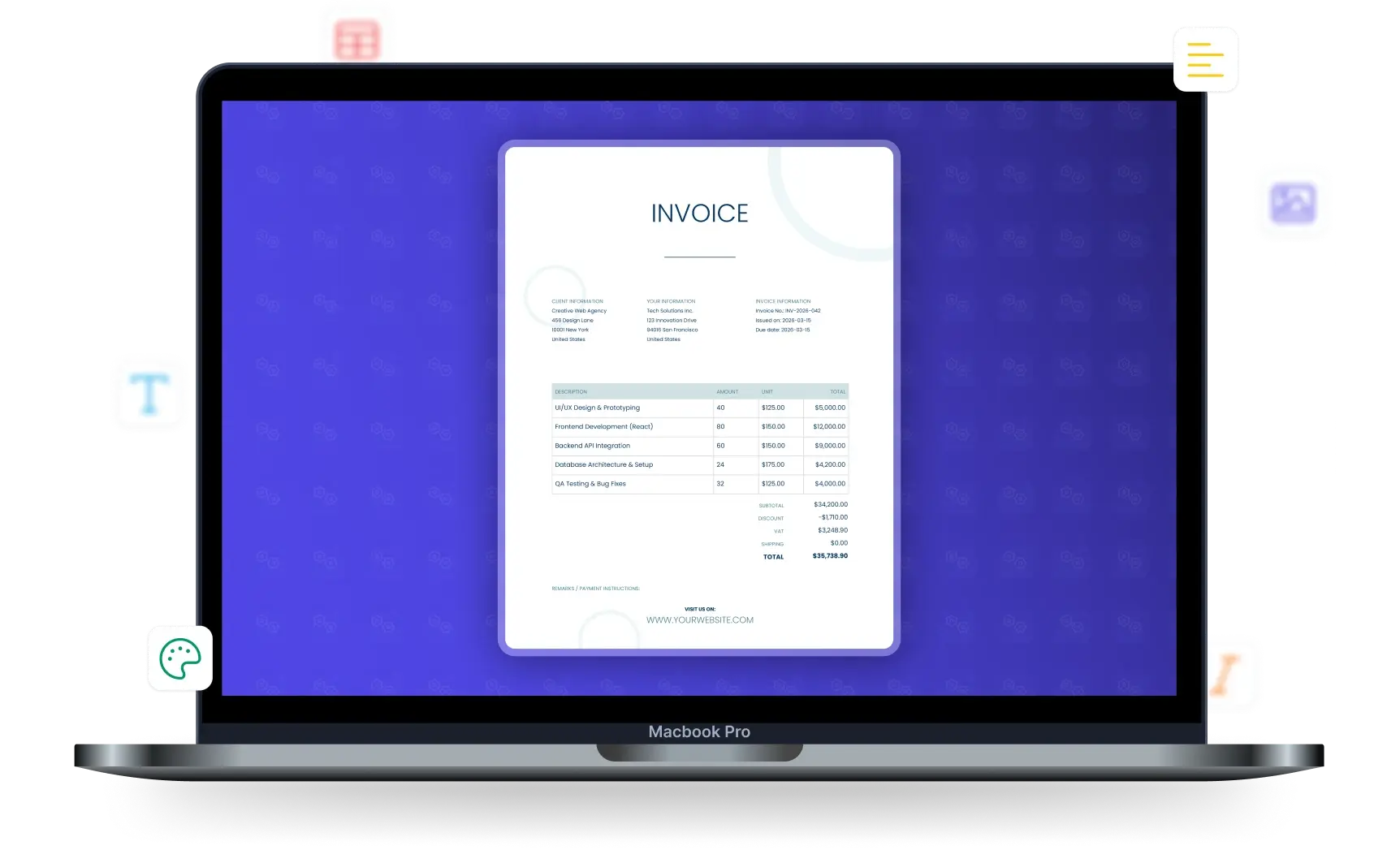
Key Benefits
Why teams choose DocsAutomator for Dynamic Line Items
Up to 3 Levels of Nesting
Support for nested line items up to 3 levels deep. Perfect for complex hierarchical data like project breakdowns, multi-level BOMs, or nested categories.
Dynamic Row Expansion
Tables automatically expand based on your data. One template handles invoices with 2 items or 200 items — no manual adjustment needed.
Linked Record Support
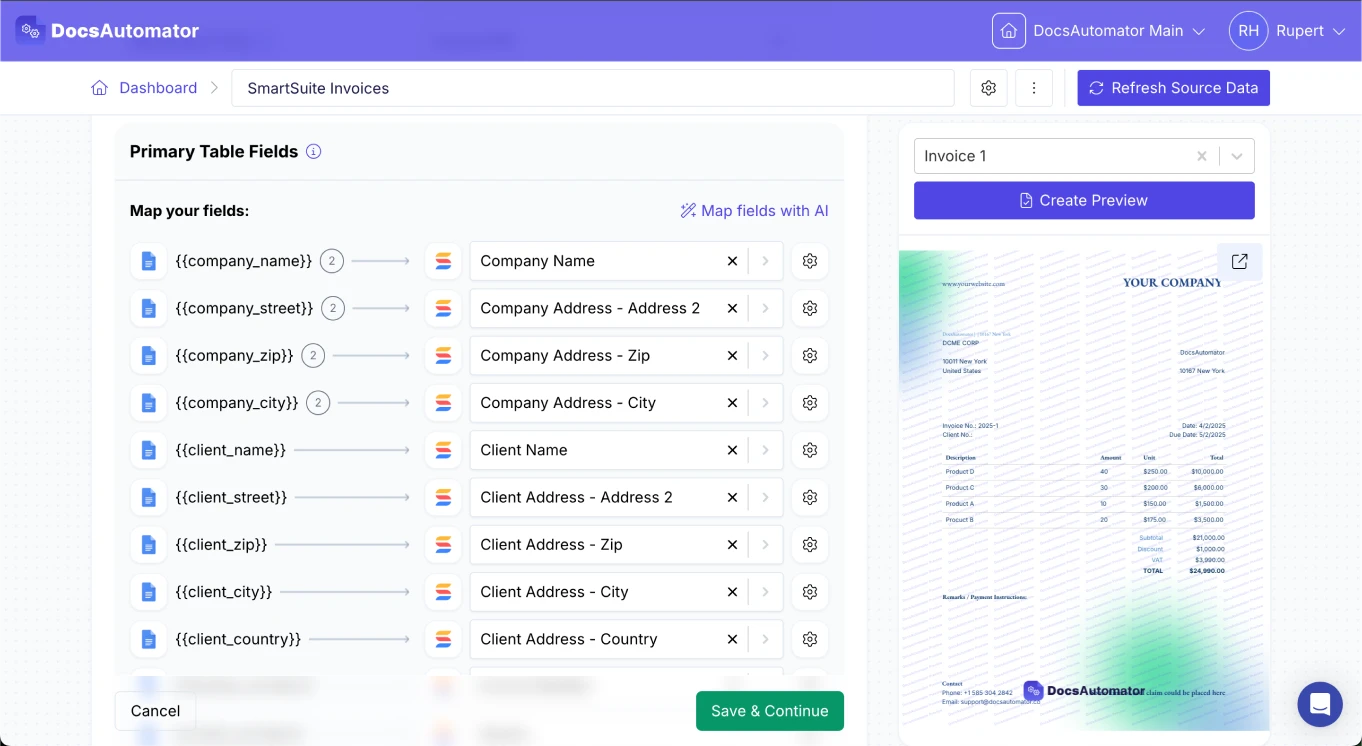
Pull line item data directly from linked records in Airtable, SmartSuite, or any connected data source. No manual data restructuring.
Full Formatting Control
Style your line item tables in Google Docs with fonts, colors, borders, and alignment. The formatting carries through to your generated documents.
Nesting Levels Explained
Support for up to three levels of hierarchical data in a single template

Level 1: Primary Line Items
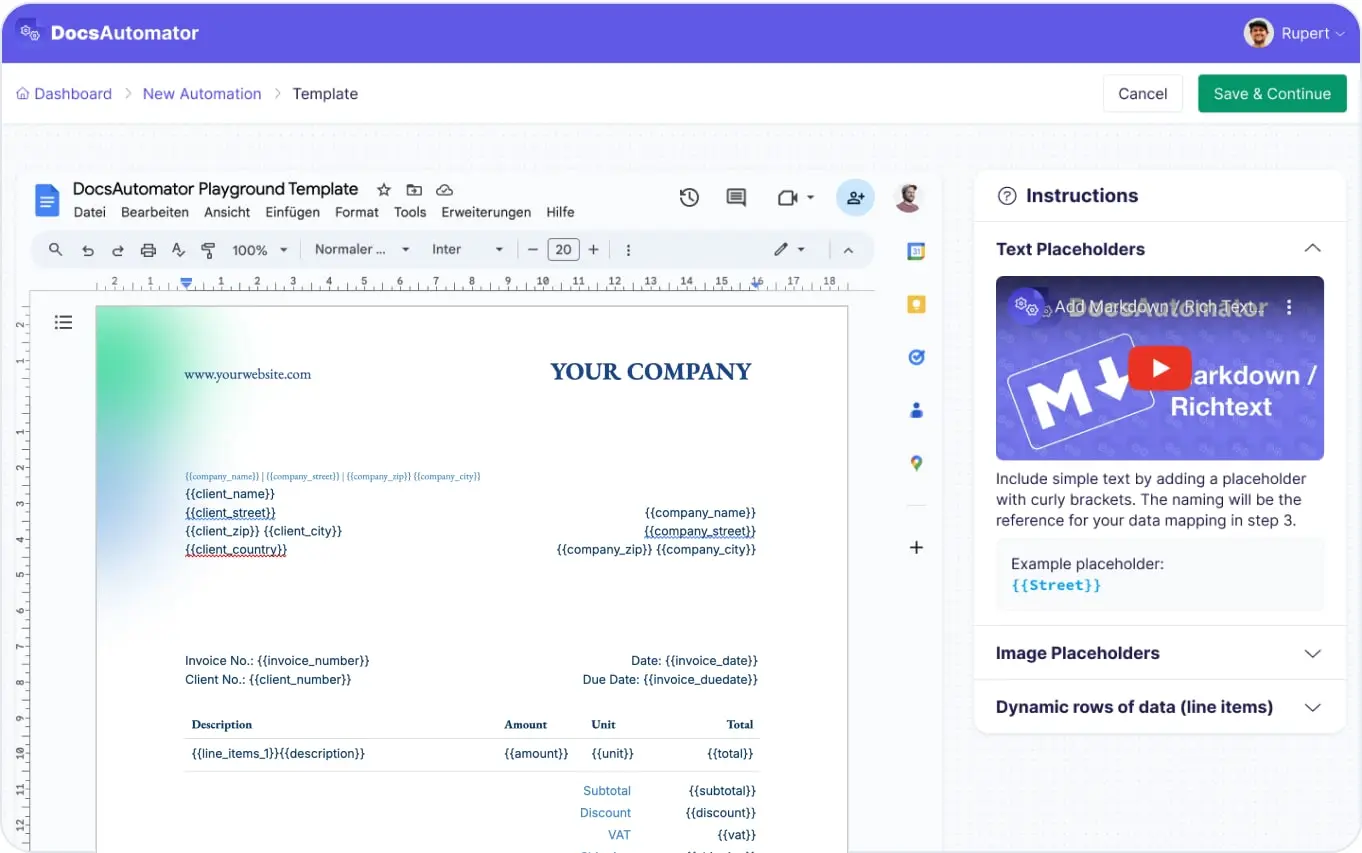
Mark a table row with {{line_items_1}} to repeat it for each record in your linked data. Every field placeholder in that row is replaced with values from each record. This covers most use cases like invoice items, task lists, and product catalogs.
Level 2: Nested Sub-Items
Use {{line_items_1_1}} inside a level-1 row to nest a second layer of data. Each level-1 record can contain its own list of sub-items. Ideal for project phases with tasks, order groups with products, or categories with entries.
Level 3: Deep Nesting
Add a third level with {{line_items_1_2}} for deeply hierarchical data. Useful for multi-level bills of materials, nested organizational structures, or complex project breakdowns with phases, tasks, and subtasks.
Start automating & signing in minutes!
How it works
Get started in minutes
Create a Table in Your Template
Map Your Data Source
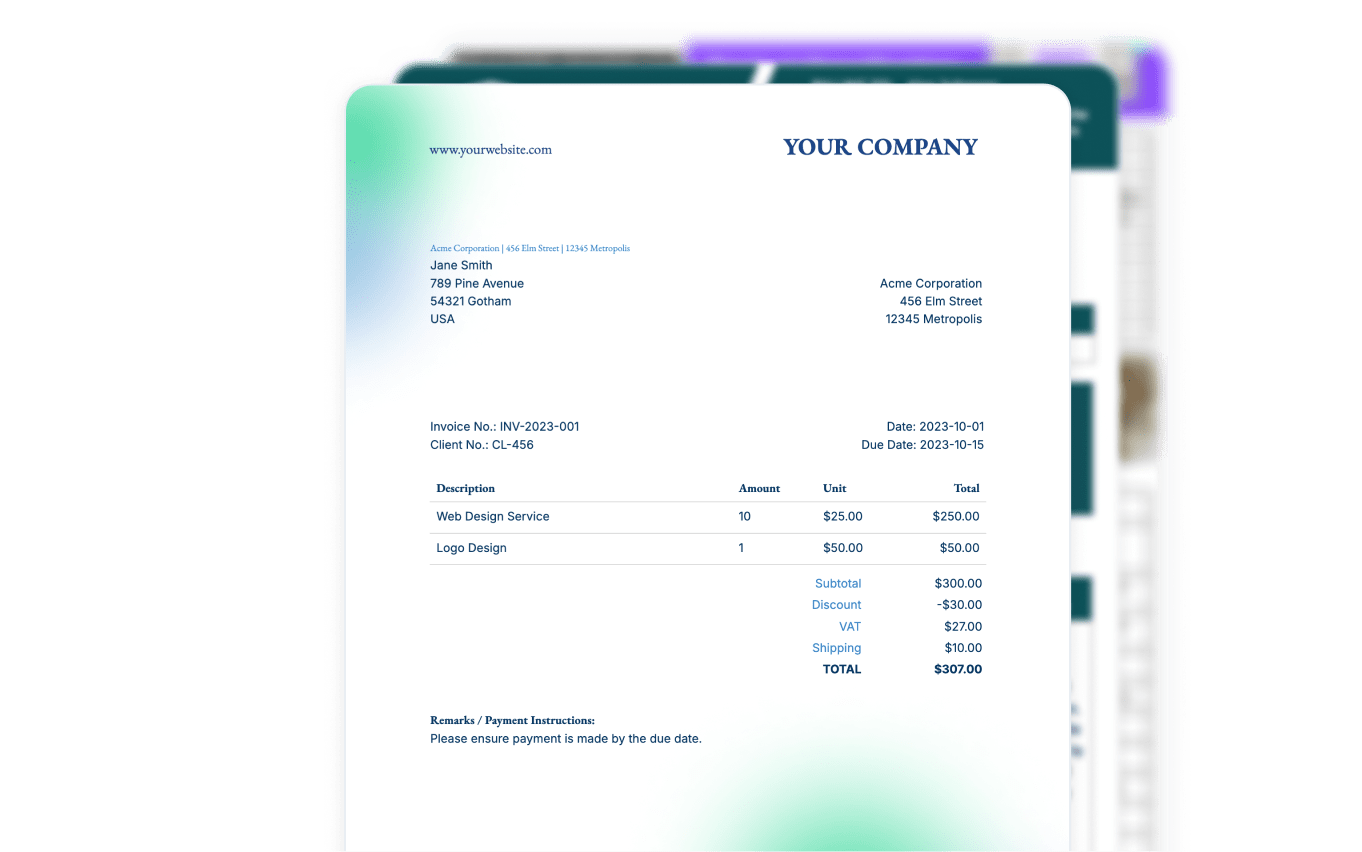
Generate Documents with Dynamic Tables
Learn more in our Knowledge Base
Start automating & signing in minutes!
Stop Building Tables by Hand
Dynamic line items replace hours of copy-paste with a single template row
Without DocsAutomator
- Copy-paste rows for each line item manually
- Re-format table borders and alignment every time
- Manually update totals when items change
- Maintain separate templates for different item counts
- Risk data entry errors on every document
With Dynamic Line Items
- One template row expands to fit any number of items
- Formatting preserved automatically on every row
- Calculated fields pull totals from your data source
- One template handles 2 items or 200 items
- Data flows directly from your database — zero manual entry
Start automating & signing in minutes!
Use Cases
Popular ways teams use Dynamic Line Items
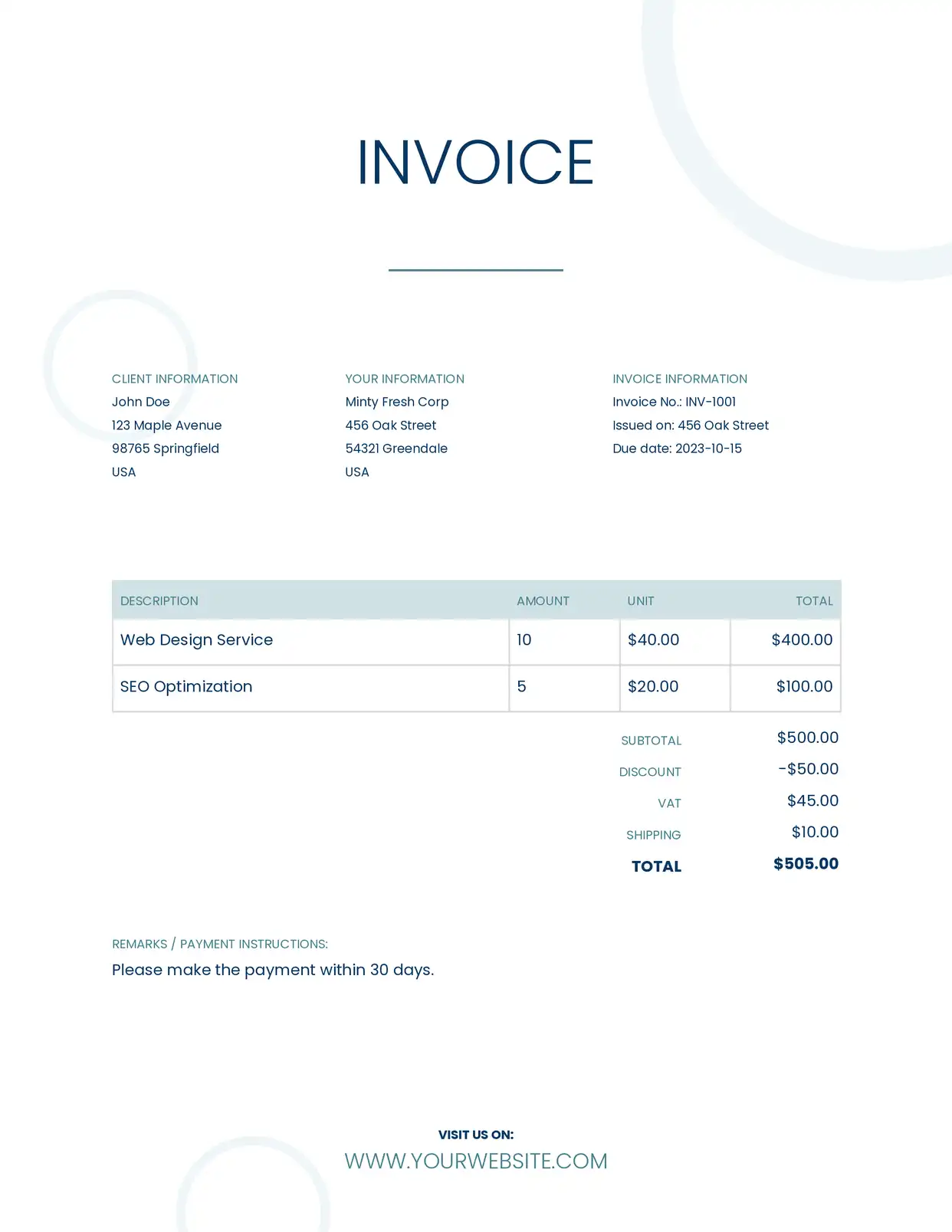
Invoices & Quotes
Generate invoices with dynamic line items that pull product names, quantities, prices, and totals from your records. Tables expand automatically to fit any number of items.
Explore Invoice Templates
Project Reports
Create reports with nested task breakdowns, time entries, and deliverables organized by project phase. Use level-2 nesting for tasks under each phase.
Explore Report Templates
Bills of Materials
Generate multi-level BOMs with nested components, sub-assemblies, and parts lists. Three levels of nesting handle even the most complex product structures.
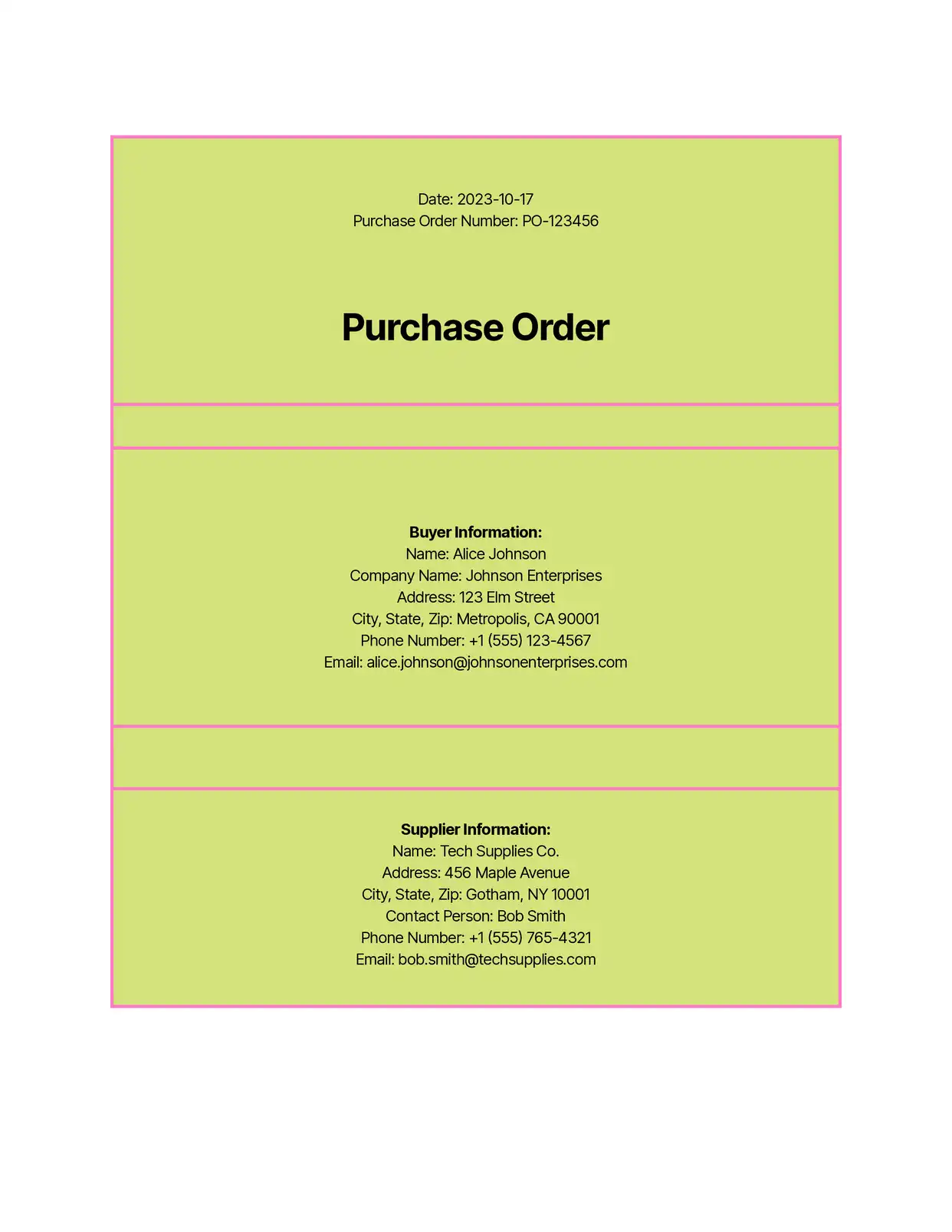
Purchase Orders
Create purchase orders with dynamic item tables listing products, quantities, unit prices, and line totals. Linked records from your CRM populate the order lines automatically.
Explore Order Templates
Estimates & Quotations
Build detailed cost breakdowns with line items for services, materials, and labor. Subtotals and totals update dynamically based on the data in each record.
Explore Estimate Templatesand many more...
Customer Voices
Don't take our word for it. Here's what our customers say about us:
DocsAutomator have helped me creating super complex documents which I had no clue how to create these with other tools as Zapier or Make.com. I have never been helped so quickly. I'm currently recommending this tool to all of my friends.

Stefan
DocsAutomator has been a game-changer for our company when it comes to creating documents both internally and for our clients. The tool's ease of use has made it simple for us to design documents without the need for technical expertise.

Jesús Gazca
We have been using Airtable for a few years now and it has become our one source of truth. DocsAutomator has made this work for us by providing us with the ability to create documents in seconds instead of minutes or even hours. Game changer.

Jorge Peña
SVP, Delivery Operations, ZAGA.
DocsAutomator has helped our company tremendously with invoice issuing automation. We use Airtable and built-in extensions there have many limitations that prevented us from creating beautiful informative invoices.

Viktor Ivanov
CEO, ViktorLaw
DocAutomator has helped my business automate invoices, contacts, and quarterly reports for our clients. This product saves us a lot of time, allowing us as a property management company to focus more on asset management.
Eran
DocsAutomator is a great service & I've been using it for around 6-months now. Automating document creation is quick, simple & highly effective, for both myself & for my clients.

Vivek Kuvelker
Advanced Table Features
Line item rows support much more than plain text
Include dynamic image placeholders inside line item rows. Each row can display a different image pulled from your data, such as product photos, company logos, or QR codes. Images are sized to fit the cell.
Configure line deletions to automatically remove entire table rows when a field is empty. Hide individual placeholders within rows using per-field conditional rendering rules with operators like equals, contains, and greater than.
All formatting you apply to the template row is preserved when it repeats: fonts, colors, borders, cell alignment, column widths, and background colors. Design your table once and every generated row matches exactly.
Map calculated or formula fields from your data source to line item placeholders. Display computed values like line totals (quantity x price), tax amounts, or running subtotals directly in each row.

Start automating & signing in minutes!
Generate Line Item Documents from Any Data Source









Frequently Asked Questions
- Level 1 — {{line_items_1}} for the primary list
- Level 2 — {{line_items_1_1}} for items nested under level 1
- Level 3 — {{line_items_1_2}} for items nested under level 2
Start automating & signing in minutes!
Explore more features
Everything you need for document automation
AI Template Generator
Describe a document and let AI create a professionally designed Word (.docx) template for you.
Google Docs Templates
Build templates in Google Docs, one of the most intuitive document tools on the web.
Word Templates
Upload a Microsoft Word .docx template and generate Word or PDF documents from your data.
E-Signatures
Collect legally binding e-signatures on your generated documents.
Email Automation
Generate documents and email them as PDF attachments automatically.
Conditional Logic
Show, hide, or style content conditionally based on your data.
AI Field Mapping
Map or generate sample data in seconds with the help of AI.
PDF Generation & Delivery
Generate PDFs, save to Google Drive or OneDrive, send via email, or trigger webhooks.
Batch Processing
Generate dozens of documents in parallel with queue-based batch processing.
REST API
Generate documents programmatically with sync/async modes and webhooks.
AI & Agents
Give AI assistants the power to generate documents via MCP server.
Teams using dynamic line items with DocsAutomator:







Ready to automate documents with dynamic line items?
Trusted by 1,215 businesses for their most critical documents
Unlimited testing, no credit card required