Conditional Logic PDF Generation
Show, Hide & Style Content Conditionally in Your Documents
Generate complex documents that adapt to your data. Show or hide sections, apply conditional formatting, and create dynamic content — all without code.








Key Benefits
Why teams choose DocsAutomator for Conditional Logic
Show & Hide Sections
Use {{section_NAME}} and {{/section_NAME}} tags to conditionally show or hide entire sections of your document based on field values from your data.
Named Sections
Name each section, like {{section_premium}} or {{section_eu_terms}}. Control visibility from DocsAutomator's section settings with show/hide rules based on any field. Reuse the same name wherever the block should repeat and one rule controls every copy.
Conditional Styling
Apply different formatting based on conditions — change colors, fonts, or visibility of specific elements based on your data values.
One Template, Many Outputs
Create a single master template that produces different document variants. No need to maintain multiple templates for different scenarios.
Condition Types & Syntax
Multiple ways to control what appears in your generated documents

Truthy Conditions
Use the "exists" or "does not exist" condition type to show content when a field has any value, or hide it when empty. The simplest way to conditionally include optional sections like notes or special instructions.
Flexible Condition Types
Conditions adapt to the field type: text fields offer equals and contains, number fields add greater than and less than, date fields add is after and is before, and checkboxes add is true and is false. Compare against a value you type, another placeholder, or any field from your data source. The same options work for sections, per-placeholder show/hide, and conditional styling.
Named Sections
Each conditional block uses {{section_NAME}}...{{/section_NAME}} tags with a name you choose. Configure show or hide rules in DocsAutomator's section settings. Use the same name in several places when multiple areas of a long document need to appear or disappear together.
Multiple Conditions
Add multiple conditions to a single section and choose how they combine. Require all of them to pass (AND), or show the section when any one passes (OR). For example, show a section only when status equals "Active" AND region contains "EU". No code required.
Start automating & signing in minutes!
One Template Instead of Ten
Conditional logic eliminates template sprawl
Without Conditional Logic
- Separate template for each client type or region
- Duplicate formatting changes across every template
- Risk of inconsistencies between template versions
- Manual process to select the right template per scenario
- Template count grows with every new variation
With Conditional Logic
- One master template adapts to any scenario
- Update formatting once, applied everywhere
- Guaranteed consistency across all document variants
- The right content appears automatically from your data
- Add new variants by adding a section — not a template
Start automating & signing in minutes!
How it works
Get started in minutes
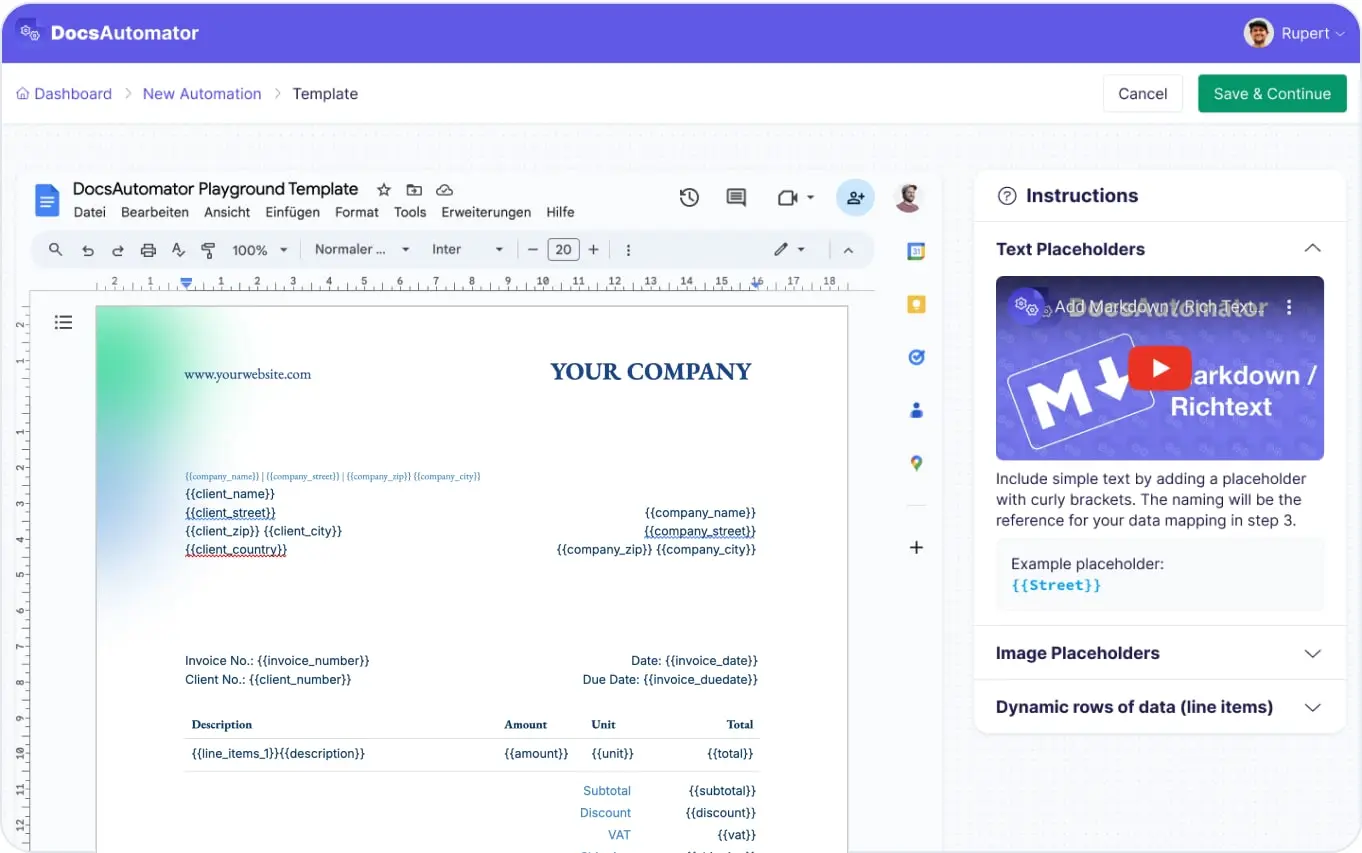
Add Conditional Tags to Your Template
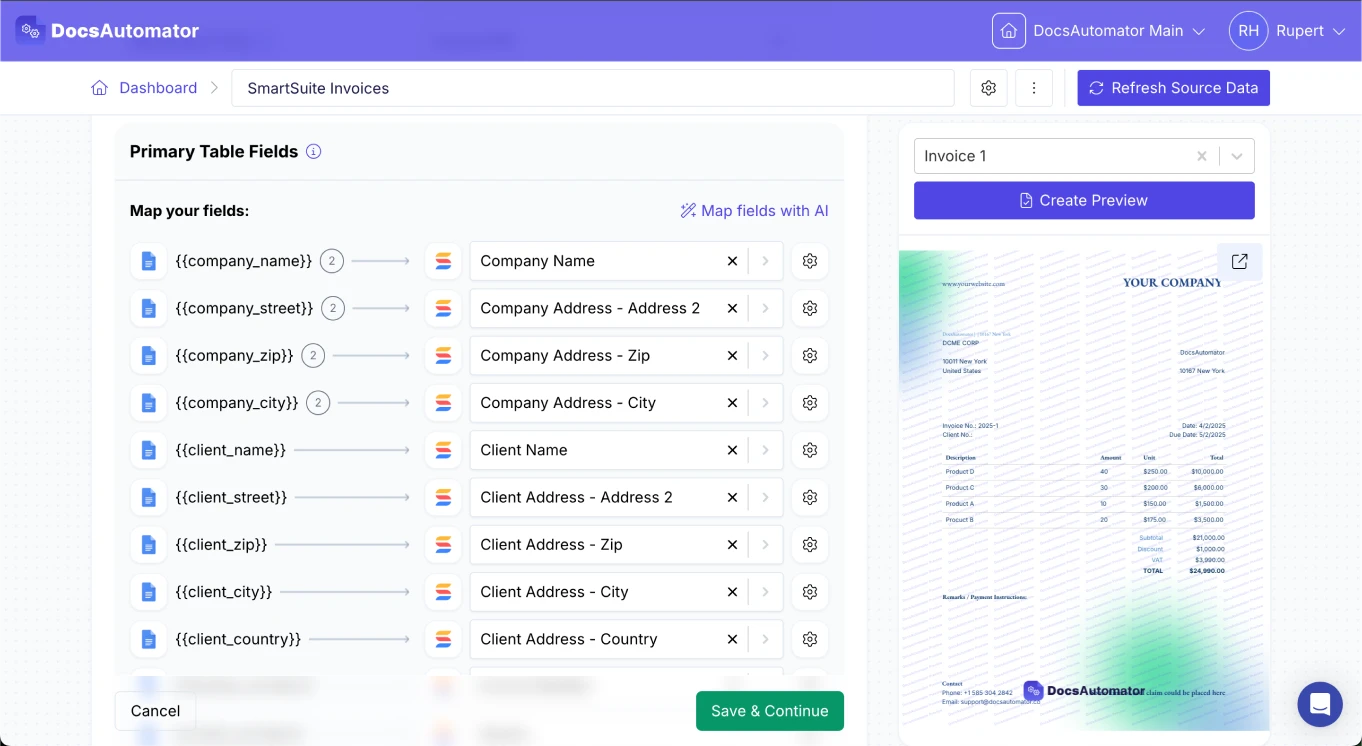
Map Your Condition Fields
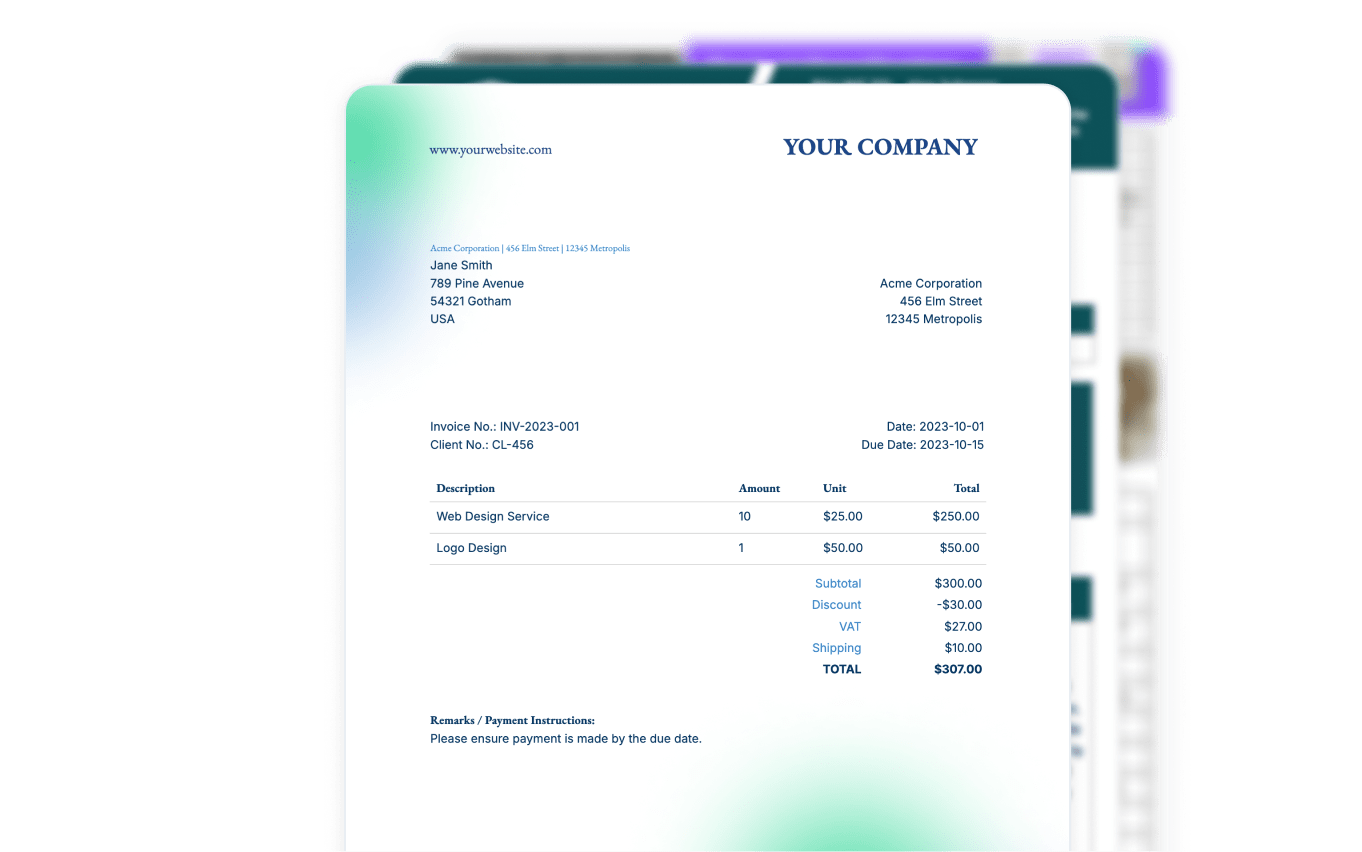
Generate Adaptive Documents
Learn more in our Knowledge Base
Start automating & signing in minutes!
Use Cases
Popular ways teams use Conditional Logic
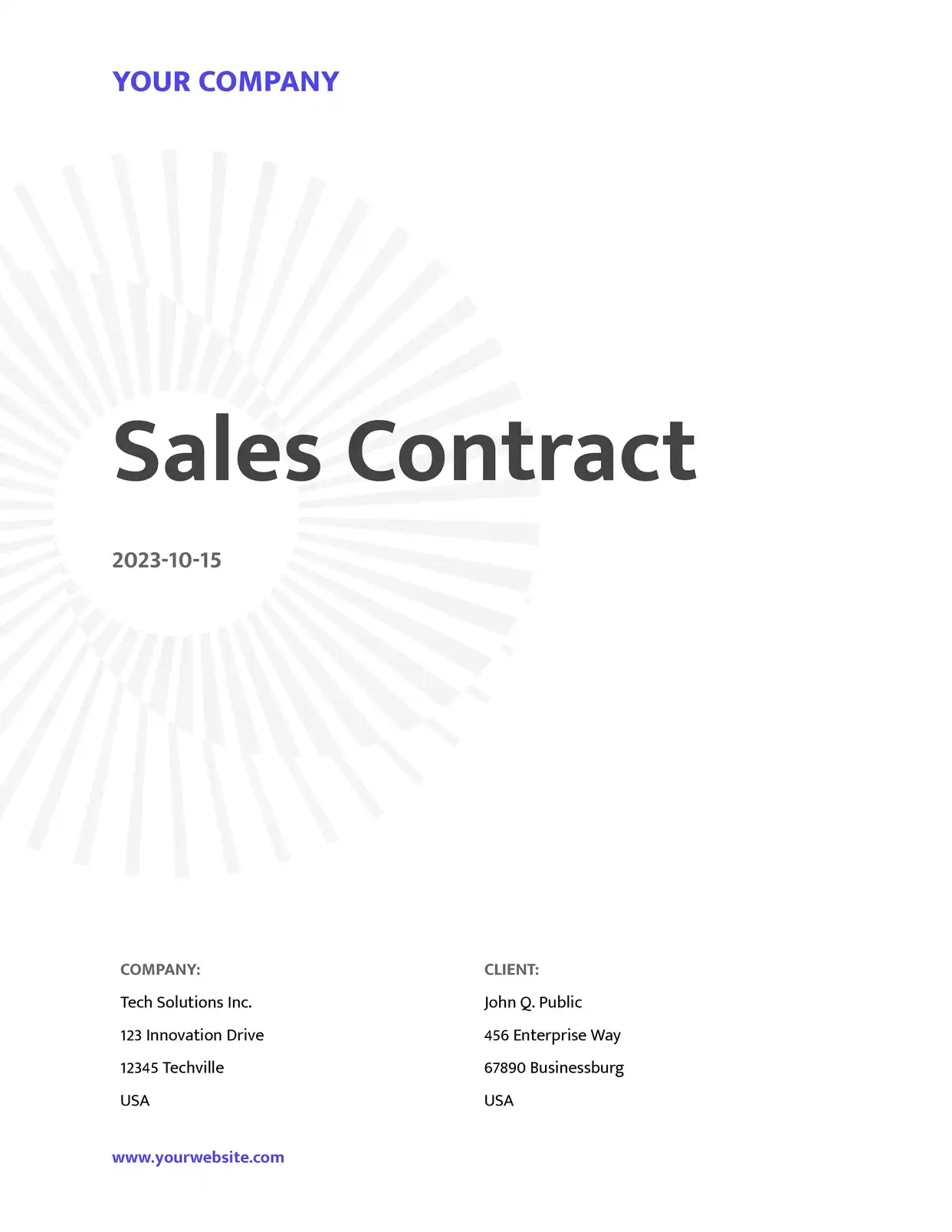
Multi-Variant Contracts
One contract template for all clients. Show different terms, clauses, or pricing sections based on the deal type or client category. Teams have consolidated 10+ templates into one.
Explore Contract Templates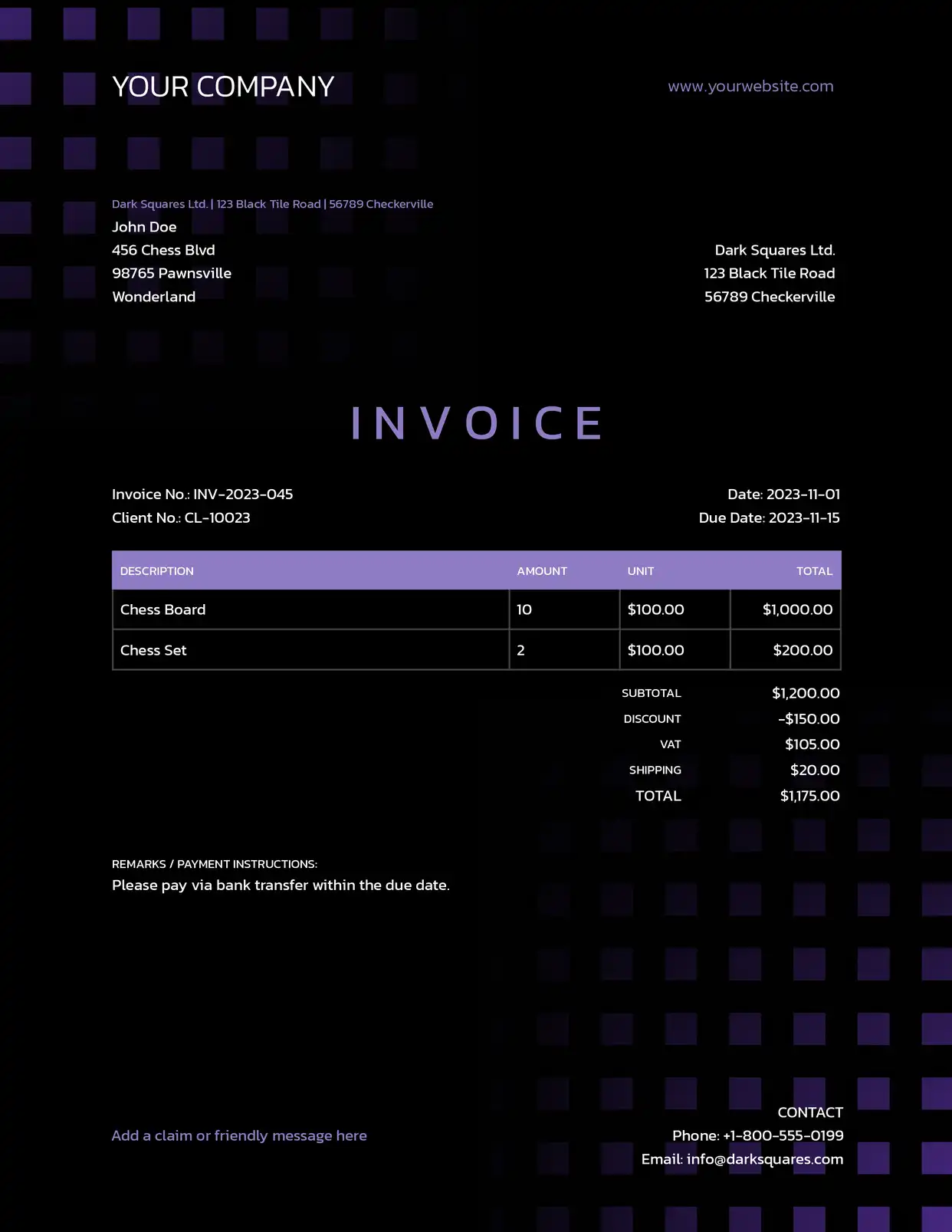
Conditional Invoice Sections
Show discount sections only when applicable, include tax details for specific regions, or add payment terms based on client type. One invoice template handles all scenarios.
Explore Invoice Templates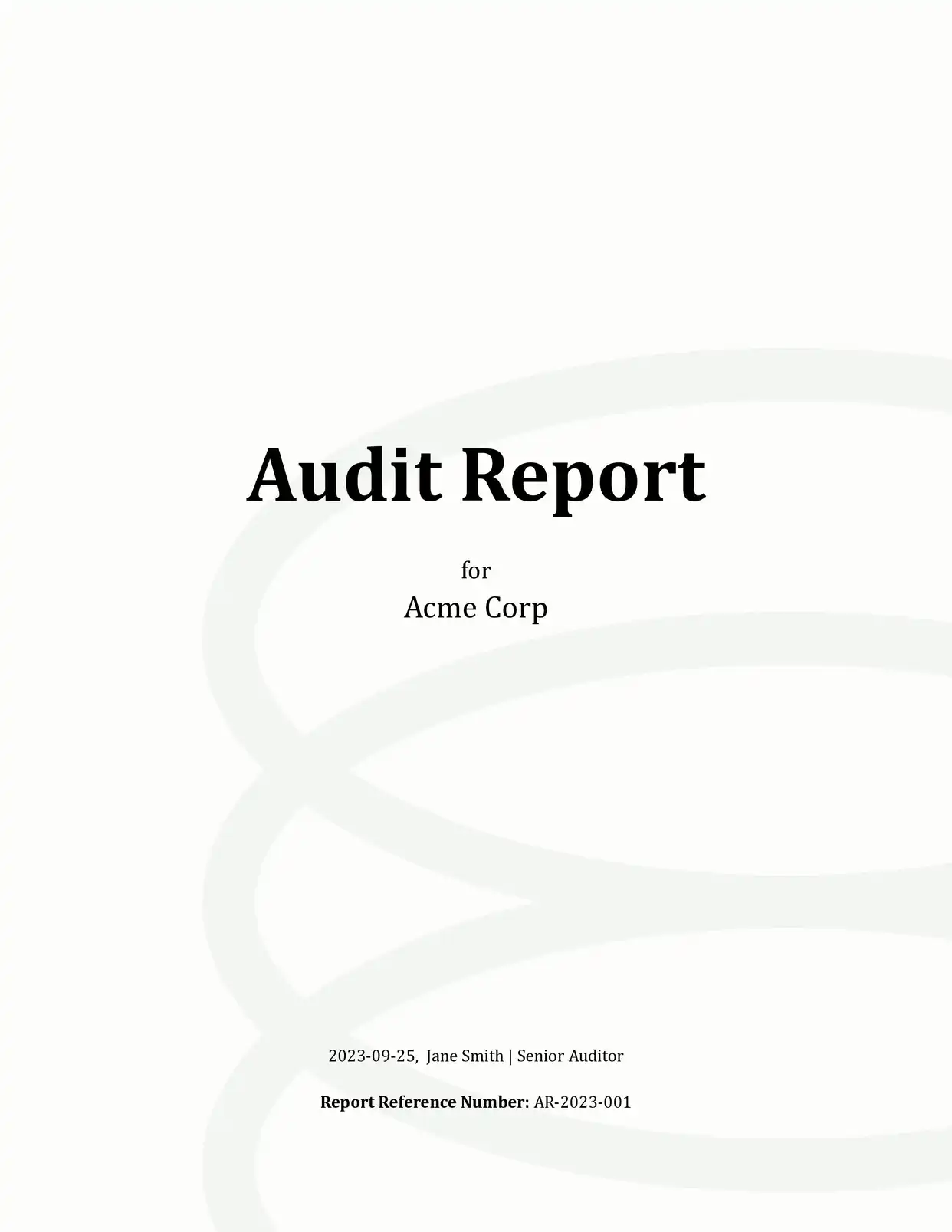
Dynamic Reports
Generate reports that include only relevant sections. Show performance metrics for active projects and hide them for completed ones. Adapt the report format by department or region.
Explore Report Templates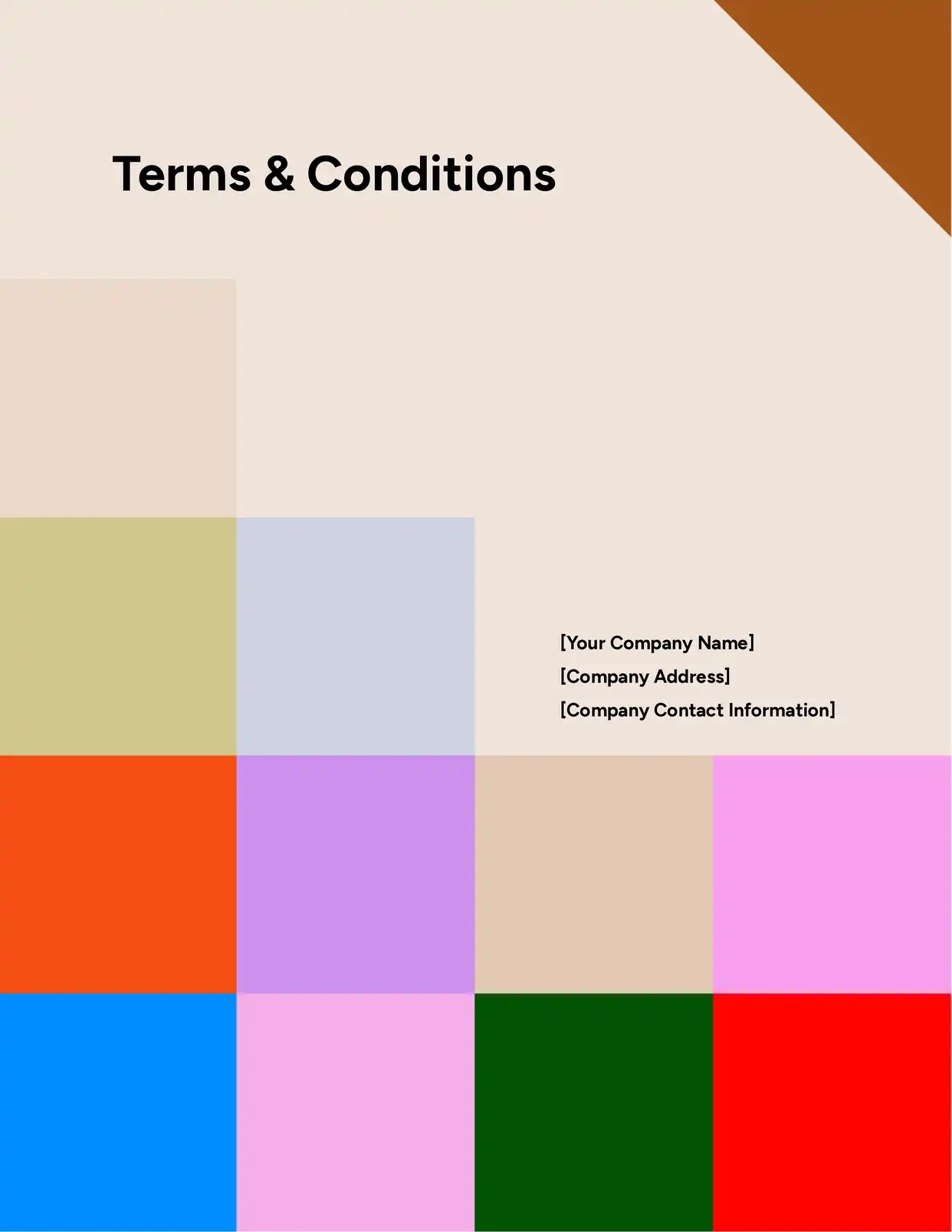
Compliance & Legal Documents
Include jurisdiction-specific clauses, GDPR disclosures for EU clients, or state-specific terms for US clients. Conditional logic ensures every document meets the right regulatory requirements.
Explore Legal Templates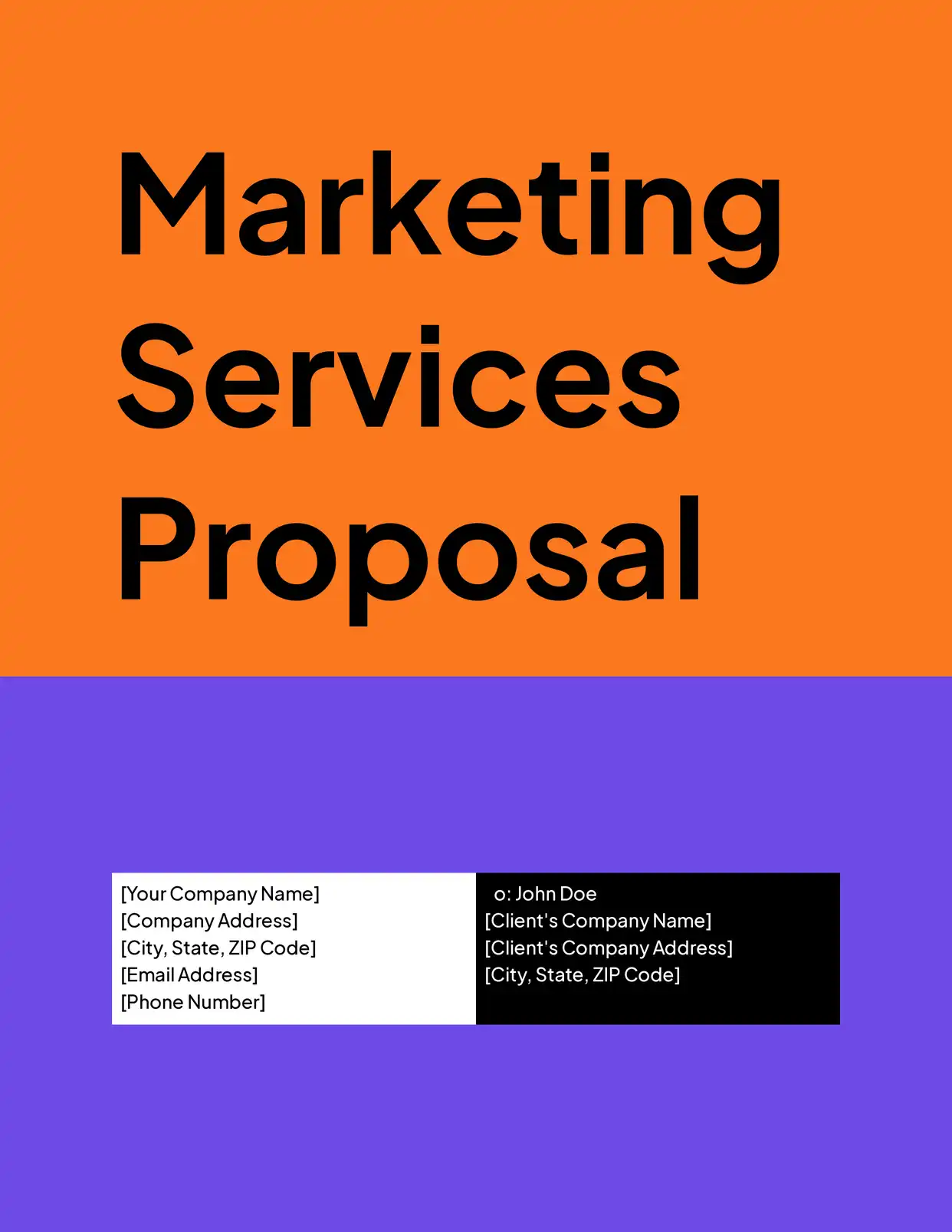
Personalized Proposals
Show different service tiers, case studies, or pricing options based on the prospect's industry, size, or needs. Each proposal looks custom-crafted without manual editing.
Explore Proposal Templatesand many more...
Customer Voices
Don't take our word for it. Here's what our customers say about us:
I find this tool really great! Very rich, and so easy to use! the parameters are numerous and very well detailed. Preview mode allows you to immediately see our changes. [...] Not to mention the very fast and top-notch support!

Fred de Artistepro
I find this tool really great! Very rich, and so easy to use! the parameters are numerous and very well detailed. Preview mode allows you to immediately see our changes.I use Docsautomator for my training institute managed by Airtable.

Fred de Artistepro
Before I discovered Docsautomator, generating reports from Airtable was a time-consuming task that drained both my time and energy. However, Docsautomator changed everything and made the process feel effortless.

Kuladej Lertkachonsuk
I've been a Glide developer for a few years now and have a handful of clients that are going to benefit so much with regards to saving a huge amount of time with invoicing and quoting. A big thanks to you and your team mate!

Mitch Francis
I wonder why I lost so much time using page designer on Airtable. This is the best solution for regarding functionality, ease of use and price. I definitely recommend is. It s a no brainer - really! He also offers precise and super fast support!

Florence Bouchat
Just getting started with DocsAutomator because the options within AirTable did not meet my needs. With always updating features and resources, this is quickly becoming the best extension you can choose.
Shannon Bradley
Advanced Conditional Patterns
Patterns that help teams consolidate dozens of templates into one
Combine multiple document types into one template. A single contract template can include separate clause sections for different deal types. The right clauses appear based on the deal_type field in your data. Teams have consolidated 10+ templates into one.
Include region-specific content like tax details, compliance disclaimers, or translated sections. Show EU-specific GDPR clauses for European clients, US tax requirements for American clients, or bilingual content based on language preference.
Use line deletions to automatically remove entire table rows when a field is empty. Combine with per-placeholder conditional rendering to hide individual cell values based on conditions like equals, contains, or greater than. Keeps generated tables clean and focused.
Wrap entire pages in conditional blocks to include or exclude them from the output. If a conditional section spans a full page between page breaks, the page is omitted entirely when the condition is not met. No blank pages left behind.

Start automating & signing in minutes!
Use Conditional Logic with Any Data Source









Frequently Asked Questions
Start automating & signing in minutes!
Explore more features
Everything you need for document automation
AI Template Generator
Describe a document and let AI create a professionally designed Word (.docx) template for you.
Google Docs Templates
Build templates in Google Docs, one of the most intuitive document tools on the web.
Word Templates
Upload a Microsoft Word .docx template and generate Word or PDF documents from your data.
E-Signatures
Collect legally binding e-signatures on your generated documents.
Email Automation
Generate documents and email them as PDF attachments automatically.
Dynamic Line Items
Handle invoices, reports, and itemized lists with dynamic line items including nested data.
AI Field Mapping
Map or generate sample data in seconds with the help of AI.
PDF Generation & Delivery
Generate PDFs, save to Google Drive or OneDrive, send via email, or trigger webhooks.
Batch Processing
Generate dozens of documents in parallel with queue-based batch processing.
REST API
Generate documents programmatically with sync/async modes and webhooks.
AI & Agents
Give AI assistants the power to generate documents via MCP server.
Teams using conditional logic with DocsAutomator:







Ready to create dynamic documents with conditional logic?
Trusted by 1,215 businesses for their most critical documents
Unlimited testing, no credit card required