Batch Document Generation
Generate Hundreds of Documents in Parallel
Process entire spreadsheets or databases in one click. Generate hundreds of documents at once with real-time progress tracking and automatic delivery.









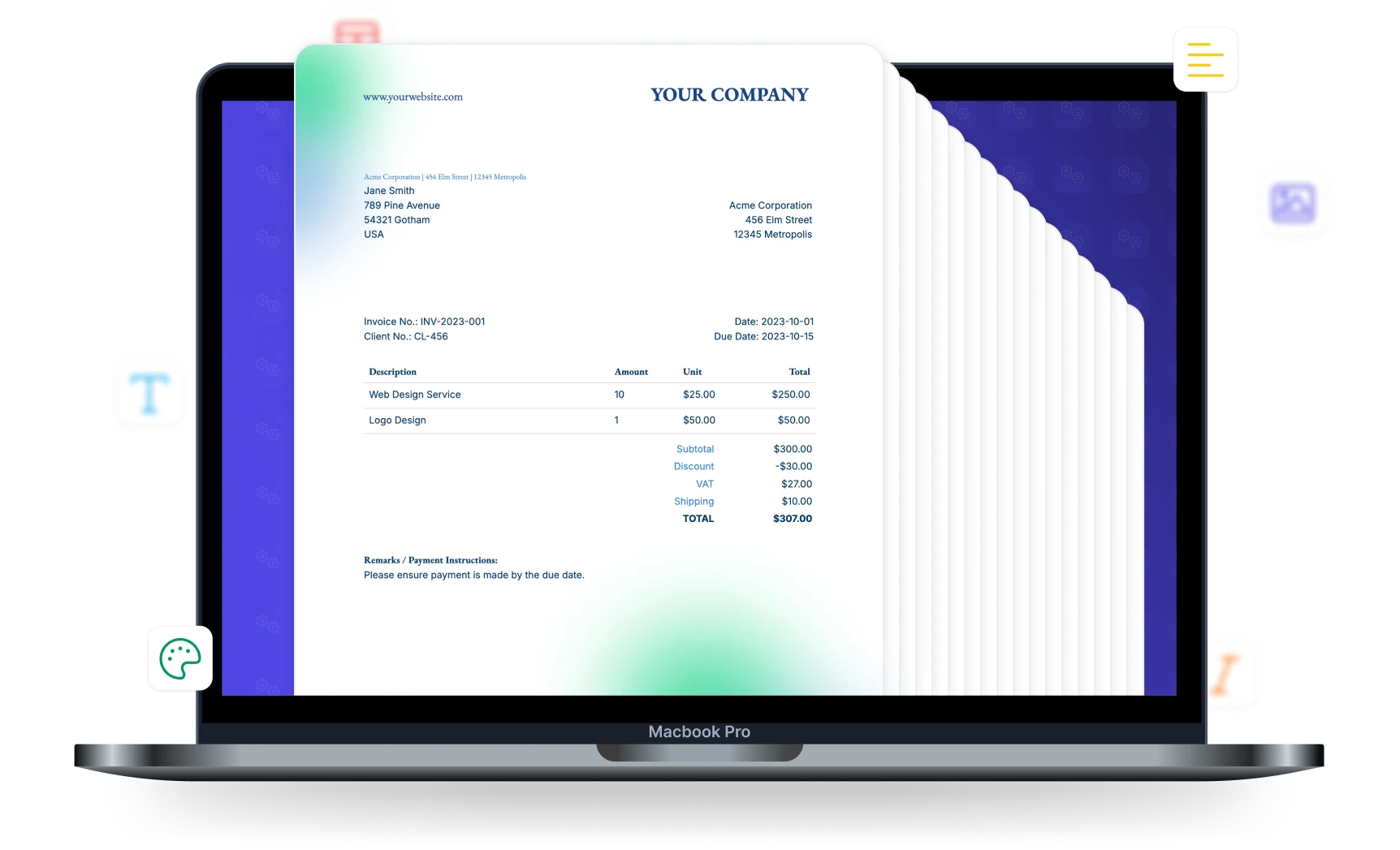
From One-by-One to Hundreds at Once
Batch processing turns hours of manual work into minutes
Generating One at a Time
- Open each record, trigger generation, wait, repeat
- Hours spent on monthly invoice or certificate runs
- No visibility into how many documents remain
- If one fails, you may not notice until days later
- Manually check each document was delivered
With Batch Processing
- One click processes all rows or records in parallel
- Hundreds of documents generated in minutes
- Real-time progress tracking across the entire batch
- Failed jobs auto-retry while the rest continue
- Every document delivered according to your output settings
Start automating & signing in minutes!
Key Benefits
Why teams choose DocsAutomator for Batch Processing
Parallel Processing
Generate multiple documents at the same time. DocsAutomator processes your batch in parallel so even large runs finish quickly.
Automatic Queuing
Submit as many documents as you need. DocsAutomator queues them up and processes them in order, retrying automatically if anything goes wrong.
Progress Tracking
Follow your batch run in real time. See exactly how many documents have been generated, what's still in progress, and when the run is complete.
Reliable at Scale
DocsAutomator handles all the complexity behind the scenes so your batch runs complete reliably, whether you're generating 10 documents or 10,000.
Built to Handle Thousands of Documents
A reliable system that processes your documents in parallel, no matter the volume
Parallel Generation
DocsAutomator generates multiple documents at once, so even large batches finish fast. Your documents are processed in the order they were submitted, and each workspace runs independently.
Real-Time Progress
See exactly how far along your batch run is as documents are generated. You'll know which documents are done, which are still in progress, and when the entire run is complete.
Runs Without Interruption
DocsAutomator automatically manages the pace of document generation to stay within platform limits. You don't need to worry about throttling or manual configuration — just start the batch and it runs to completion.
Automatic Error Recovery
If a document fails to generate, DocsAutomator retries it automatically. If it keeps failing, you'll see the error details in your run history while the rest of the batch continues as normal.
Start automating & signing in minutes!
How it works
Get started in minutes
Set Up Your Template & Data Source
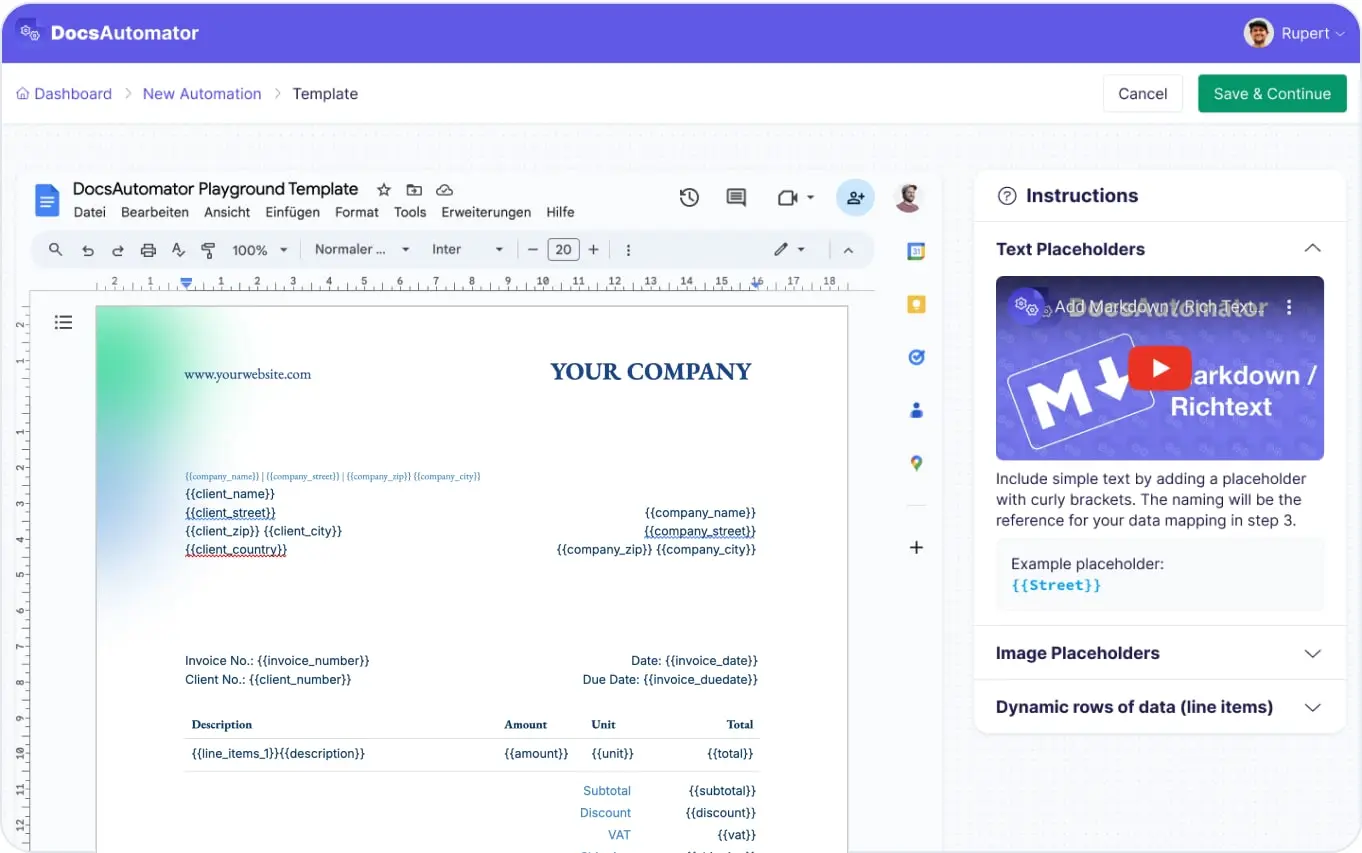
Trigger Batch Generation
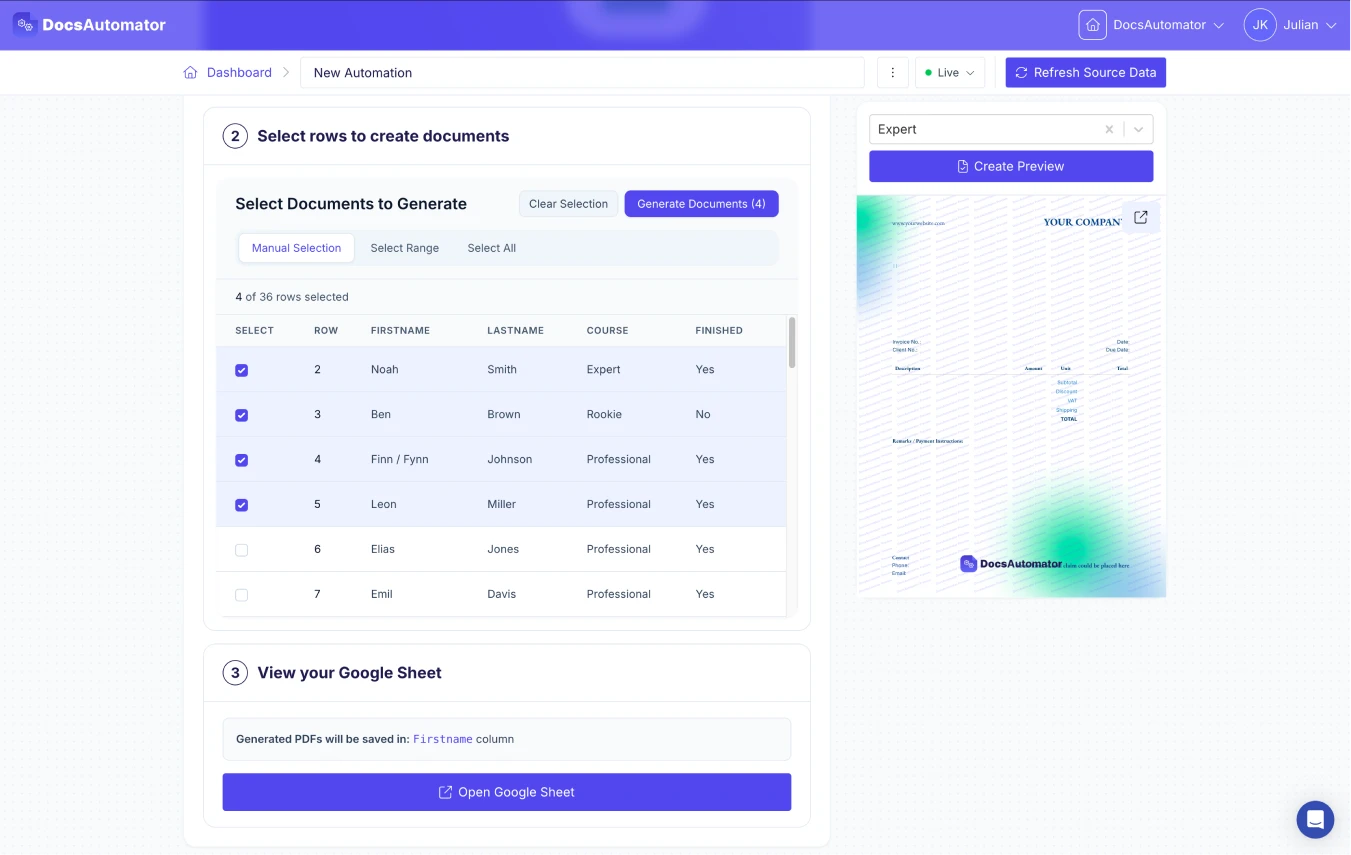
Monitor & Collect Results
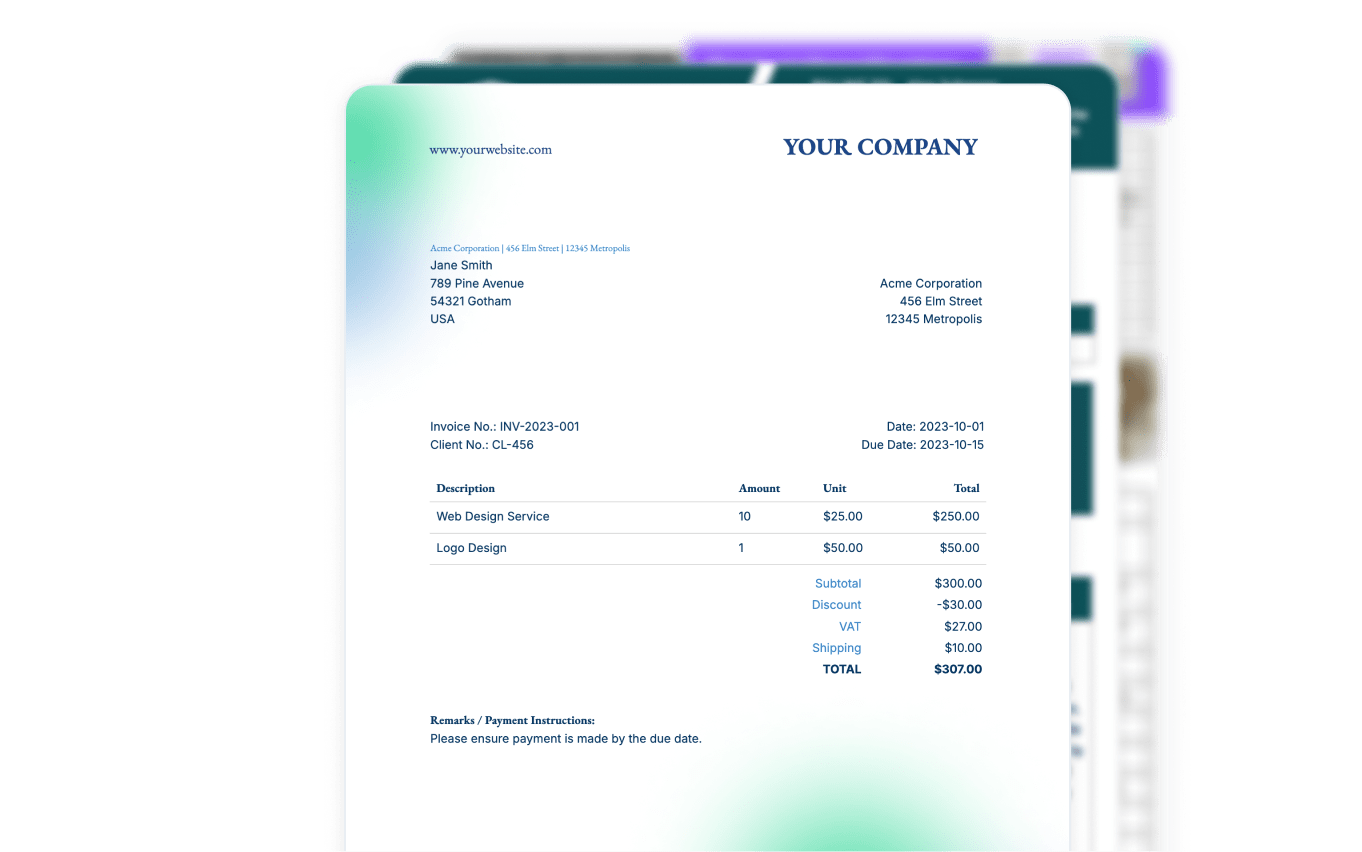
Learn more in our Knowledge Base
Start automating & signing in minutes!
Use Cases
Popular ways teams use Batch Processing
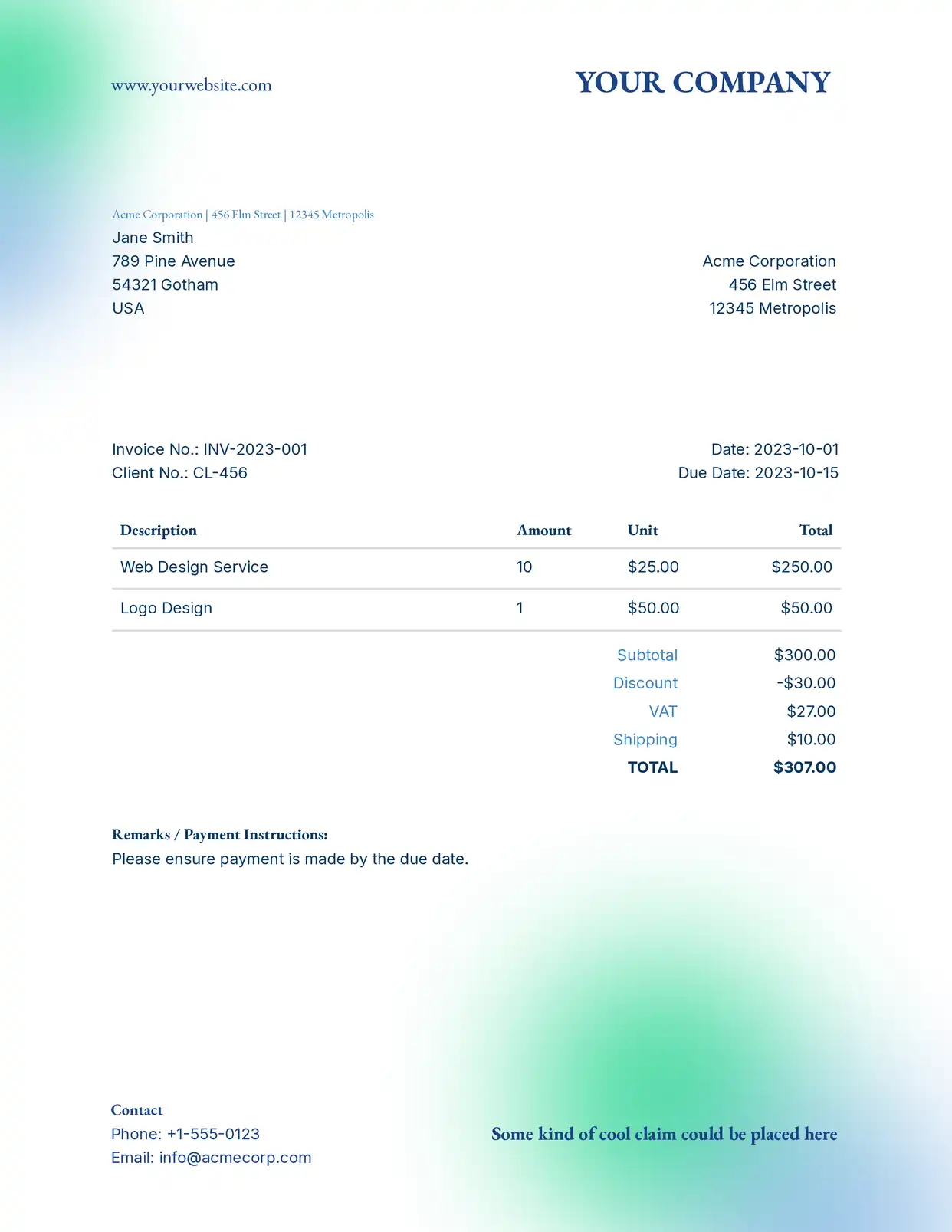
Monthly Invoice Runs
Generate and send all monthly invoices in one batch run. Process hundreds of invoices from a single Google Sheet or Airtable view. Each invoice is emailed to the right recipient automatically.
Explore Invoice Templates
Certificate Generation
Generate certificates for all attendees of an event, course completion, or training program in bulk. Hundreds of personalized certificates from a single template in minutes.
Explore Certificate Templates
Report Distribution
Create personalized reports for each team, department, or client from a single data source. Each report contains unique data and is delivered to the right stakeholder via email.
Explore Report Templates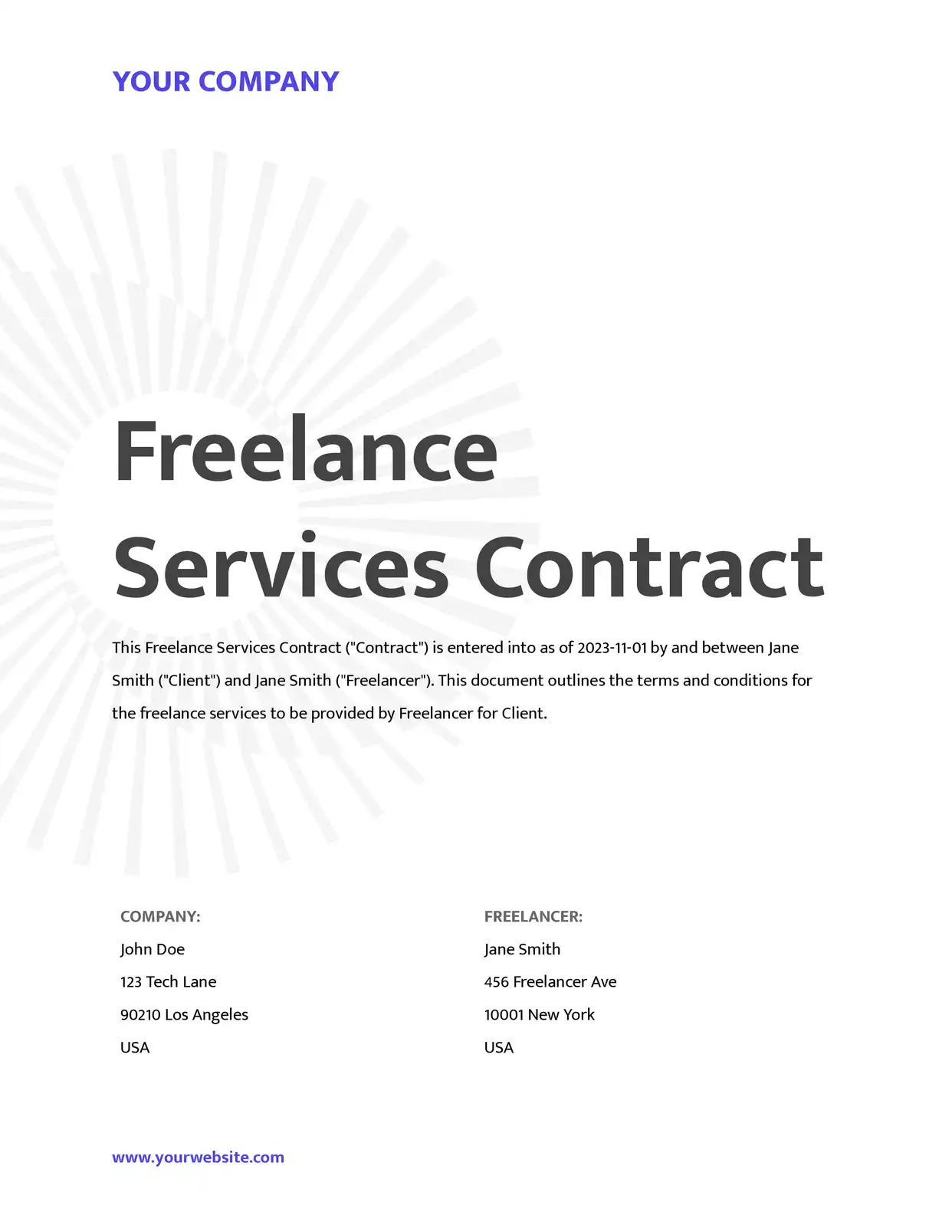
Contract & Agreement Batches
Generate contracts for an entire cohort of new hires, vendors, or clients in one run. Each contract is populated with unique recipient data and stored in the correct Google Drive folder.
Explore Contract Templates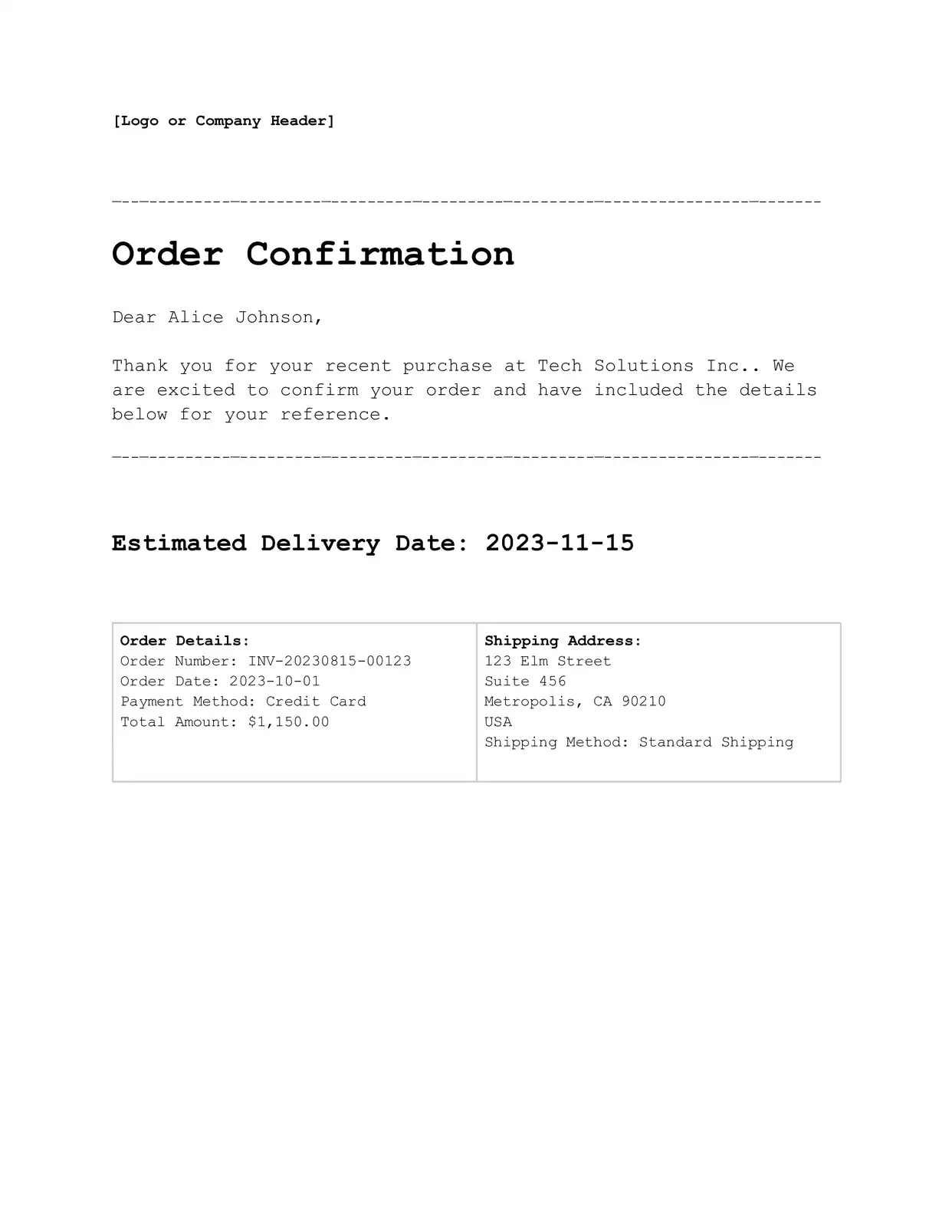
Order Confirmations
Process a day's worth of orders in one batch. Generate and email order confirmations for every new order with itemized details, tracking information, and delivery estimates.
Explore Confirmation Templatesand many more...
Customer Voices
Don't take our word for it. Here's what our customers say about us:
I absolutely would recommend DocsAutomator to a colleague, it makes your life easier for your team. The support is awsome too.

Stefano Gualtieri
I have been using DocAutomator for about 2 weeks now and it is fantastic! Very easy to set up the configuration between Google Docs, Airtable, and DocAutomator.
Jason Wilson
I was looking for a convenient solution to generate Google docs based on Airtable data, which supported features like Line Items and Dynamic Folder Creation. I was thrilled to find DocsAutomator, the experience and support has been excellent.
Doug H.
We absolutely love using DocsAutomator! The service has been a game changer for our company. We're in the process of moving all our document workflows to DocsAutomator. The functionality is spot-on, and it saves us countless hours.
Xaver
Very flexible and easy to use doc creation tool. Improvements and new features are getting added on a regular basis. The support is top notch 👍🏼 Thanks Rupert for making my life easier 🤩
Stefan
DocsAutomator has decreased the amount of time I spend making the repeatable and batch documents I need for my business. [...] It's easy to set up and a very user friendly no code tool. Plus they are always making improvements. Love it.
Patrick Beseda
Batch Trigger Methods
Multiple ways to kick off batch document generation
Select the records you want to process and click Generate. Works with any data source — Google Sheets, Airtable, SmartSuite, and more. Each record generates a separate document, and progress is tracked in real time.
Trigger batch runs programmatically through the DocsAutomator API. Send multiple records in a single call and each document is queued automatically. Monitor progress and collect results via tracking IDs.
Kick off batch processing from Zapier, Make, n8n, or any automation platform. Connect your triggers and DocsAutomator queues all documents for parallel processing automatically.
Generate documents on a schedule or in response to events like new records, status changes, or form submissions. Combine with any data source for fully hands-off batch generation.
Start automating & signing in minutes!
Batch Process Documents from Any Data Source









Frequently Asked Questions
Start automating & signing in minutes!
Explore more features
Everything you need for document automation
AI Template Generator
Describe a document and let AI create a professionally designed Word (.docx) template for you.
Google Docs Templates
Build templates in Google Docs, one of the most intuitive document tools on the web.
Word Templates
Upload a Microsoft Word .docx template and generate Word or PDF documents from your data.
E-Signatures
Collect legally binding e-signatures on your generated documents.
Email Automation
Generate documents and email them as PDF attachments automatically.
Dynamic Line Items
Handle invoices, reports, and itemized lists with dynamic line items including nested data.
Conditional Logic
Show, hide, or style content conditionally based on your data.
AI Field Mapping
Map or generate sample data in seconds with the help of AI.
PDF Generation & Delivery
Generate PDFs, save to Google Drive or OneDrive, send via email, or trigger webhooks.
REST API
Generate documents programmatically with sync/async modes and webhooks.
AI & Agents
Give AI assistants the power to generate documents via MCP server.
Teams batch processing documents with DocsAutomator:







Ready to generate documents in bulk?
Trusted by 1,215 businesses for their most critical documents
Unlimited testing, no credit card required