SmartSuite PDF
Powerful Document Automation & Signing for SmartSuite
Turn data from SmartSuite into stunning PDFs, Google Docs, and Word documents - no coding required.







Some of the teams / institutions automating their SmartSuite documents with DocsAutomator:







Create Documents from your SmartSuite data in a snap
Some examples of our customers and the documents they automate and sign daily

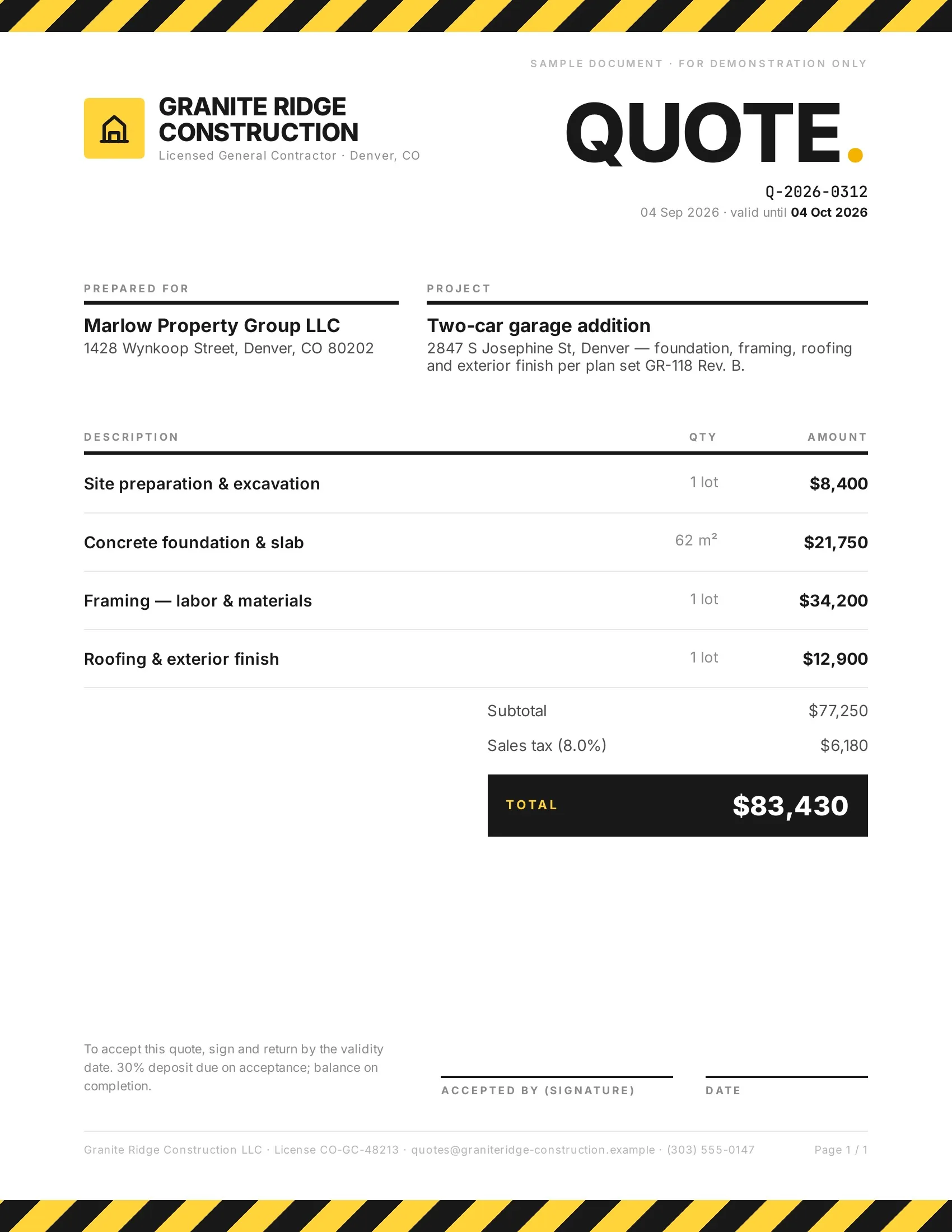 Accepted
Customers accept quotes and change orders in one tap, so work starts sooner.
Quotes · Estimates · Order confirmations · Change orders

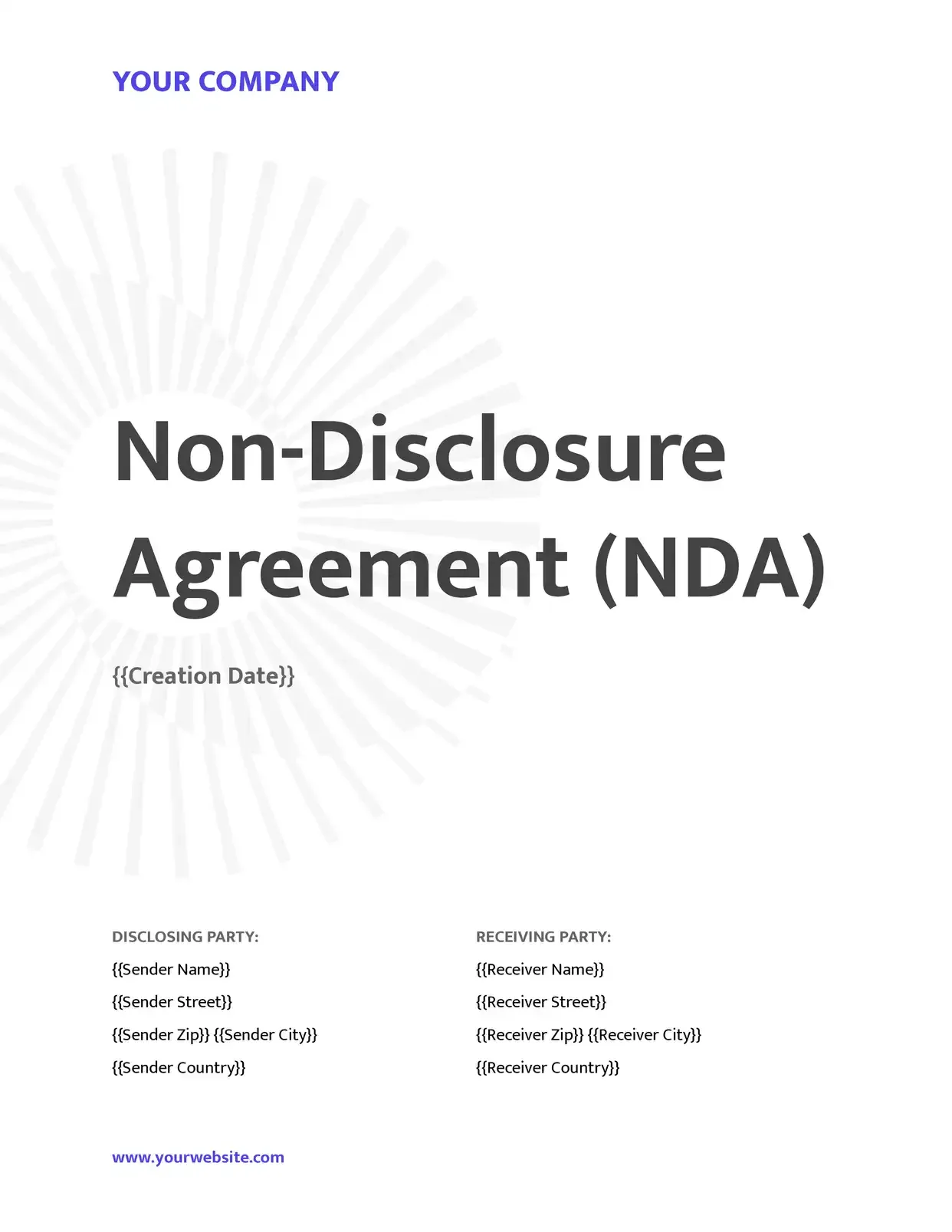 Signed
Agreements go out from your records and come back signed.
Service agreements · Leases · NDAs · Engagement letters

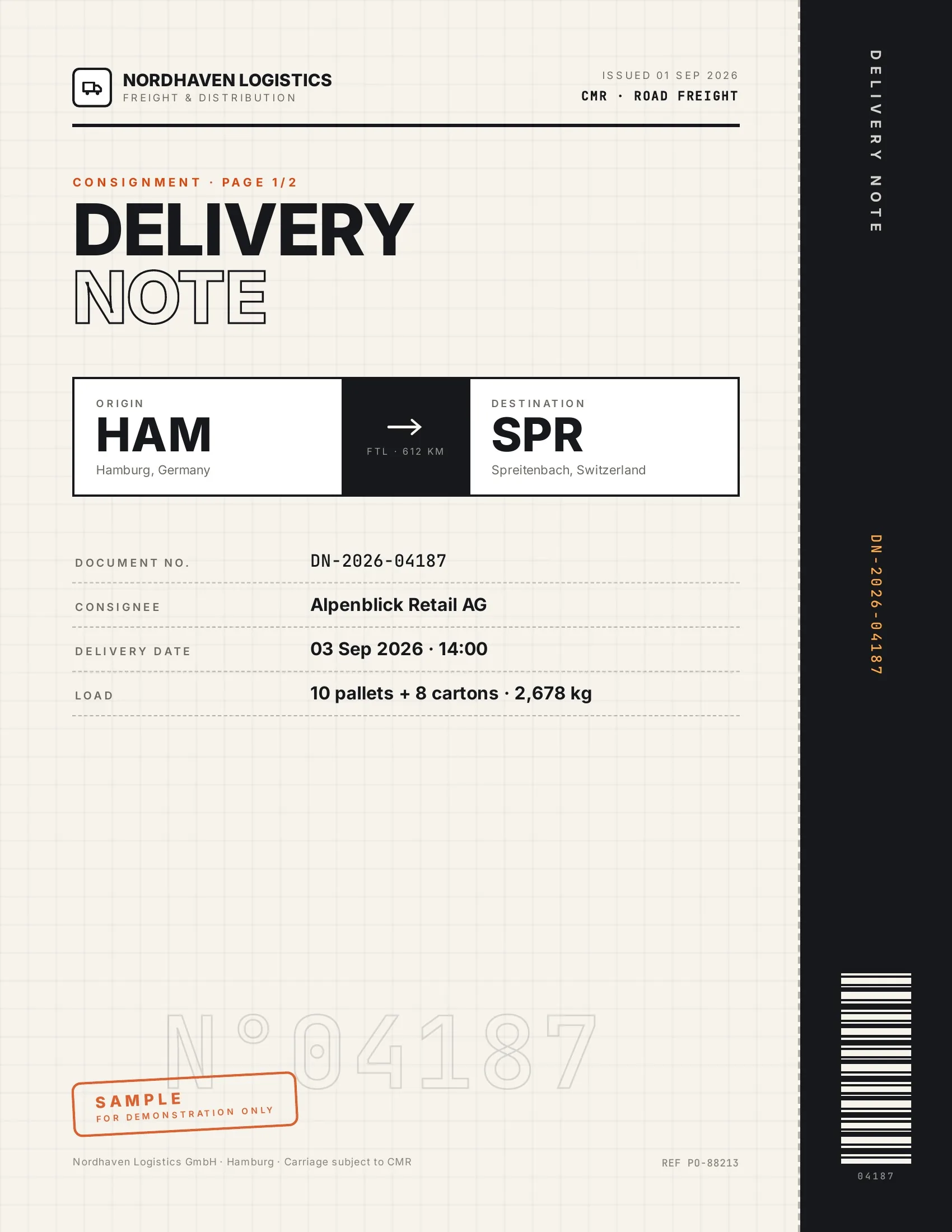 Accepted
Customers accept finished work and deliveries on their phone, on the spot.
Work orders · Delivery notes · Inspection reports · Purchase orders

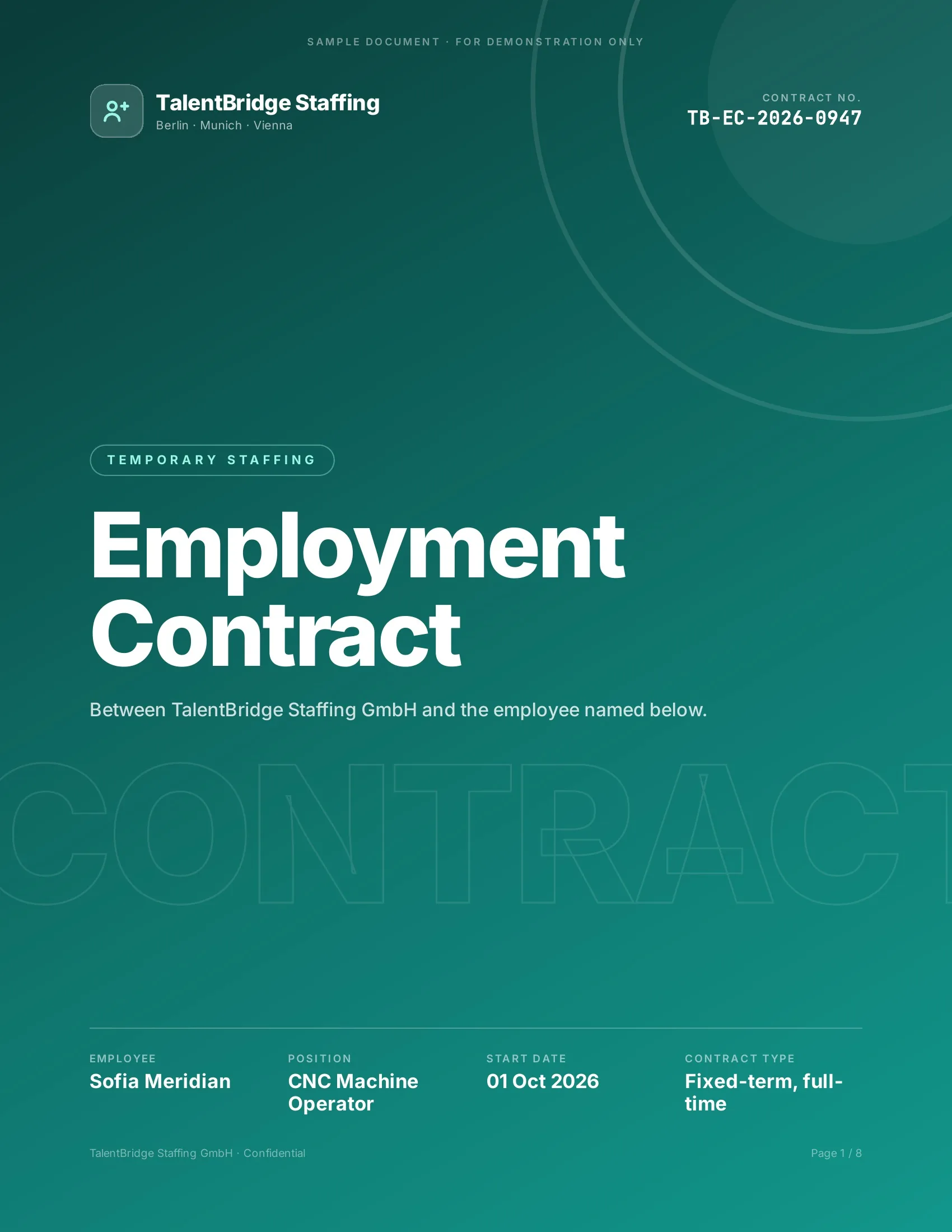 Signed
New hires, clients and students sign their paperwork before day one.
Employment contracts · Offer letters · Enrollment forms · Letters of authority
Powerful reasons to choose DocsAutomator for your SmartSuite workflow automation & signing
Everything you need to seamlessly transform your SmartSuite data into professional documents
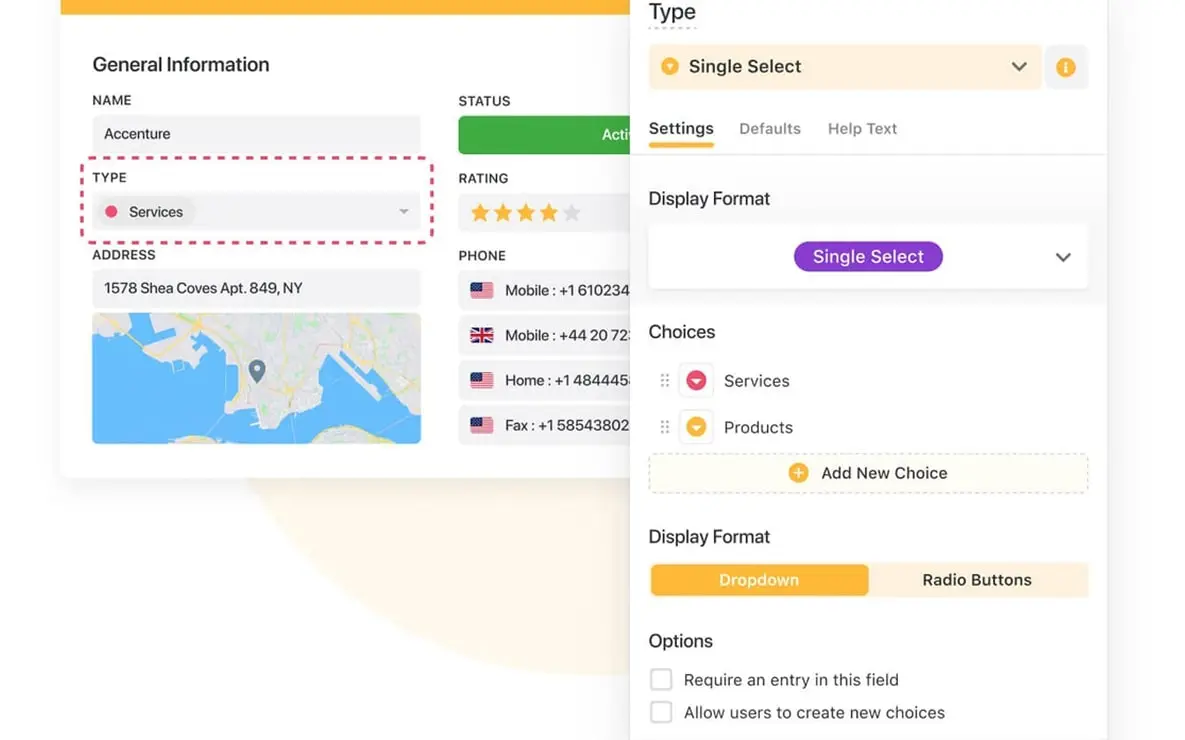

DocsAutomator works perfectly with SmartSuite's extensive field library

Describe it, the AI agent builds it
Tell it what you need. It drafts the template, connects your data, sets up signing and runs a test. No setup screens.

Bring your own AI agent
Connect Claude, ChatGPT, or your own agent. It creates and sends documents within the limits and approvals you set.
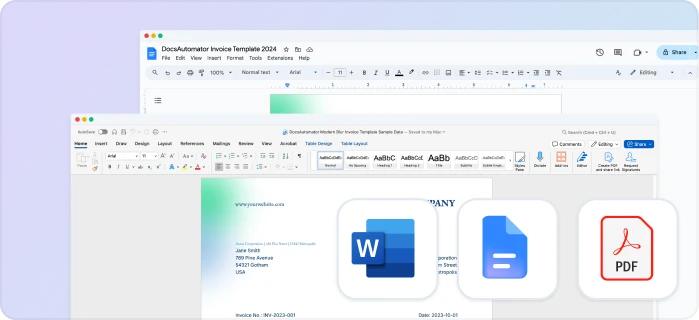
Your own Google Docs, Word or PDF templates
Keep writing your documents where you write them. DocsAutomator fills the placeholders.
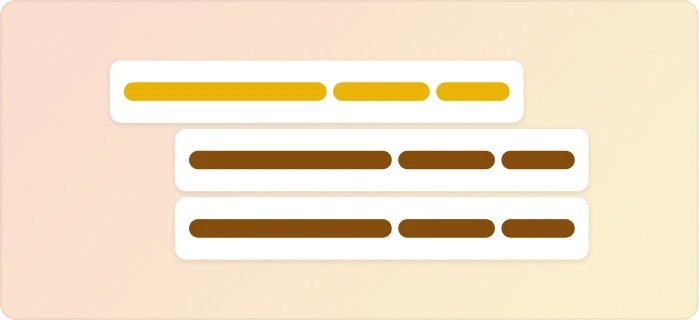
Line items and nested tables
Invoices, quotes and any itemized list, straight from your data.

Conditional content
Sections, styling and images that show or hide based on the data.

Preview mode
Unlimited previews until you're happy – no wasted credits on testing.
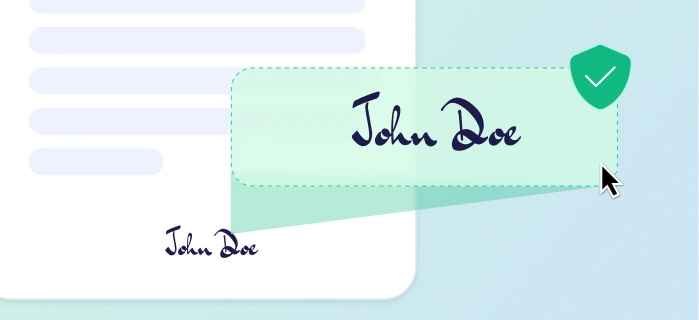
E-signatures, sent automatically
Legally binding, with a full audit trail. Nobody chases anyone.
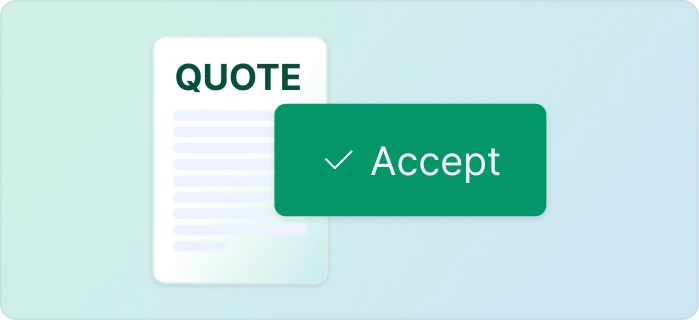
One-click acceptance for quotes
Your client accepts with one click. Recorded, no signature ceremony.
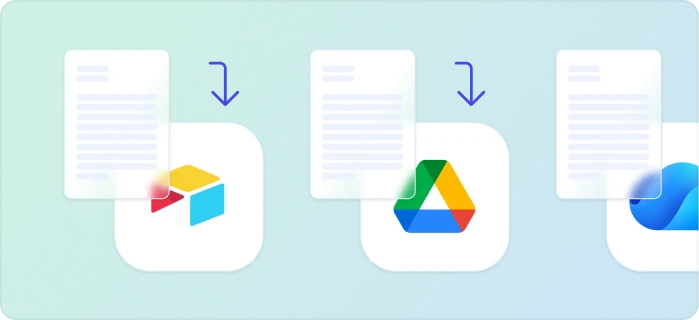
Signed or accepted copies delivered and filed automatically
Every finished document is emailed and saved back to your Airtable, Notion, sheet, or Drive folder.
Start automating & signing in minutes!
Set up in minutes, save weeks of work
Three easy steps to automate and sign your documents
Create a Google Docs or Word template
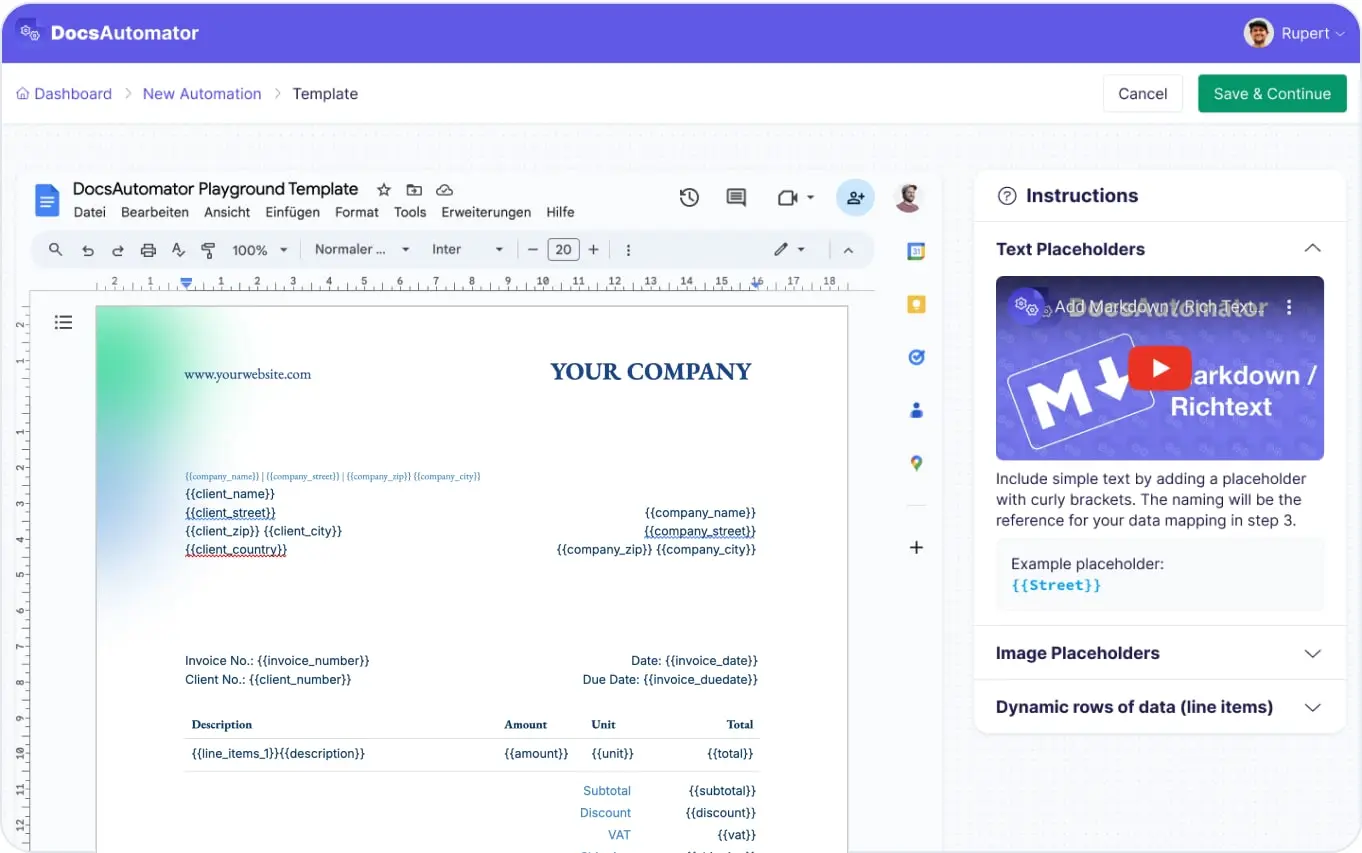
Map Data & Preview
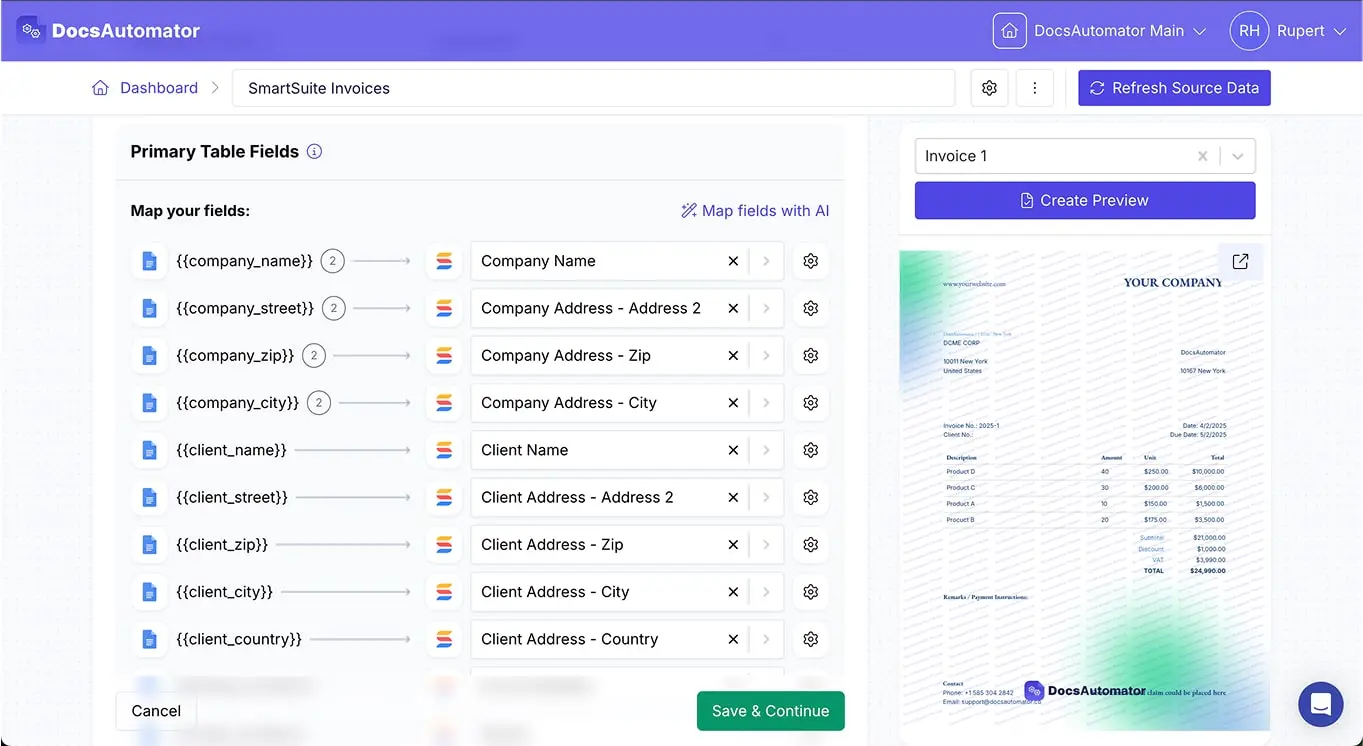
Start Automating & Signing Documents
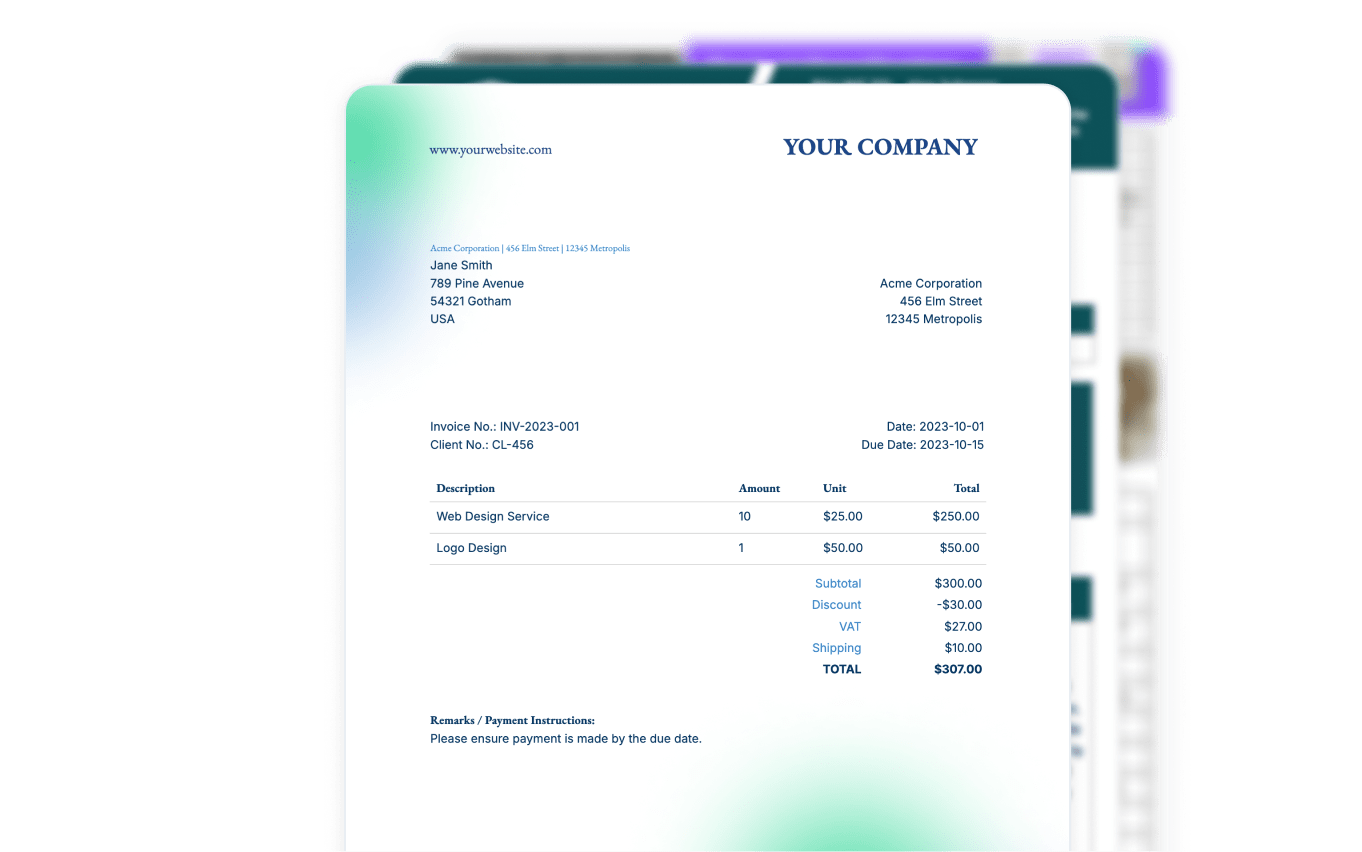
Step by Step Implementation Guide
Start automating & signing in minutes!
Frequently Asked Questions
- Create a Google Docs or Word template: Design your document layout in Google Docs or Microsoft Word using placeholders for dynamic data from your SmartSuite fields.
- Set up an automation in DocsAutomator: Select SmartSuite as your data source and link your Google Docs or Word template.
- Configure SmartSuite automation: Use DocsAutomator's native integration within SmartSuite's automation recipes to trigger document generation when specific conditions are met (e.g., status changes, due dates, new records).
- Text and Text Area fields
- Numbers, Currency, and Dates
- Single Select and Multiple Select lists
- Files & Images
- Linked Records and Lookup fields
- Formula and Rollup calculations
- SmartDocs (rich text content)
- Assigned To and Status fields
- Checklists and Sub Items
- And much more!
- Trigger-based automation: Generate documents when records are created, updated, or reach specific statuses
- Scheduled automation: Create recurring documents (weekly reports, monthly statements)
- Conditional automation: Generate different document types based on field values or record conditions
- Multi-step workflows: Combine document generation with other SmartSuite actions like sending emails or updating fields
- Dynamic tables for Sub Items and Linked Records
- Conditional sections based on SmartSuite field values
- Rich formatting from SmartDocs fields
- Calculated values from Formula and Rollup fields
- Images and files from SmartSuite attachments
- Multi-solution data by pulling from Linked Records across different SmartSuite solutions
- Project documents: Proposals, status reports, project summaries
- Business operations: Invoices, contracts, purchase orders
- HR documents: Employee onboarding packets, performance reviews
- Compliance reports: GRC documentation, audit reports
- Client deliverables: Branded reports, presentation materials
- Marketing materials: Personalized campaigns, lead sheets
- And much more!
- Pull data from connected solutions for line items (perfect for invoices, purchase orders, project tasks)
- Create dynamic tables with related record information
- Display calculated fields from Rollup and Formula fields
- Include data from directly linked records (e.g., Projects → Clients, Orders → Line Items)
- Generate comprehensive reports with related SmartSuite data
- Store PDF links in specified SmartSuite fields
- Upload files directly to SmartSuite File & Image fields
- Save to Google Drive or OneDrive and link back to SmartSuite records
- Trigger additional SmartSuite automations (send emails, update statuses, create new records)
- Create audit trails with Last Updated and tracking fields
- Project Management: Generate project reports, timelines, and deliverables
- CRM: Create proposals, contracts, and client communications
- HR: Automate onboarding documents, reviews, and policy materials
- Operations: Produce SOPs, compliance reports, and operational summaries
- Custom solutions: Any workflow you've built in SmartSuite
- Secure data transmission between SmartSuite and DocsAutomator
- Document storage you control (set an expiry from 5 minutes to 1 year, or delete documents at any time)
- GDPR compliance matching SmartSuite's privacy standards
- Encrypted API connections respecting SmartSuite's permission settings
- Audit trail compatibility with SmartSuite's tracking features
Start automating & signing in minutes!
Customer Voices
Don't take our word for it. Here's what our customers say about us:
Docsautomator is a gamechanger in No Code PDF creation with Airtable, Glide or through API (which through Zapier or Make opens it up for any application).

Nathan Noëth
Founder, House Raccoon
I have been exploring various solutions to streamline my business operations. I found myself having to choose between design and automation. However, that is now a thing of the past, and I am finally able to utilize all of my Google templates.

Johanes Automated
As a botanical garden operator staffed by volunteers, DocsAutomator has revolutionized our document generation process. This powerful tool seamlessly integrates with our Airtable databases, allowing us to effortlessly create a wide range of docs!
Ron Majiros
Found DocsAutomator at the perfect time. Excited to see the ways that it saves me, and our company, time. Super simple to set up and use. Customer service was PROMPT, thorough, and helpful when I ran into some issues.
Cody Nailor
If you use automated document creation, this is an amazing app. We've used several others, and this blows the others away in: ease of creation of the automations, speed of execution, and responsiveness of the staff. Couldn't be happier.

Aaron Waldrip
We're a leading Glide Agency who use DocsAutomator to provide our clients with stunning PDFs straight from their data. The platform is fast, solid and intuitive to use. And the support from Rupert is second to none. Highly recommended.

Mark Brooks
Co-Founder, V88
More integrations

Airtable
Airtable combines spreadsheet and database features for data organization and collaboration.
Notion
Notion is the connected workspace where better, faster work happens. Build wikis, manage projects, and run your business.

Google Sheets
Google Sheets is a cloud-based spreadsheet app for real-time collaboration.

Google Forms
Google Forms is a free online tool to create forms to collect and organize data efficiently.

Glide
Glide makes it easy to build custom business software powered by your data - without code.

Softr
Turn your siloed data and workflows into powerful custom software for your business, with AI built in.


Noloco
The fastest way to create custom internal tools, client portals, CRMs and other business tools.

ClickUp
Glide makes it easy to build custom business software powered by your data - without code.

Zapier
You can automate a simple task or build an entire automated system - all on Zapier.

n8n
Flexible AI workflow automation for technical teams.

Make
AI automation you can visually build and orchestrate in real time.

API
Use our API to build connect your custom app and use the power of DocsAutomator.
Start automating & signing in minutes!
Ready to automate & sign your SmartSuite Documents?
Join 7,500+ businesses saving hours on document creation
Unlimited testing, no credit card required