Document Automation E-Signatures
Generate Documents & Collect E-Signatures in One Seamless Workflow
No more switching between document generation and signing tools. DocsAutomator generates your documents and sends them for e-signatures automatically, with a complete audit trail.







Key Benefits
Why teams choose DocsAutomator for E-Signatures
Legally Recognised Signatures
A click on Accept and a drawn e-signature are the same kind of signature in law, recognised for documents that need no special form. Every signature includes a full audit trail. Please verify that e-signatures meet the legal requirements for your specific use case and jurisdiction.
End-to-End Automation
Generate documents and send for signing in one step. When a record is created in your CRM, the contract is generated, sent, signed, and stored — all without manual intervention.
Customizable Email Workflow
Customize invitation, reminder, and completion emails with your branding. Set custom button colors, send from your own Gmail or Outlook, and configure automatic reminder schedules.
Complete Audit Trail
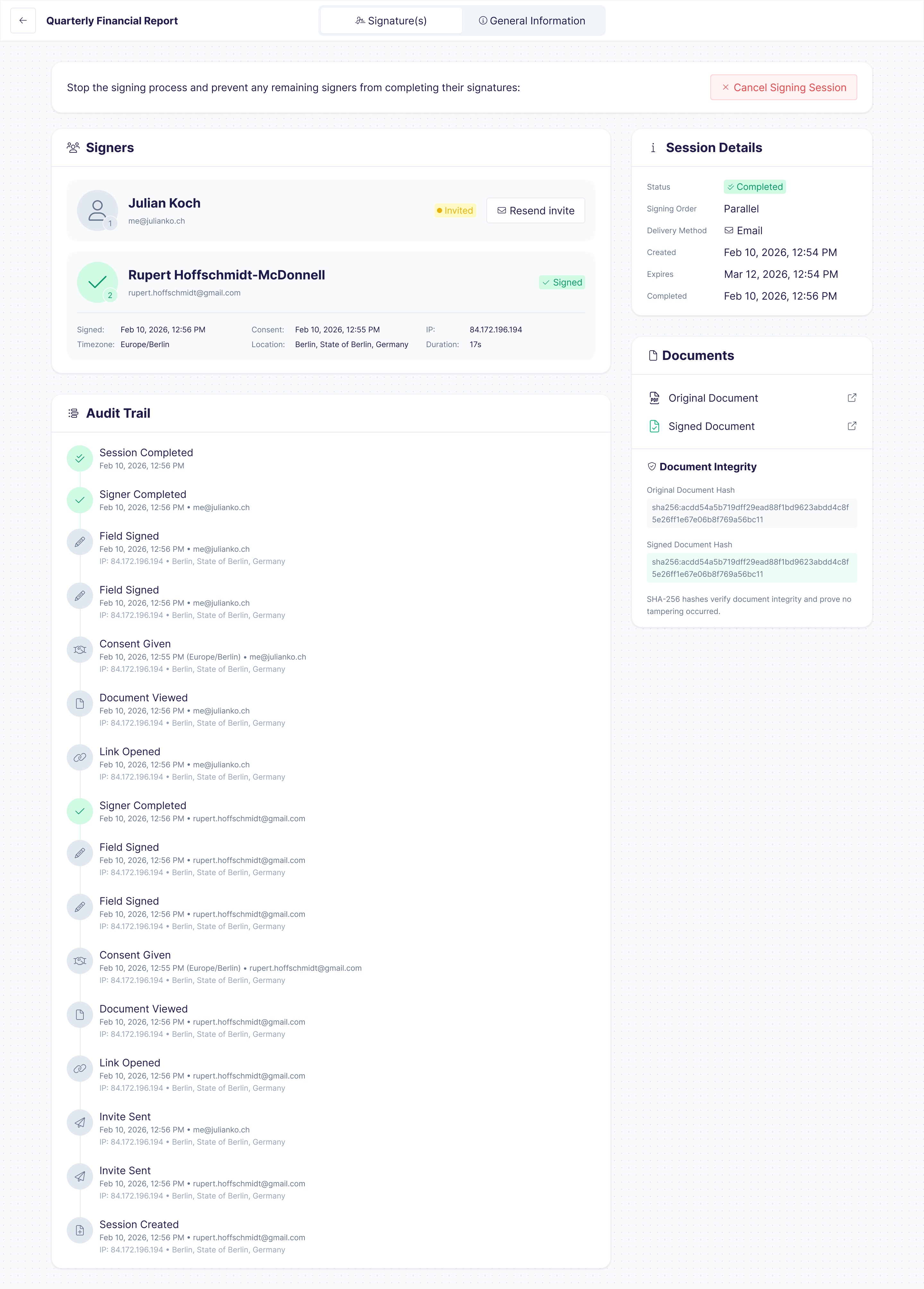
Every signature captures a tamper-evident audit trail: signer identity, timestamp, IP address, browser fingerprint, and document hash. Download the full audit report for any signing session.
How it works
Get started in minutes
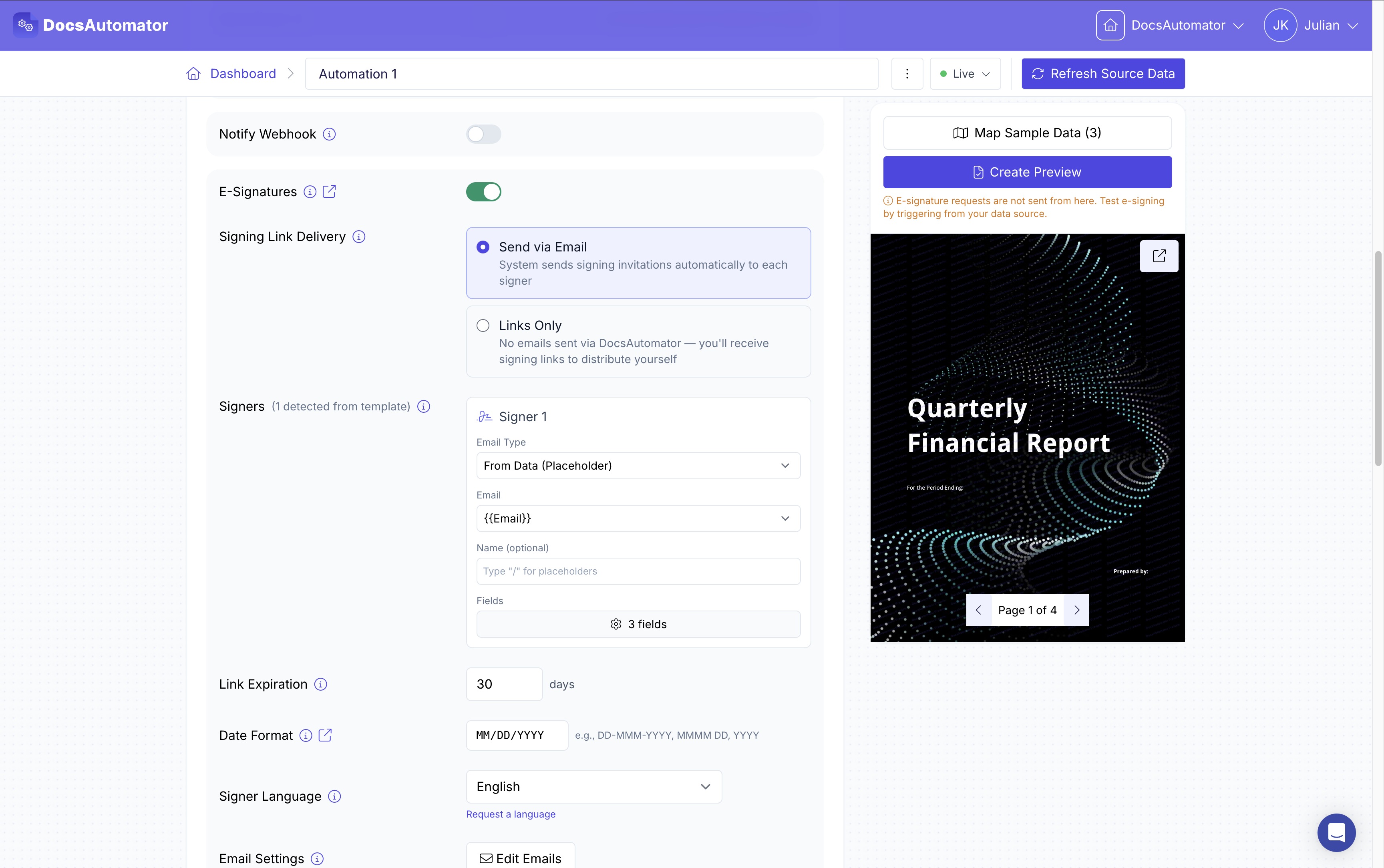
Add Placeholders, Configure Signers & Emails
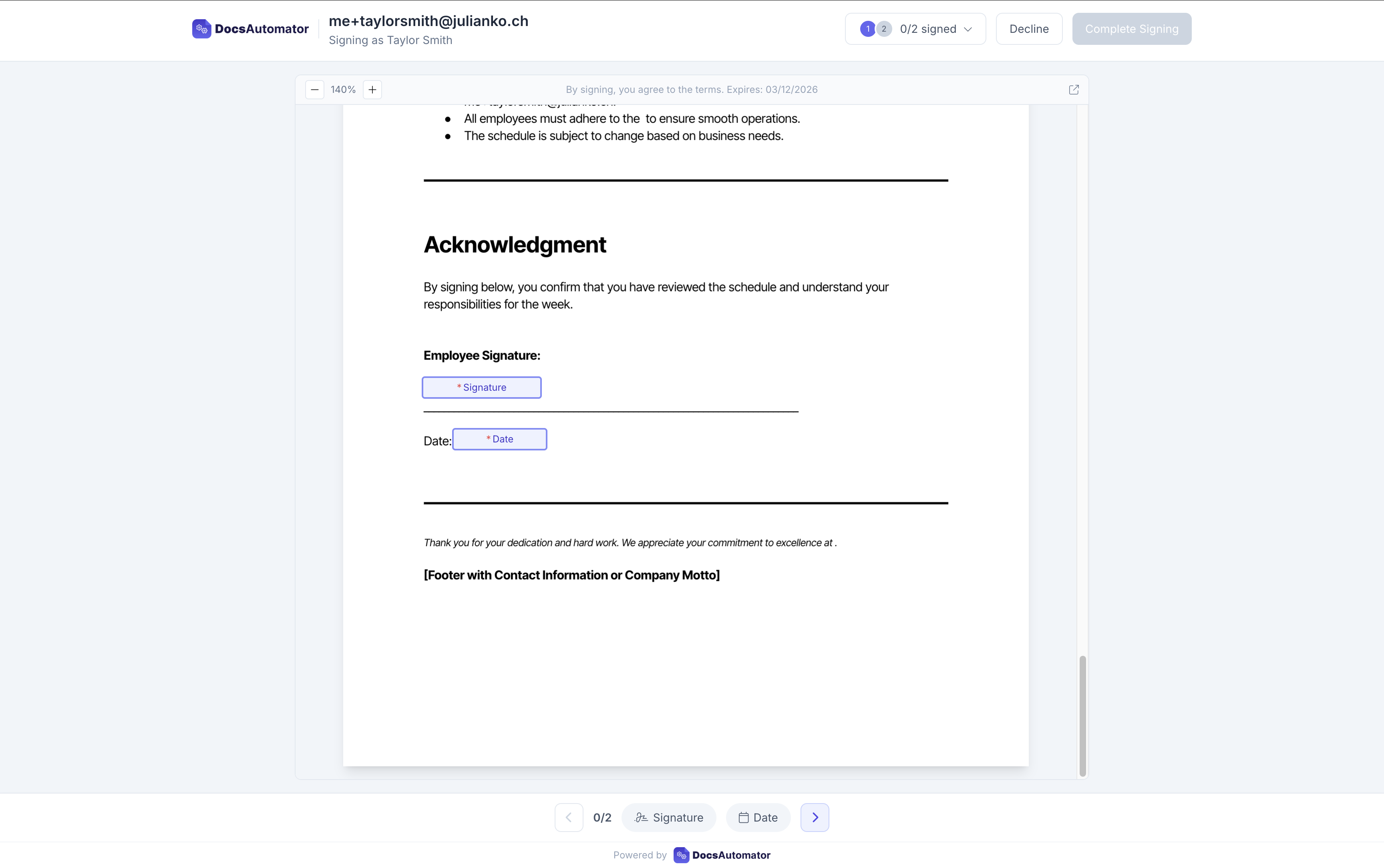
Collect e-signatures
Send, Track & Receive Signed Documents
Learn more in our Knowledge Base
Start automating & signing in minutes!
Use Cases
Popular ways teams use E-Signatures
Client Intake to Signed Agreement
1. A client submits your intake form. 2. The agreement is generated from your template with their answers. 3. They sign it, and the signed PDF lands in Google Drive.
See the Google Forms integrationContracts and Quotes from Airtable
Send a contract for signing, or a quote for one-click acceptance, straight from the Airtable record. The signed or accepted PDF is saved back to the same record.
See Airtable contracts and quotes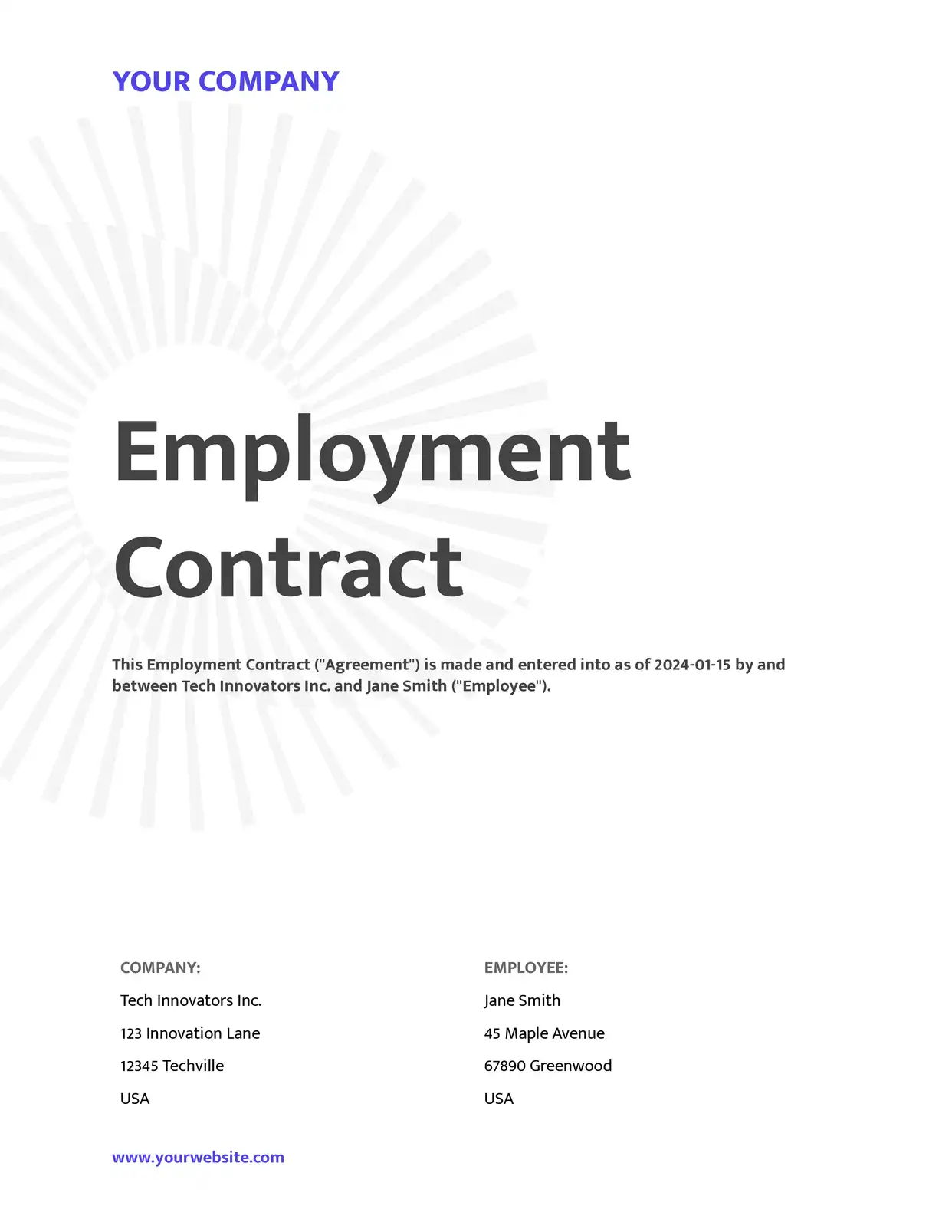
Contracts & Agreements
Generate and send contracts for signing automatically when a deal closes in your CRM. The signed PDF is stored back in your database with the audit trail.
Explore Contract Templates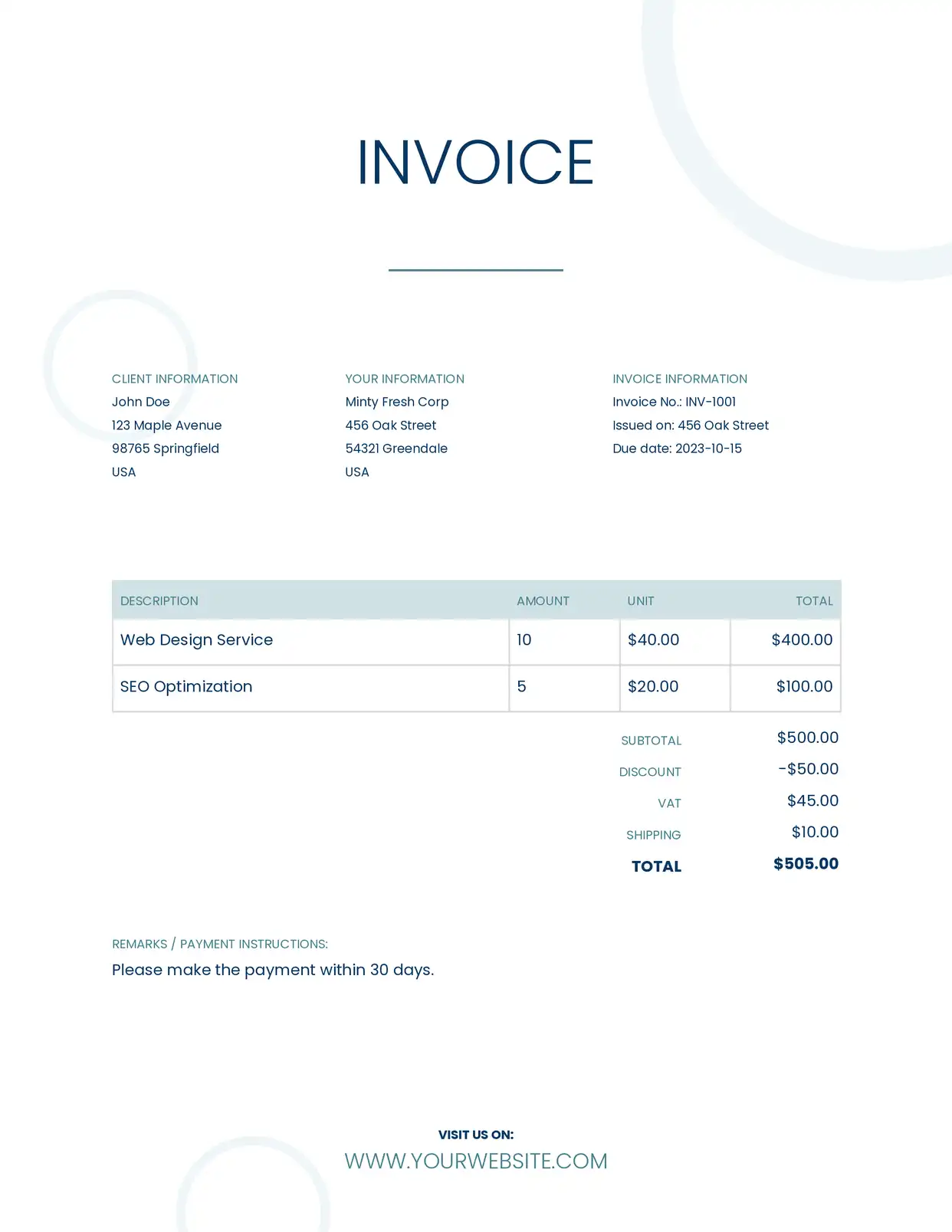
Invoices & Purchase Orders
Create invoices or POs that require approval signatures before processing. Route to the right approver automatically based on amount or department.
Explore Invoice Templates
HR Onboarding Documents
Generate and send offer letters, employment agreements, and benefits enrollment forms to new hires. Collect signatures before day one.
Explore HR Templates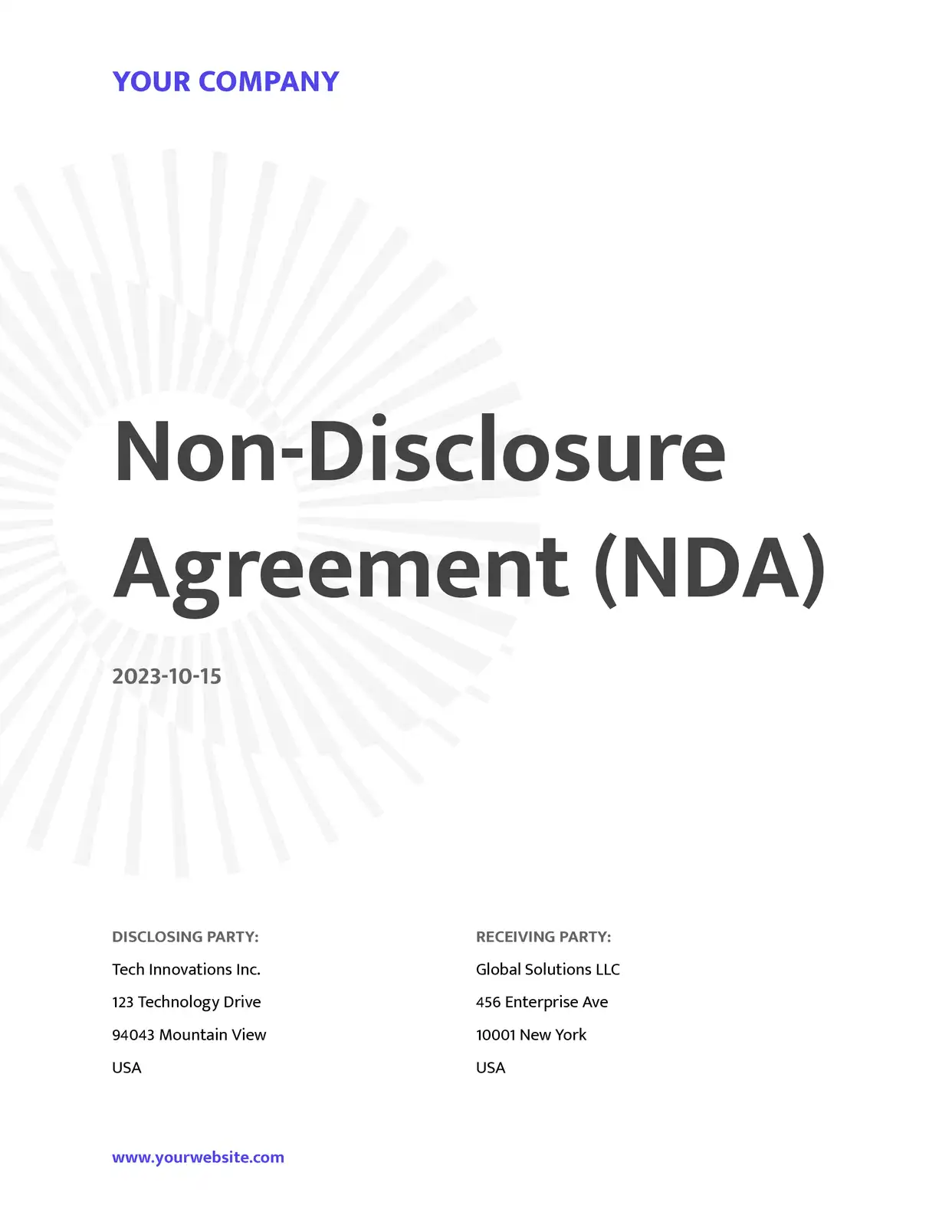
NDAs & Compliance Documents
Automate NDA, consent form, and policy acknowledgment workflows. Ensure every document is signed with a complete audit trail for regulatory compliance.
Explore NDA Templates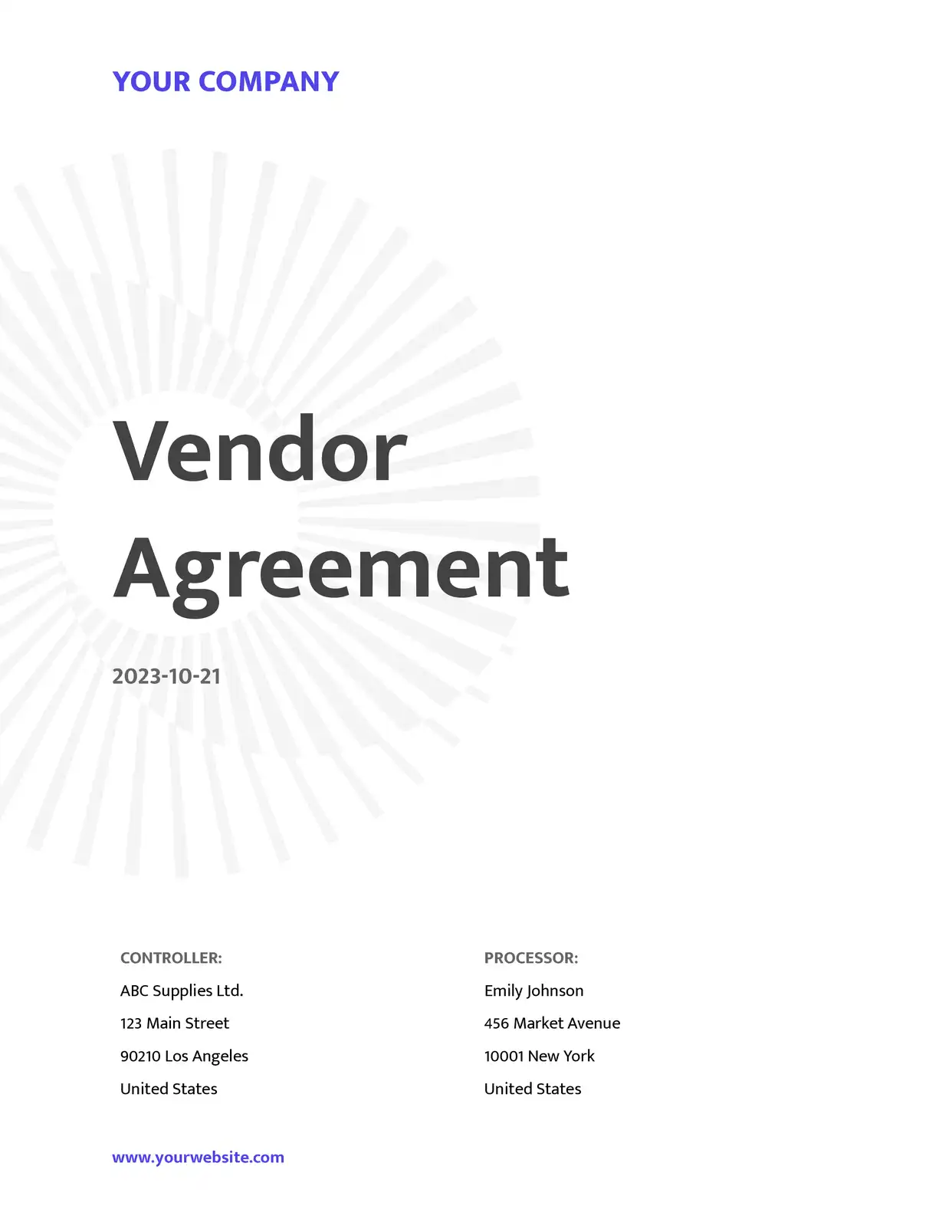
Vendor & Supplier Agreements
Automate master service agreements, SOWs, and vendor onboarding paperwork. Track which vendors have signed and follow up automatically.
Explore Agreement Templates
Client Proposals & SOWs
Send proposals with built-in signature fields. When the client signs, the signed document is automatically saved and a webhook notifies your project management tool.
Explore Proposal Templatesand many more...
Customer Voices
Don't take our word for it. Here's what our customers say about us:
DocsAutomator has helped our company tremendously with invoice issuing automation. We use Airtable and built-in extensions there have many limitations that prevented us from creating beautiful informative invoices.

Viktor Ivanov
CEO, ViktorLaw
DocsAutomator is a great service & I've been using it for around 6-months now. Automating document creation is quick, simple & highly effective, for both myself & for my clients.

Vivek Kuvelker
DocsAutomator is great to generate on the fly PDF documents. We use it for several applications. it's easy to implement and great to use. I can highly recommend it.

Samuel
DocAutomator has helped my business automate invoices, contacts, and quarterly reports for our clients. This product saves us a lot of time, allowing us as a property management company to focus more on asset management.
Eran
Docsautomator give us the perfect solution for our needs. and the most important - they have GREAT support.
Isaac Eran
DocsAutomator have helped me creating super complex documents which I had no clue how to create these with other tools as Zapier or Make.com. I have never been helped so quickly. I'm currently recommending this tool to all of my friends.

Stefan
Signature Field Types
Four field types to cover every signing scenario
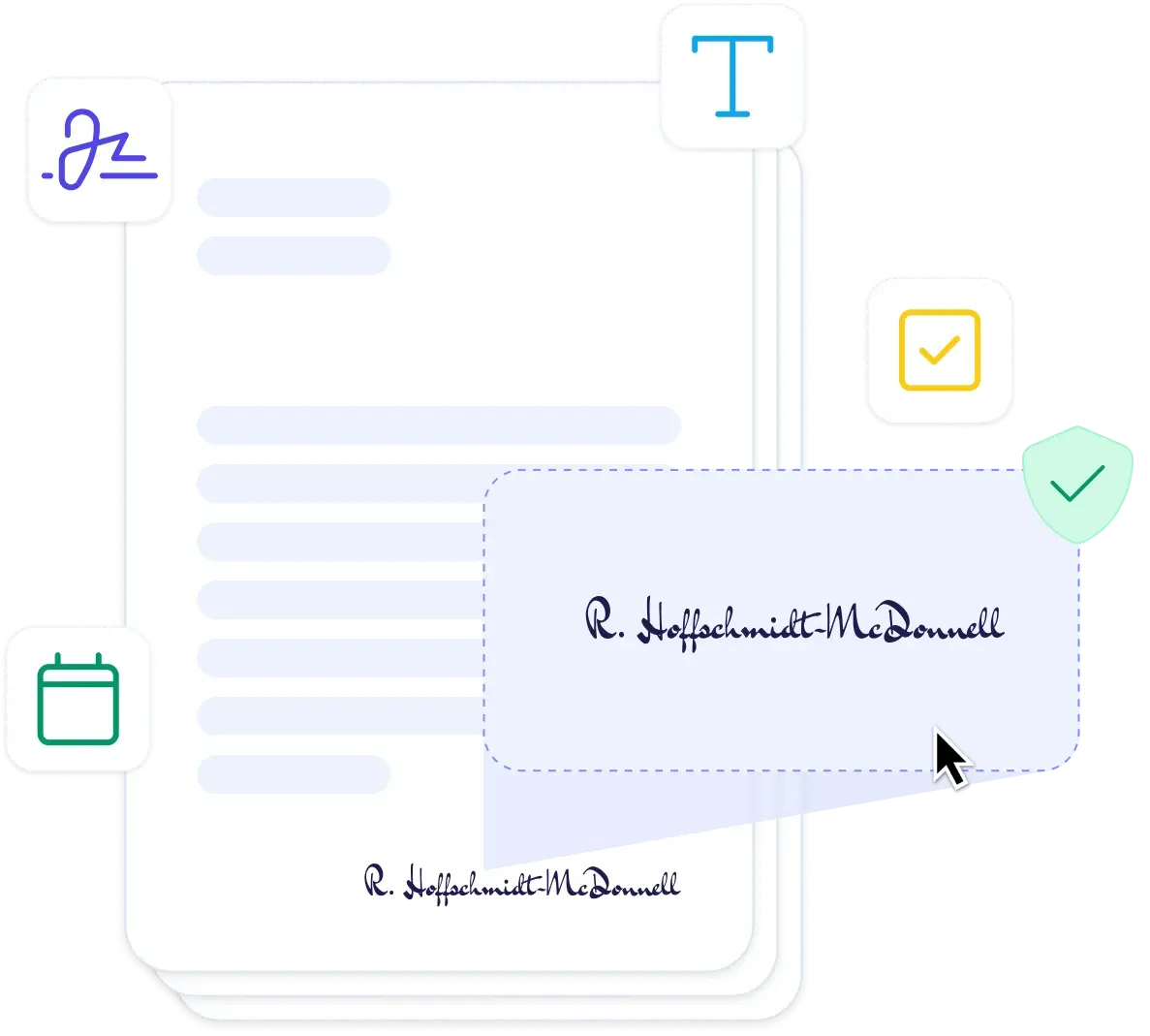
Signature Fields
Signers can draw their signature with a mouse or finger, or type their name to generate a signature. Each signer gets their own field: {{esign.signature_1}}, {{esign.signature_2}}, etc.
Date Fields
Automatically capture the date when the signer signs using {{esign.date_1}}. The date is recorded in the signer's timezone and included in the audit trail.
Text Input Fields
Collect additional information from signers like printed name, job title, or company. Use {{esign.text_1_label}} with a unique label for each text field.
Checkbox Fields
Add agreement checkboxes for terms acceptance, privacy policy consent, or any other acknowledgment. Use {{esign.checkbox_1_label}} with descriptive labels.
Start automating & signing in minutes!
Audit Trail & Compliance Deep Dive
Every signature is backed by a tamper-evident audit trail that supports legal validity and regulatory compliance
Every action in the signing process is logged with a precise UTC timestamp — from when the invitation was sent, to when the document was opened, to the exact moment each field was signed.
The audit trail captures the signer's full name, email address, IP address, and user agent string. This creates a clear chain of evidence linking each signature to a verified individual.
A cryptographic hash of the document is recorded before and after signing, proving the document was not altered between generation and signature completion.
Download a complete PDF audit report for any signing session. The report includes all events, signer details, timestamps, and compliance information — ready for legal review or regulatory audits.
DocsAutomator e-signatures are simple electronic signatures. A click on Accept and a drawn e-signature are the same kind of signature in law, recognised for documents that need no special form.
Receive real-time webhook notifications when signing events occur. Integrate signing status into your existing workflows, CRM, or compliance tracking systems.
Start automating & signing in minutes!
Accept with one click
Not every document needs a signature. Quotes, purchase orders, SOP sign-offs and HR acknowledgments need a clear yes, on record.
See how acceptance works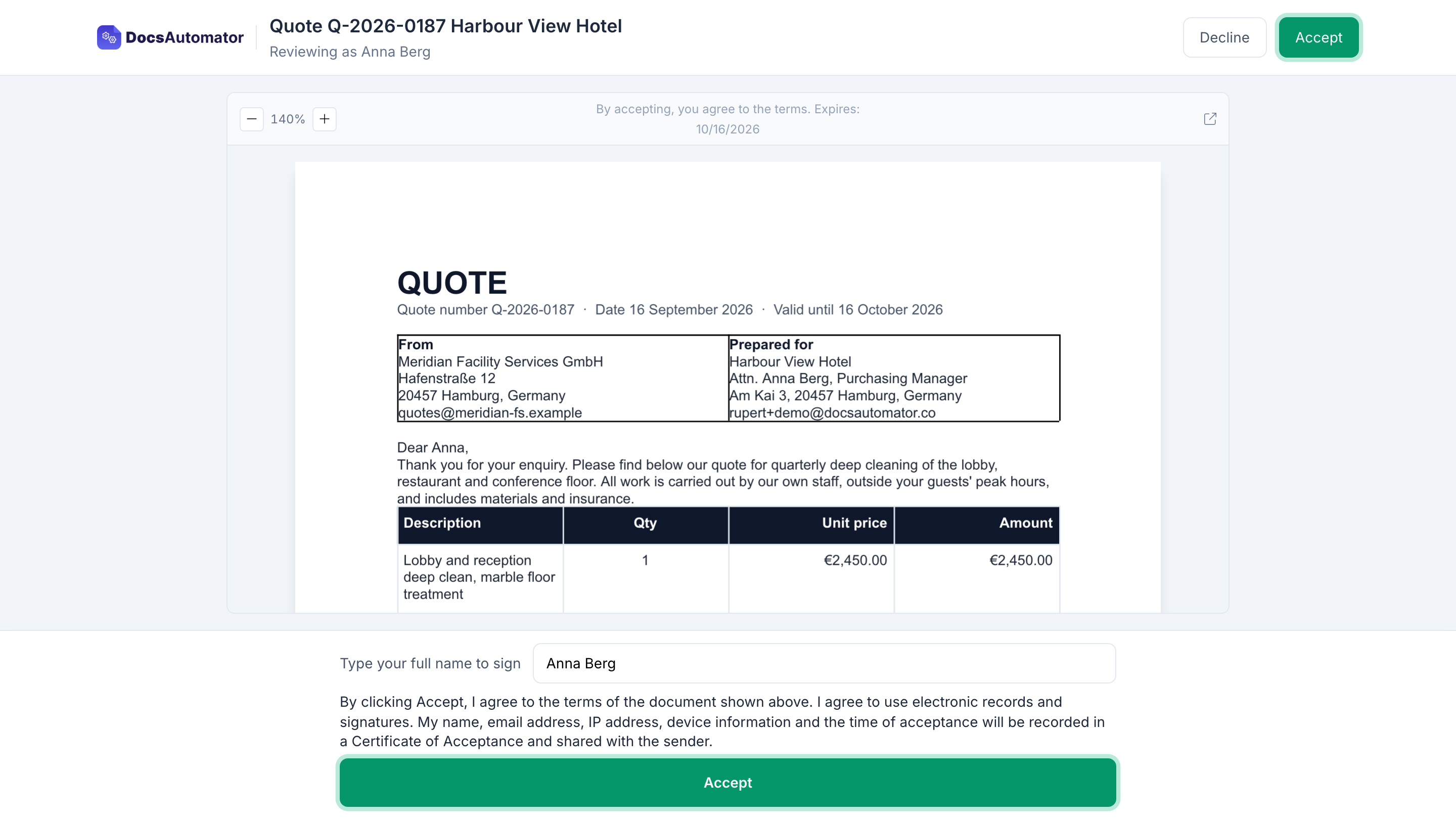
What acceptance is
Acceptance is the second way to close a document, next to signing. With acceptance, DocsAutomator generates the document from your data and emails it. The recipient opens it, reads it and clicks Accept. There are no signature fields and nothing to draw. You can ask the recipient to type their name first.
Made for quotes, purchase orders and sign-offs
A customer accepts a quote from the email in a few seconds. A buyer approves a purchase order. Each person who must follow a procedure confirms the new version. Each new starter acknowledges the handbook. One sealed PDF per person, with the date.
A Certificate of Acceptance on the PDF
You and the recipient both get the accepted PDF with a Certificate of Acceptance on the last page. It records the time, the email address, the IP address, the device, the typed name and a fingerprint of the exact document they saw. The PDF is sealed, so any later change shows.
Same price as signing
Signing and acceptance cost $0.50 per document, charged when the recipient first opens it. A request nobody opens costs nothing. Above 500 documents in a billing month, each document costs $0.35. Available on every paid plan.
Start automating & signing in minutes!
Collect E-Signatures from Any Data Source








Frequently Asked Questions
- Signer identity — Full name, email address
- Timestamps — Precise UTC timestamps for every event (sent, opened, signed, completed)
- IP address — The IP address of the signer at the time of signing
- User agent — Browser and device information
- Document hash — Cryptographic hash proving document integrity
- Signing events — Full chronological log of all actions taken during the signing process
- Signature — Draw or type a signature
- Date — Automatically captured signing date
- Text — Free-text input fields (e.g., printed name, title)
- Checkbox — Agreement checkboxes (e.g., terms acceptance)
Start automating & signing in minutes!
Explore more features
Everything you need for document automation
AI Template Generator
Describe a document and let AI create a professionally designed Word (.docx) template for you.
Google Docs Templates
Build templates in Google Docs, one of the most intuitive document tools on the web.
Word Templates
Upload a Microsoft Word .docx template and generate Word or PDF documents from your data.
Email Automation
Generate documents and email them as PDF attachments automatically.
Dynamic Line Items
Handle invoices, reports, and itemized lists with dynamic line items including nested data.
Conditional Logic
Show, hide, or style content conditionally based on your data.
AI Field Mapping
Map or generate sample data in seconds with the help of AI.
PDF Generation & Delivery
Generate PDFs, save to Google Drive or OneDrive, send via email, or trigger webhooks.
Batch Processing
Generate dozens of documents in parallel with queue-based batch processing.
REST API
Generate documents programmatically with sync/async modes and webhooks.
AI & Agents
Give AI assistants the power to generate documents via MCP server.
Teams collecting e-signatures with DocsAutomator:







Ready to collect e-signatures on your automated documents?
Trusted by 1,215 businesses for their most critical documents
Unlimited testing, no credit card required