Automated PDF Generation
Generate, Deliver & Store PDFs Automatically
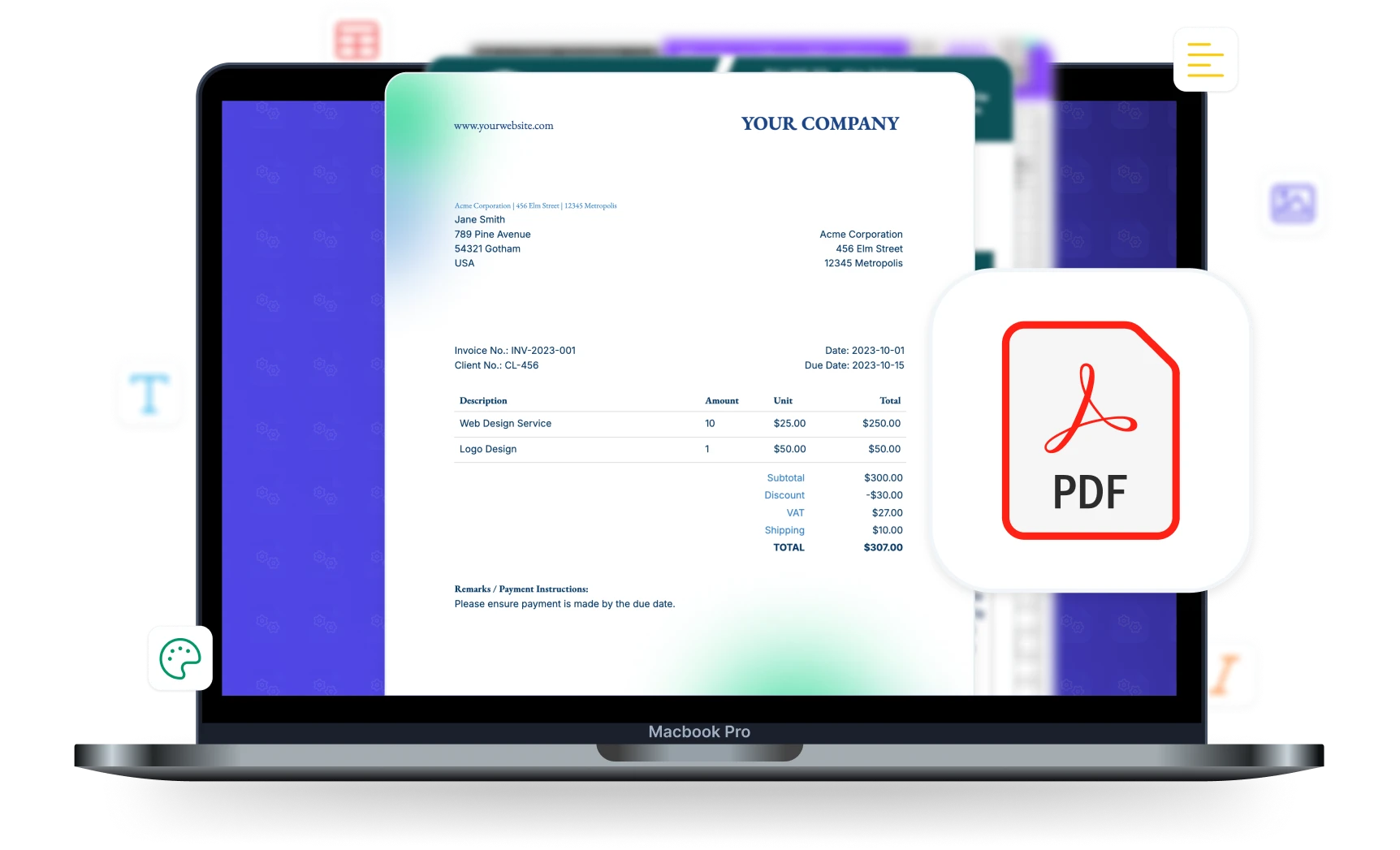
Turn your data into professional PDFs in seconds. Save to Google Drive or OneDrive, send via email, merge PDFs, and notify connected tools — all automated.








Key Benefits
Why teams choose DocsAutomator for PDF Generation & Delivery
Fast Generation
Most documents are generated within 10 seconds, regardless of length. DocsAutomator handles multi-page documents with hundreds of line items efficiently.
Automated Email Delivery
Send generated PDFs via email automatically. Customize email templates, add conditions for when to send, and include CC/BCC recipients.
Save to Google Drive or OneDrive
Store generated PDFs in specific Google Drive or OneDrive folders. Organize by client, date, or any other criteria with dynamic folder naming.
Merge & Prepend PDFs
Combine generated PDFs with existing documents. Prepend cover pages, append terms and conditions, or merge multiple generated documents.
Output & Delivery Options
Full control over how generated documents are formatted, stored, and delivered
PDF with Download URL
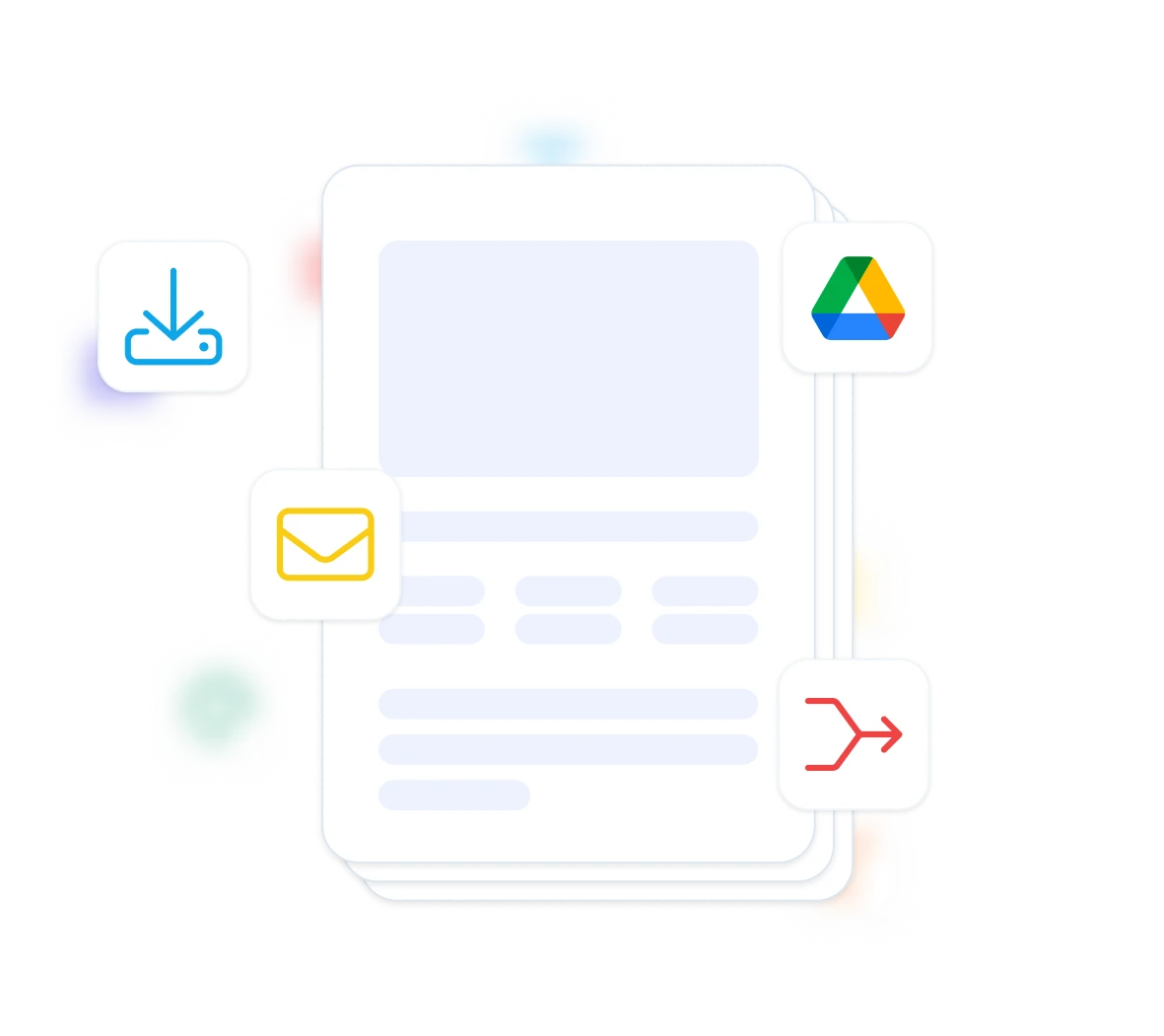
Every generated PDF gets a unique download URL. Share it directly, embed it in emails, or write it back to your data source. Configure URL expiration for time-sensitive documents.
Google Drive & OneDrive Storage
Save generated PDFs to specific Google Drive or OneDrive folders automatically. Use dynamic folder naming based on your data (e.g., client name or date) to keep documents organized without manual filing.
Email with PDF Attachment
Send the generated PDF as an email attachment automatically. Customize the email subject, body, recipients, and CC/BCC fields. Add conditions to control when emails are sent.
PDF Merging
Prepend or append existing PDFs to your generated documents. Add branded cover pages, standard terms and conditions, or compliance appendices without including them in every template.
Start automating & signing in minutes!
How it works
Get started in minutes
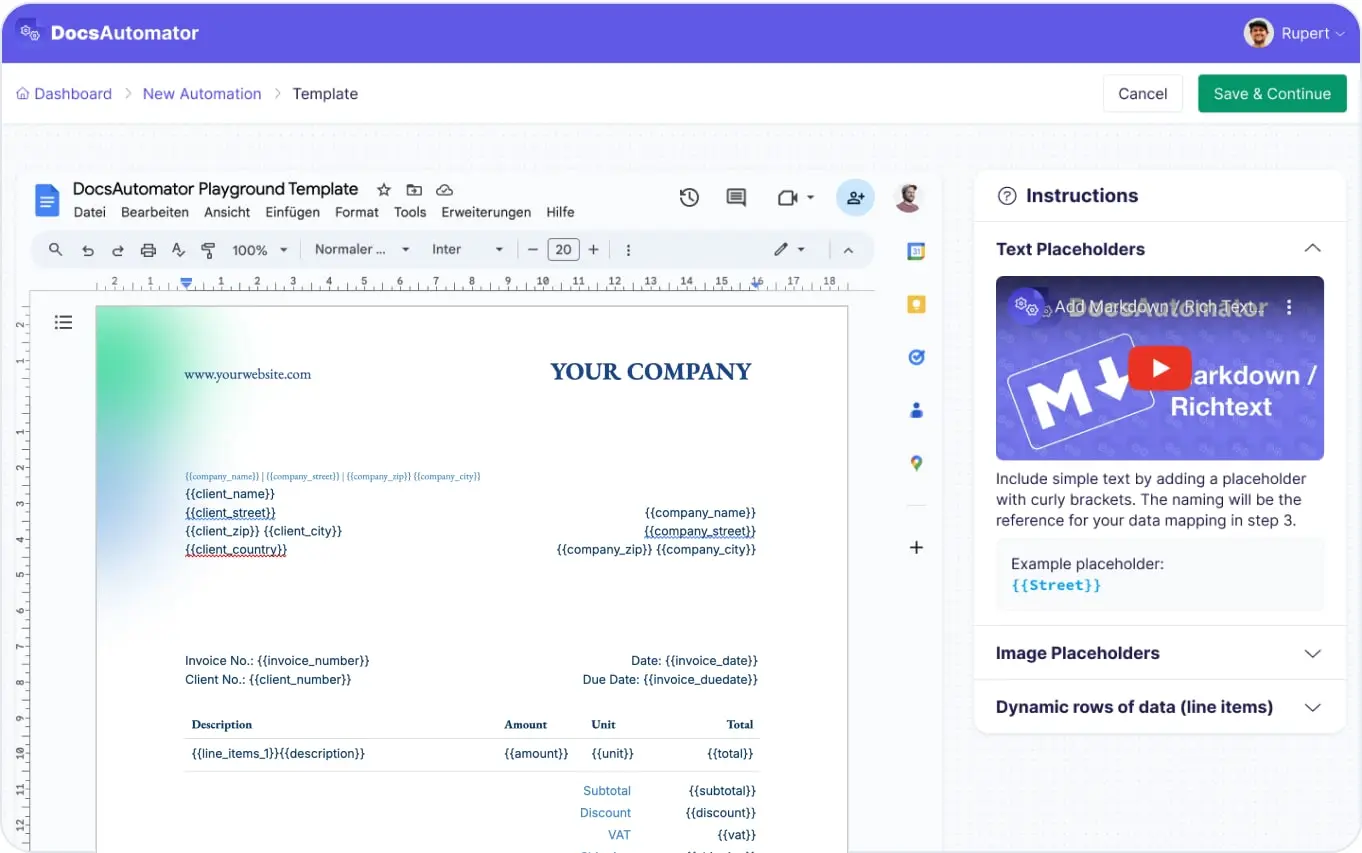
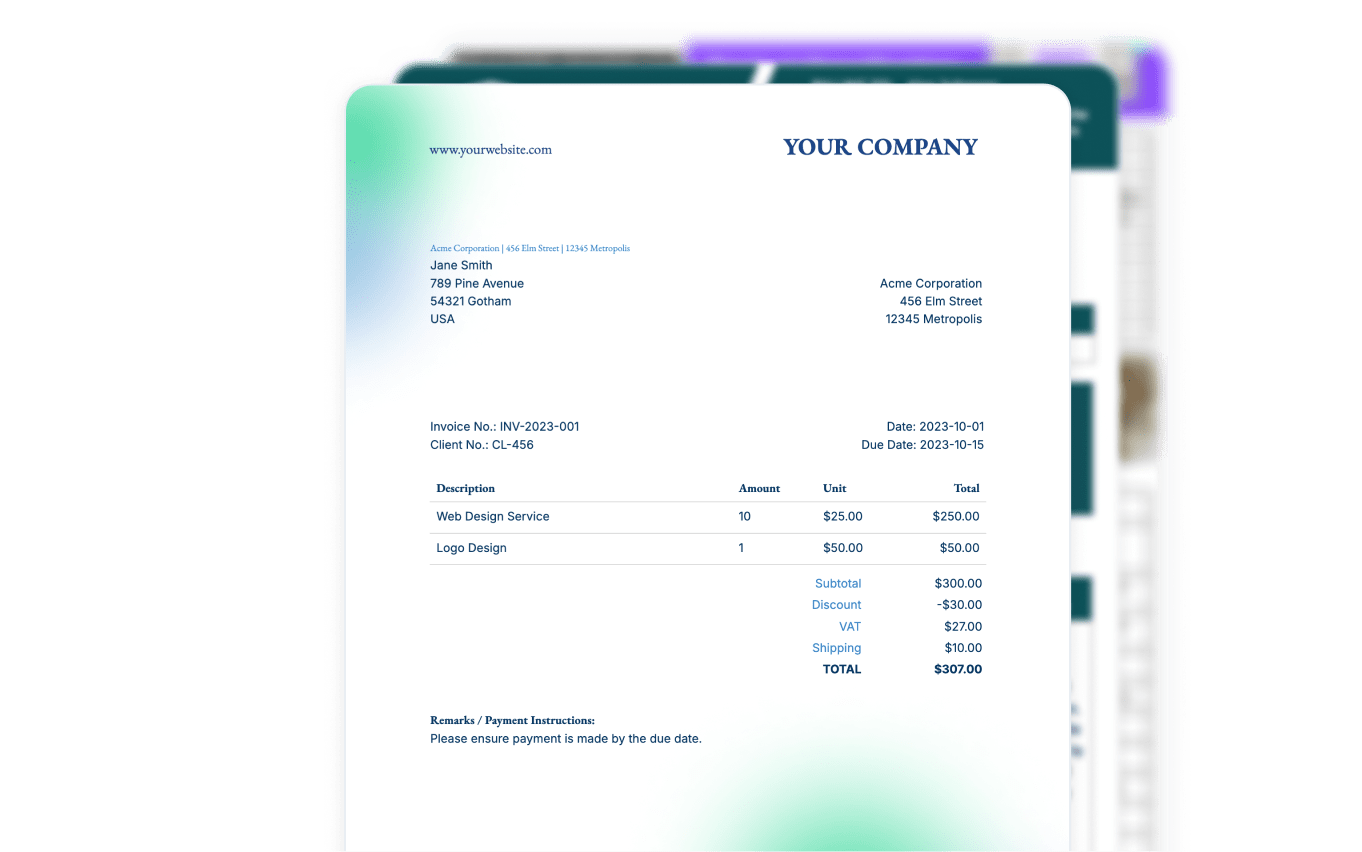
Create Your Template
Configure Output & Delivery
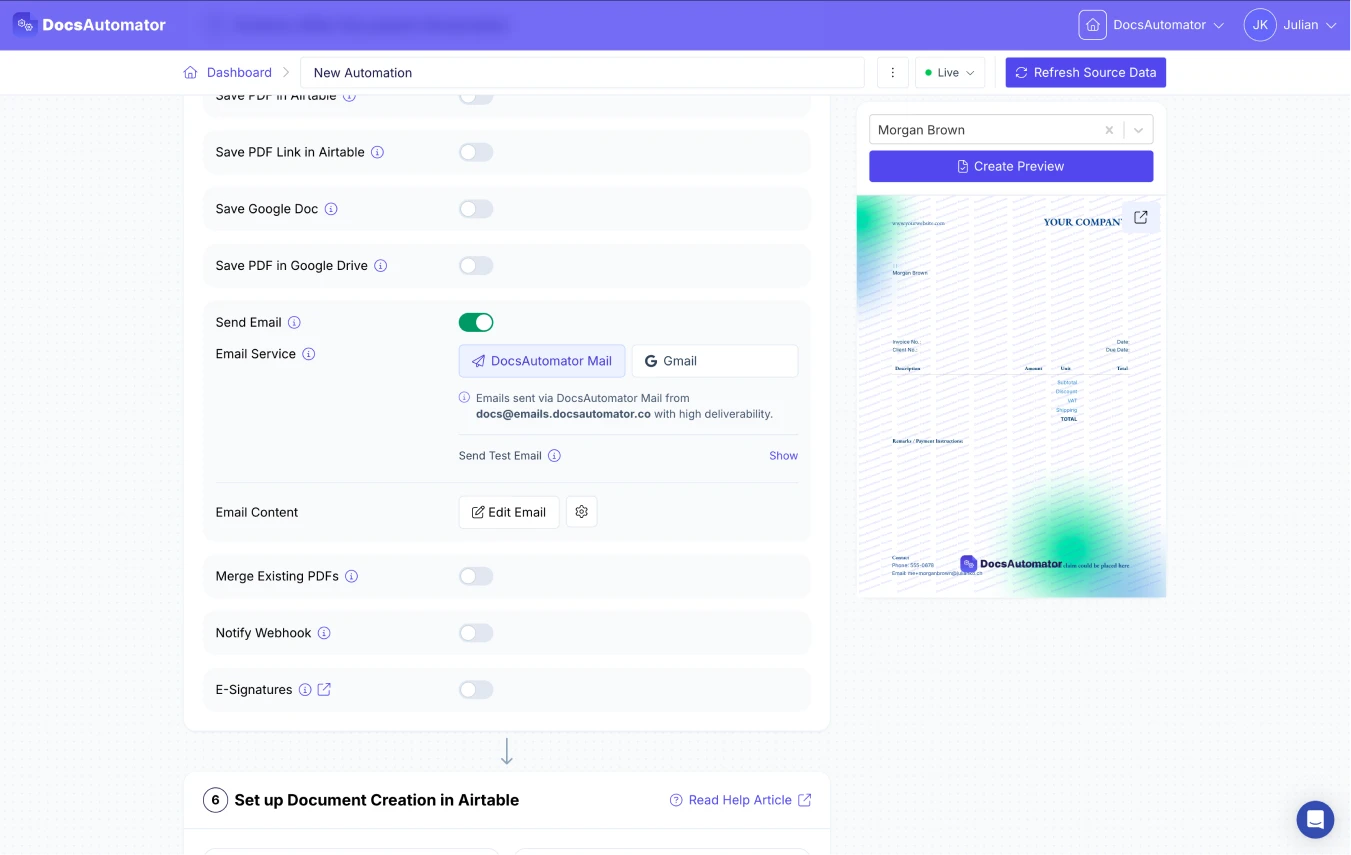
Automate & Deliver
Learn more in our Knowledge Base
Start automating & signing in minutes!
Use Cases
Popular ways teams use PDF Generation & Delivery
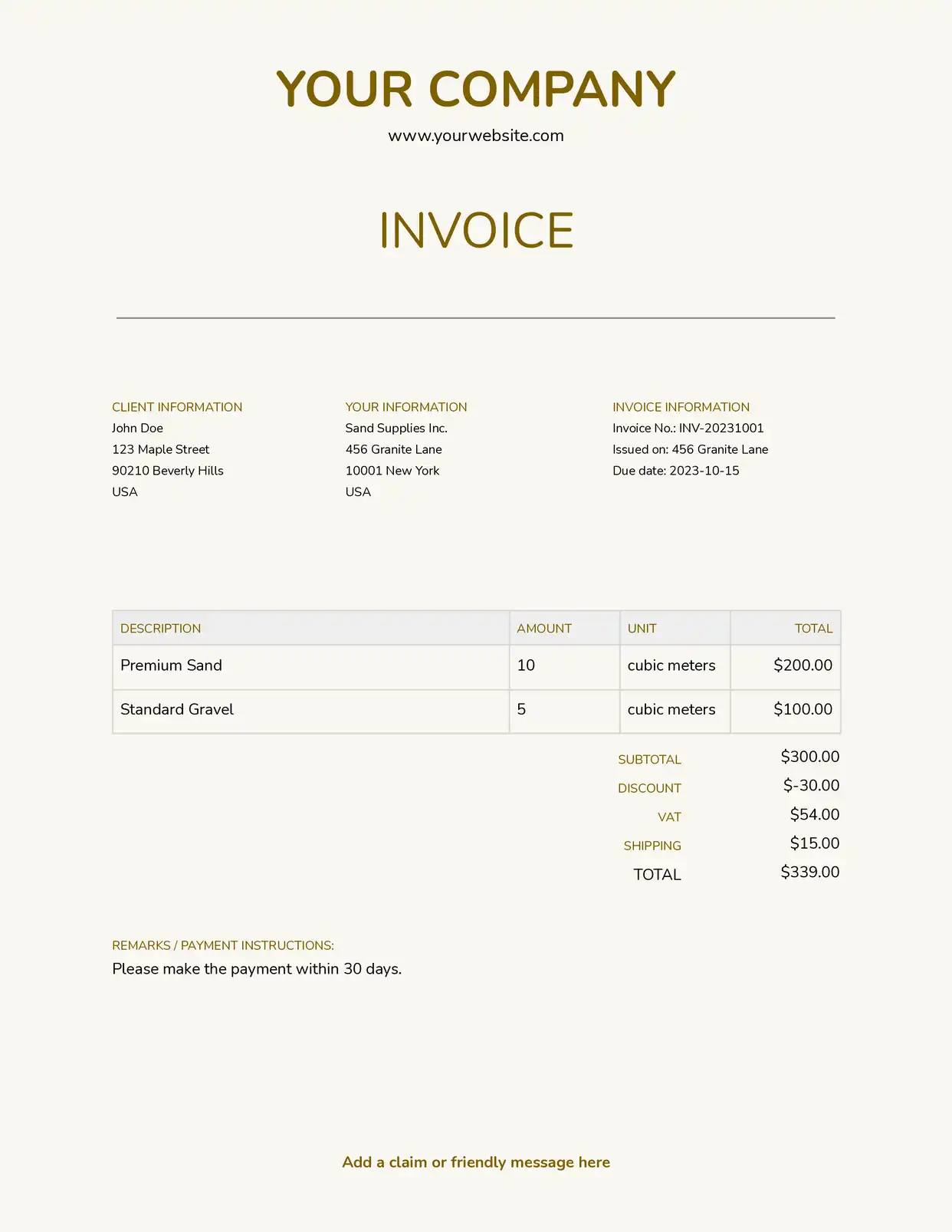
Invoice Generation & Delivery
Generate and email invoices automatically when a record is created or updated. The PDF is attached to a customizable email, saved to Google Drive, and the download URL is written back to your database.
Explore Invoice Templates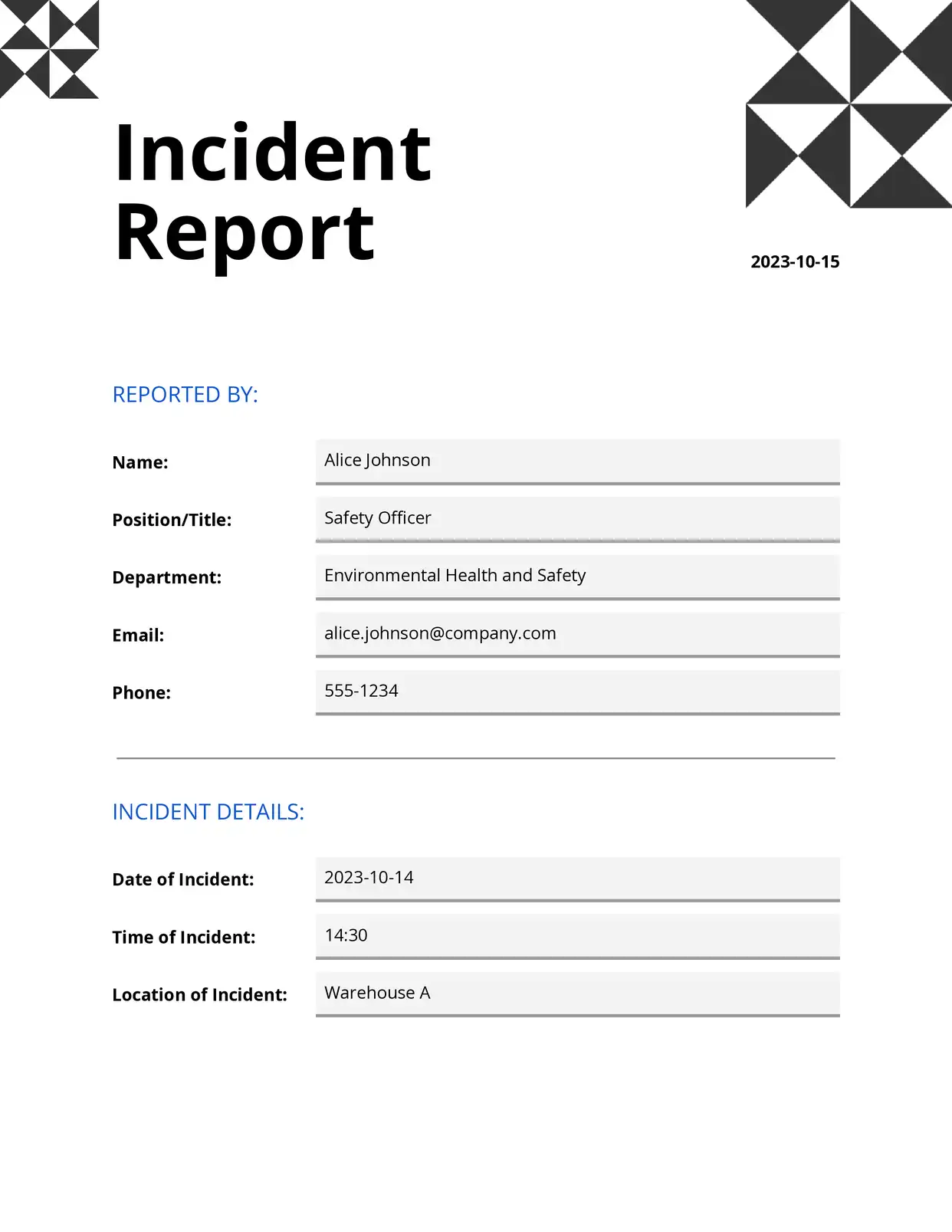
Report Distribution
Create weekly or monthly reports and distribute them to stakeholders via email with PDF attachments. Use conditional email delivery to send the right report to the right person.
Explore Report Templates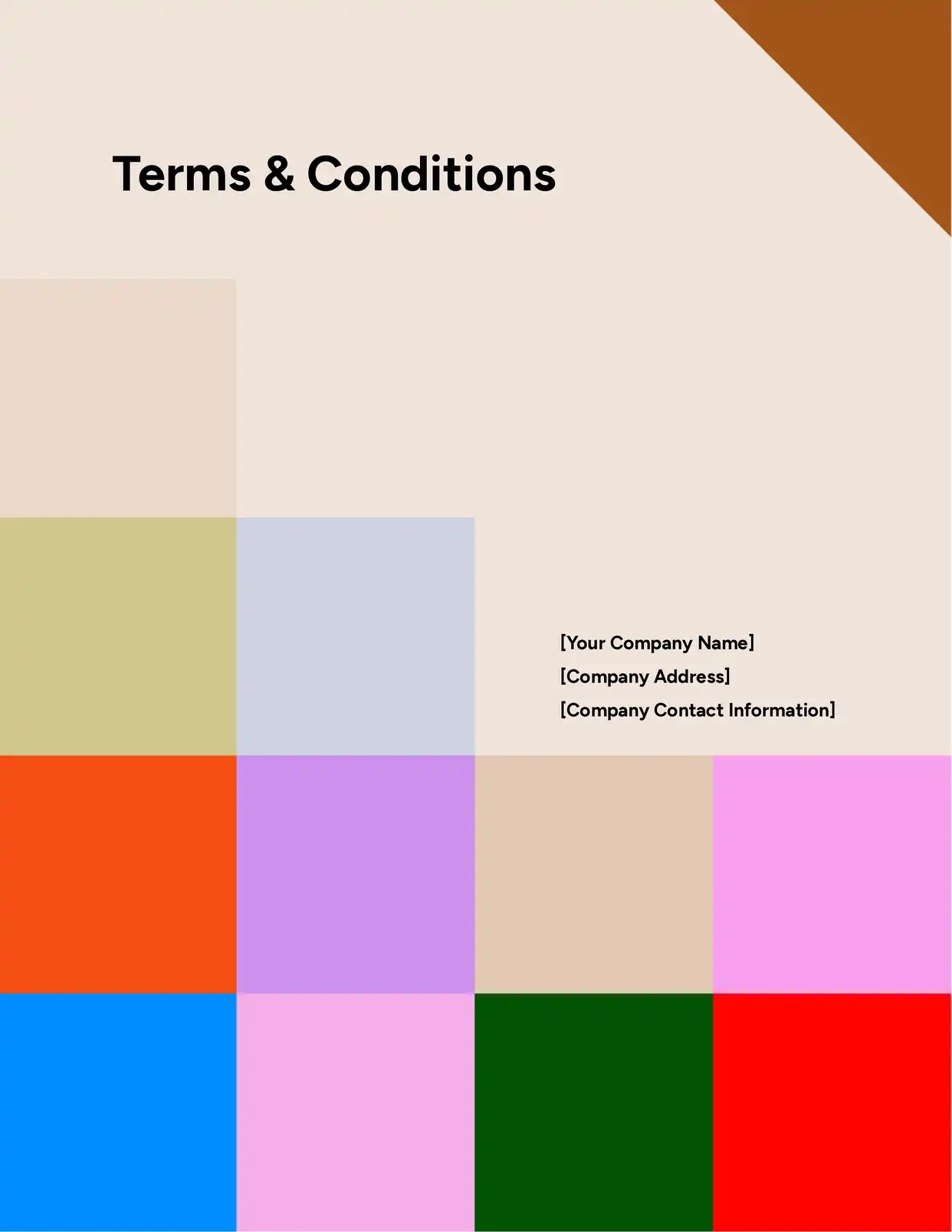
Compliance Documentation
Generate compliance documents, store them in organized Google Drive folders with dynamic naming, and maintain a complete record in your data source. Append standard terms or disclaimers via PDF merging.
Explore Legal Templates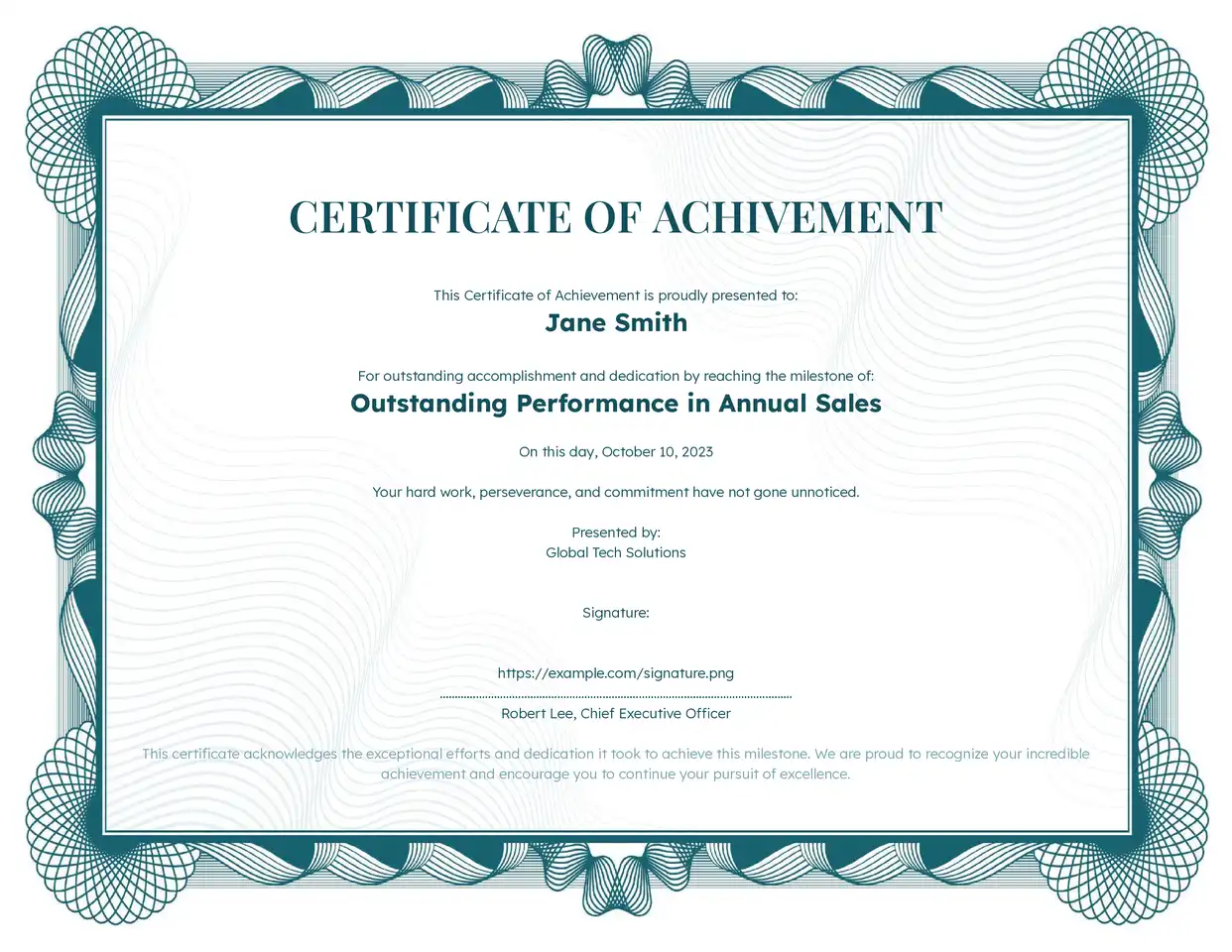
Certificates & Awards
Generate personalized certificates with recipient names, dates, and achievements. Batch generate hundreds and deliver each via email or store in Drive for distribution at events.
Explore Certificate Templates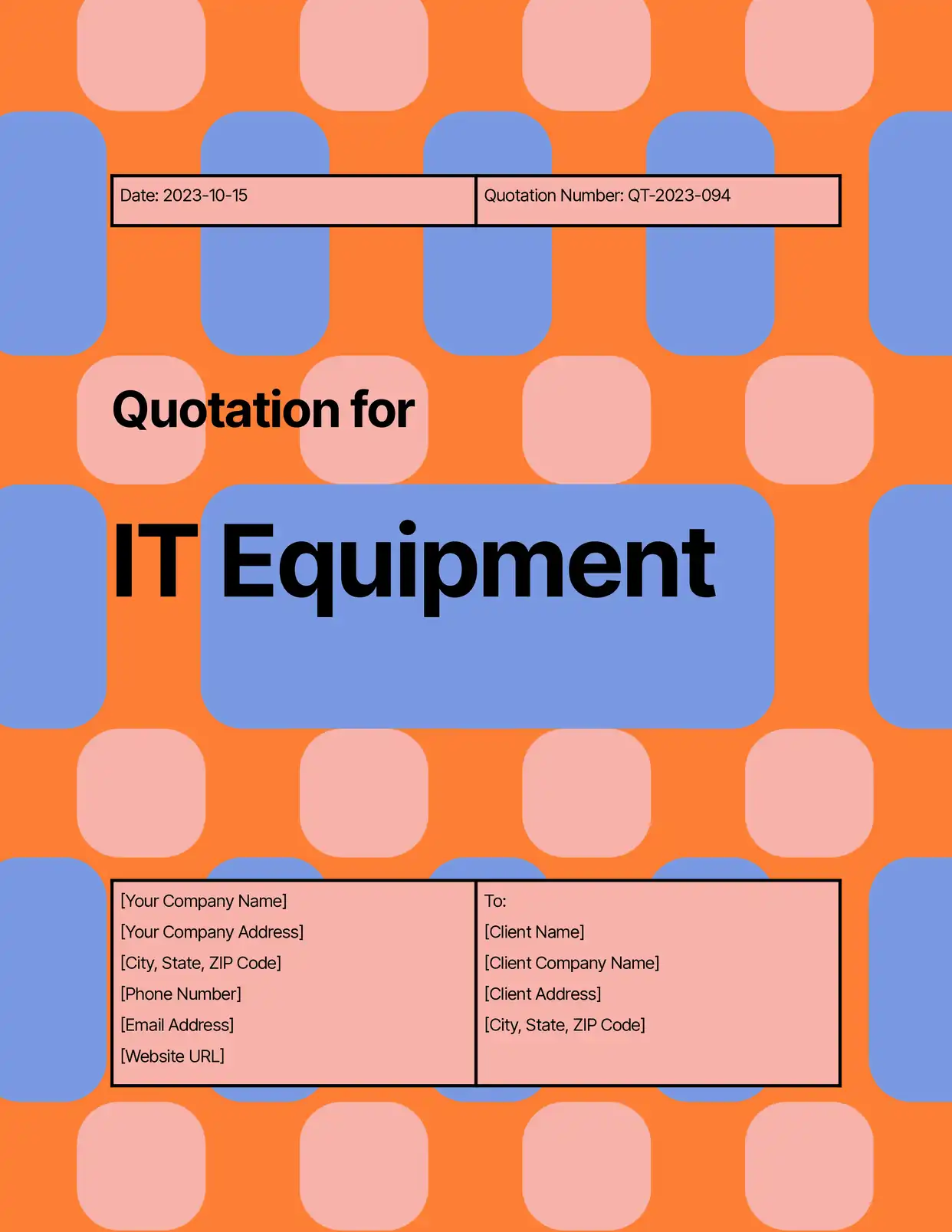
Quotes & Estimates
Generate pricing quotes with line items, send them via email with your branding, and set PDF expiration so outdated quotes become inaccessible automatically.
Explore Quotation Templatesand many more...
Customer Voices
Don't take our word for it. Here's what our customers say about us:
DocAutomator has helped my business automate invoices, contacts, and quarterly reports for our clients. This product saves us a lot of time, allowing us as a property management company to focus more on asset management.

Eran
This is the best value for money app for creating template. Easy to use, easy to set up, and we like to support small businesses. Keep going!
Aris Zagklis
After struggling with the limits and bugs of AirTable's Page Designer extension for years, I stumbled on the DocsAutomator tool – and I have to say – it's incredible.
Trashcaneron
DocsAutomator is everything the Page Designer in Airtbale should have been. It is a powerful automation platform that allows me to pull complex data from Airtable and apply a design that I have full control over!
Dustin
It's incredible how easily we can connect it to other systems. [...] No similar software was found. It should be made mandatory. Docautomator has been our best choice so far! Always reliable! Thank you very much for making my day and work easier.

Ágota dr. Czirják-Nagy
Just getting started with DocsAutomator because the options within AirTable did not meet my needs. With always updating features and resources, this is quickly becoming the best extension you can choose.
Shannon Bradley
Advanced PDF Features
Enterprise-grade document delivery for complex workflows
Set PDF download URLs to expire after a configurable period. Useful for sensitive documents like contracts, financial statements, or medical records that should only be accessible for a limited time.
Get notified when a document is generated, delivered, or when an error occurs. Send updates to your existing tools like Slack, your CRM, or any connected platform.
Generate both a PDF and an editable Google Doc simultaneously. The Google Doc is saved to Drive for manual edits when needed, while the PDF is delivered or stored according to your output settings.
Configure email delivery to trigger only when specific conditions are met. Send invoices only when status is "Approved", or deliver reports only to active stakeholders. Combine with dynamic recipient fields for full flexibility.
Send document emails from your own Gmail or Outlook account with a custom sender name, or use DocsAutomator's default sender. Your recipients see emails from your brand, not a third-party tool.
Start automating & signing in minutes!
Generate & Deliver PDFs from Any Data Source








Frequently Asked Questions
- PDF — Downloadable via URL or stored in Google Drive or OneDrive
- Google Doc — Editable document saved to your Drive
- Both — Generate PDF and keep the Google Doc simultaneously
Start automating & signing in minutes!
Explore more features
Everything you need for document automation
AI Template Generator
Describe a document and let AI create a professionally designed Word (.docx) template for you.
Google Docs Templates
Build templates in Google Docs, one of the most intuitive document tools on the web.
Word Templates
Upload a Microsoft Word .docx template and generate Word or PDF documents from your data.
E-Signatures
Collect legally binding e-signatures on your generated documents.
Email Automation
Generate documents and email them as PDF attachments automatically.
Dynamic Line Items
Handle invoices, reports, and itemized lists with dynamic line items including nested data.
Conditional Logic
Show, hide, or style content conditionally based on your data.
AI Field Mapping
Map or generate sample data in seconds with the help of AI.
Batch Processing
Generate dozens of documents in parallel with queue-based batch processing.
REST API
Generate documents programmatically with sync/async modes and webhooks.
AI & Agents
Give AI assistants the power to generate documents via MCP server.
Teams generating PDFs with DocsAutomator:







Ready to automate PDF generation and delivery?
Trusted by 1,215 businesses for their most critical documents
Unlimited testing, no credit card required