Google Docs Template Automation
Build Templates in Google Docs — The Tool You Already Know
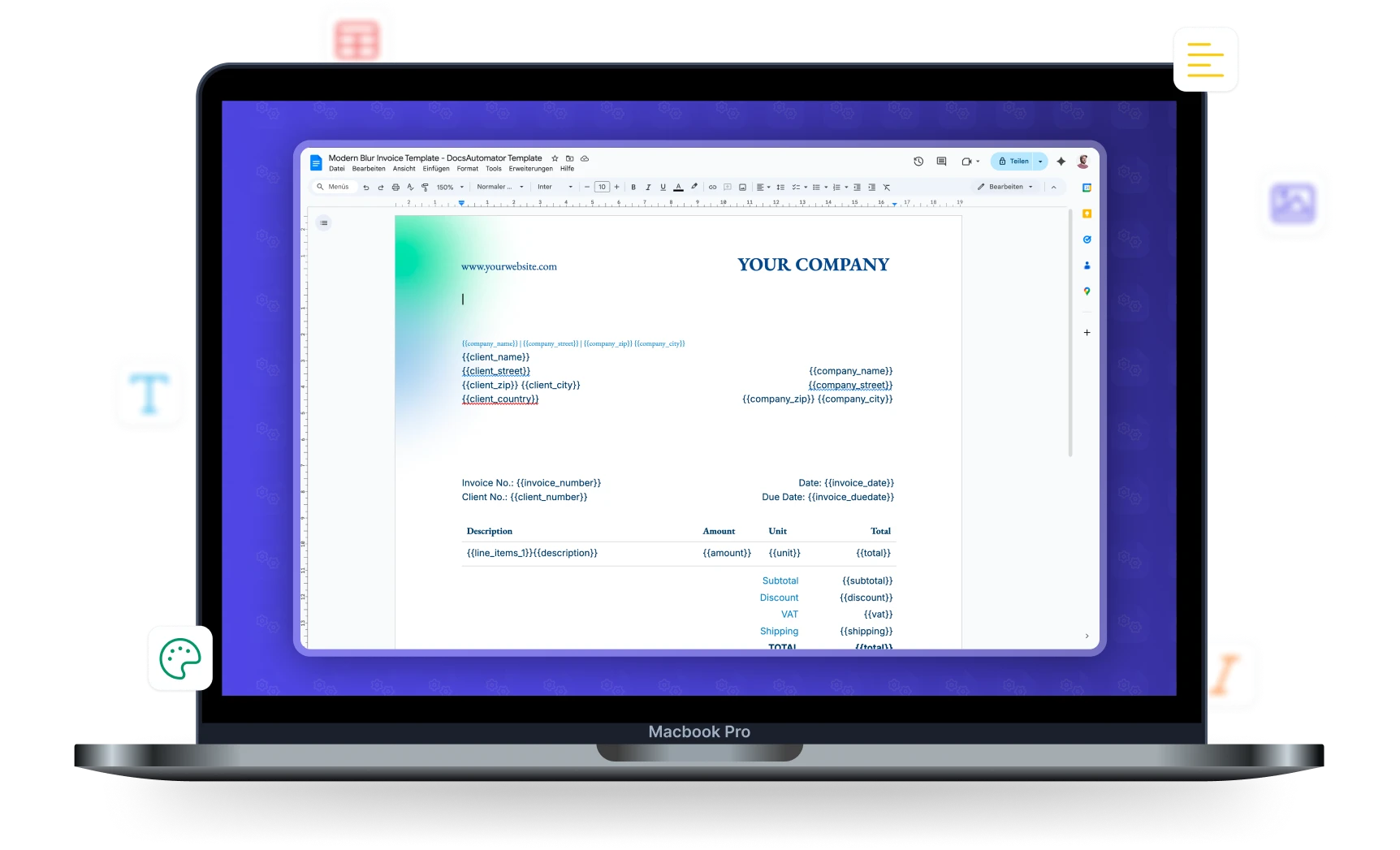
No new template editor to learn. Design your documents in Google Docs with full formatting control, then automate them with DocsAutomator.









Key Benefits
Why teams choose DocsAutomator for Google Docs Templates
No New Software to Learn
Google Docs is one of the most intuitive document tools on the web. If you can use Google Docs, you can build DocsAutomator templates.
Full Formatting Control
Use all of Google Docs' formatting features — fonts, colors, tables, headers, footers, page breaks, images, and more. Your formatting is preserved in the generated documents.
Real-Time Preview
Preview your generated documents instantly without using credits. Iterate on your template design until it's perfect.
Template Gallery & Sharing
Start with pre-built templates from our gallery, let AI generate one for you, or create your own. Share templates across your team with Google Docs' built-in sharing.
How it works
Get started in minutes
Create a Google Docs Template
Connect & Map Your Data
Generate Professional Documents
Learn more in our Knowledge Base
Start automating & signing in minutes!
Placeholder Syntax & Capabilities
Everything you can automate inside a Google Docs template
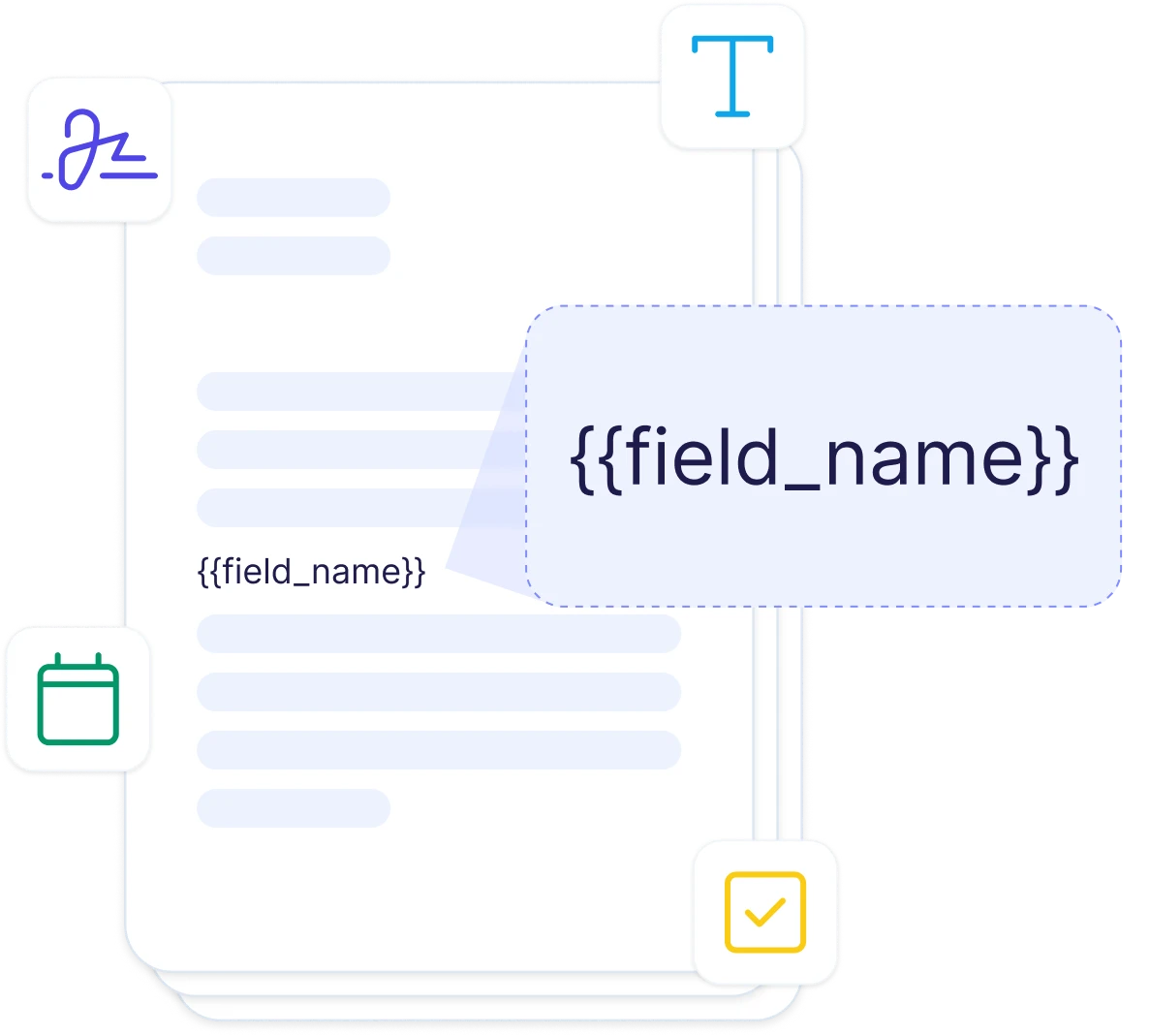
Simple Placeholders
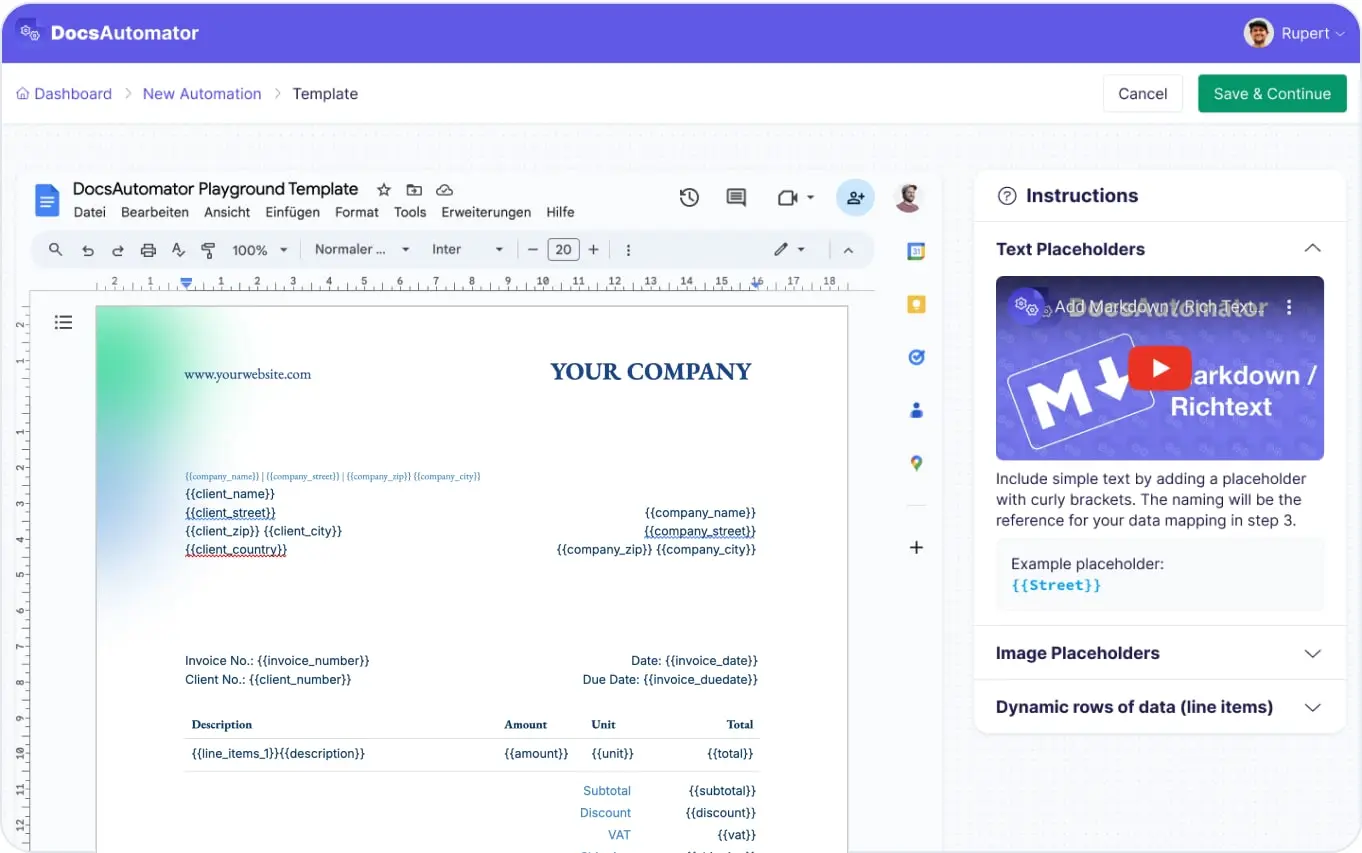
Use {{field_name}} anywhere in your document to insert data. Works in headings, body text, headers, footers, and table cells. Any text you can type in Google Docs can be a placeholder.
Tables & Line Items
Mark a table row with {{line_items_1}} to repeat it for each record. Supports up to 3 nesting levels for hierarchical data like invoices with grouped items or project reports with phases and tasks.
Dynamic Images
Insert images from your data source using {{image_field}}. Product photos, signatures, logos, and charts are all supported. Images are sized to fit the placeholder's position in your template.
Conditional Sections
Wrap content in {{section_NAME}}...{{/section_NAME}} to show or hide sections based on your data. Configure conditions in DocsAutomator to control visibility. One master template adapts to different scenarios.
Start automating & signing in minutes!
Use Cases
Popular ways teams use Google Docs Templates
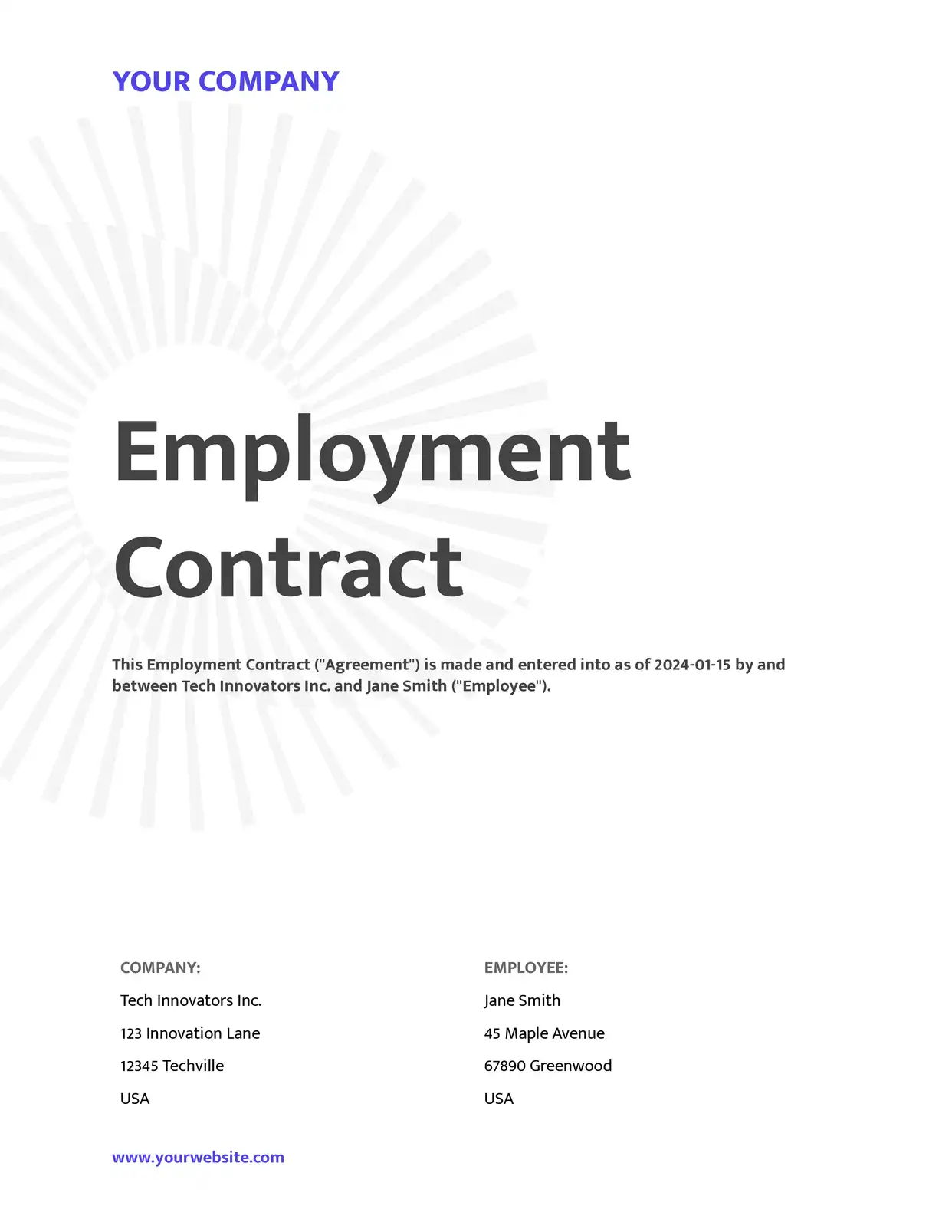
Contracts & Proposals
Design professional contracts in Google Docs with your branding, then auto-fill client details, terms, and pricing from your CRM. Use conditional sections to adapt clauses per deal type.
Explore Contract Templates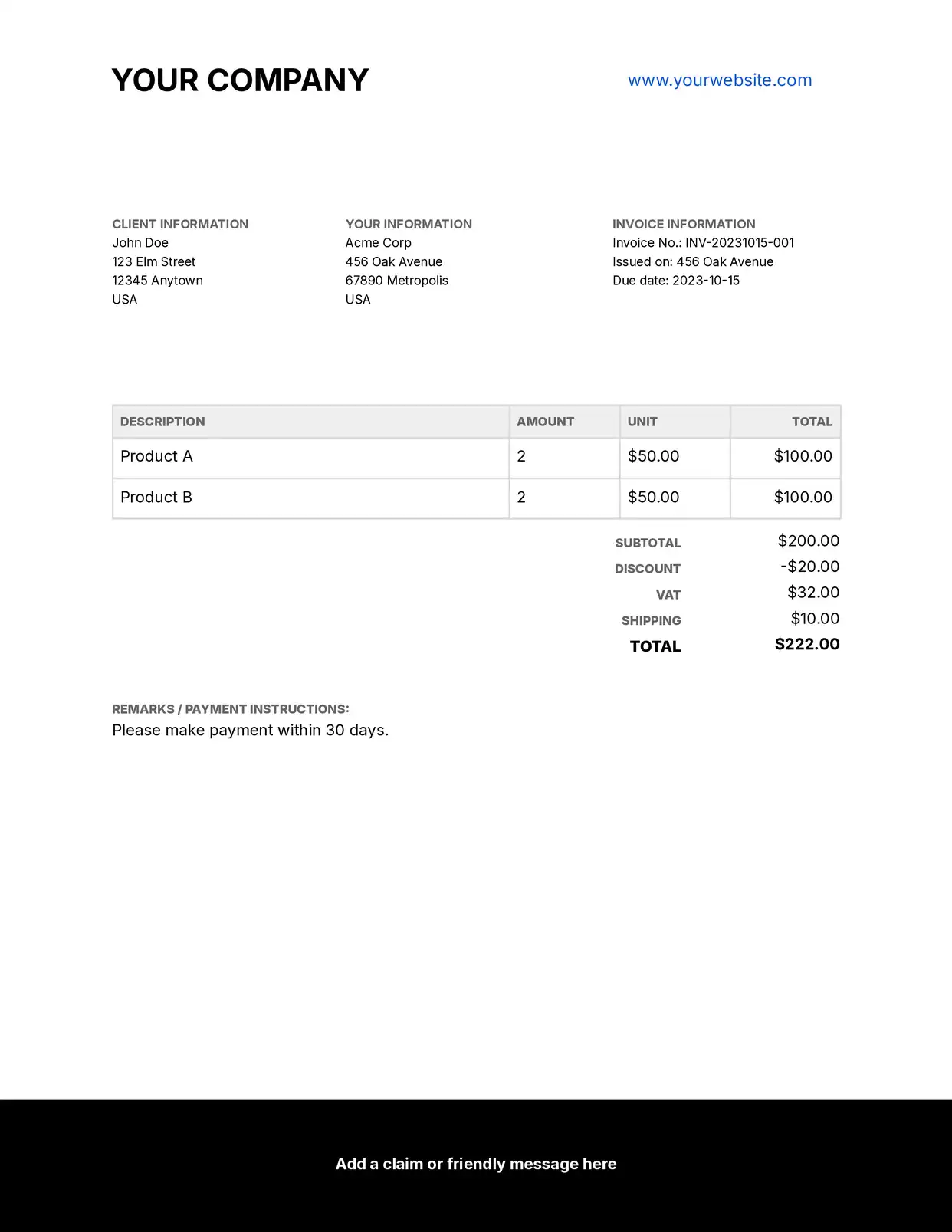
Invoices & Receipts
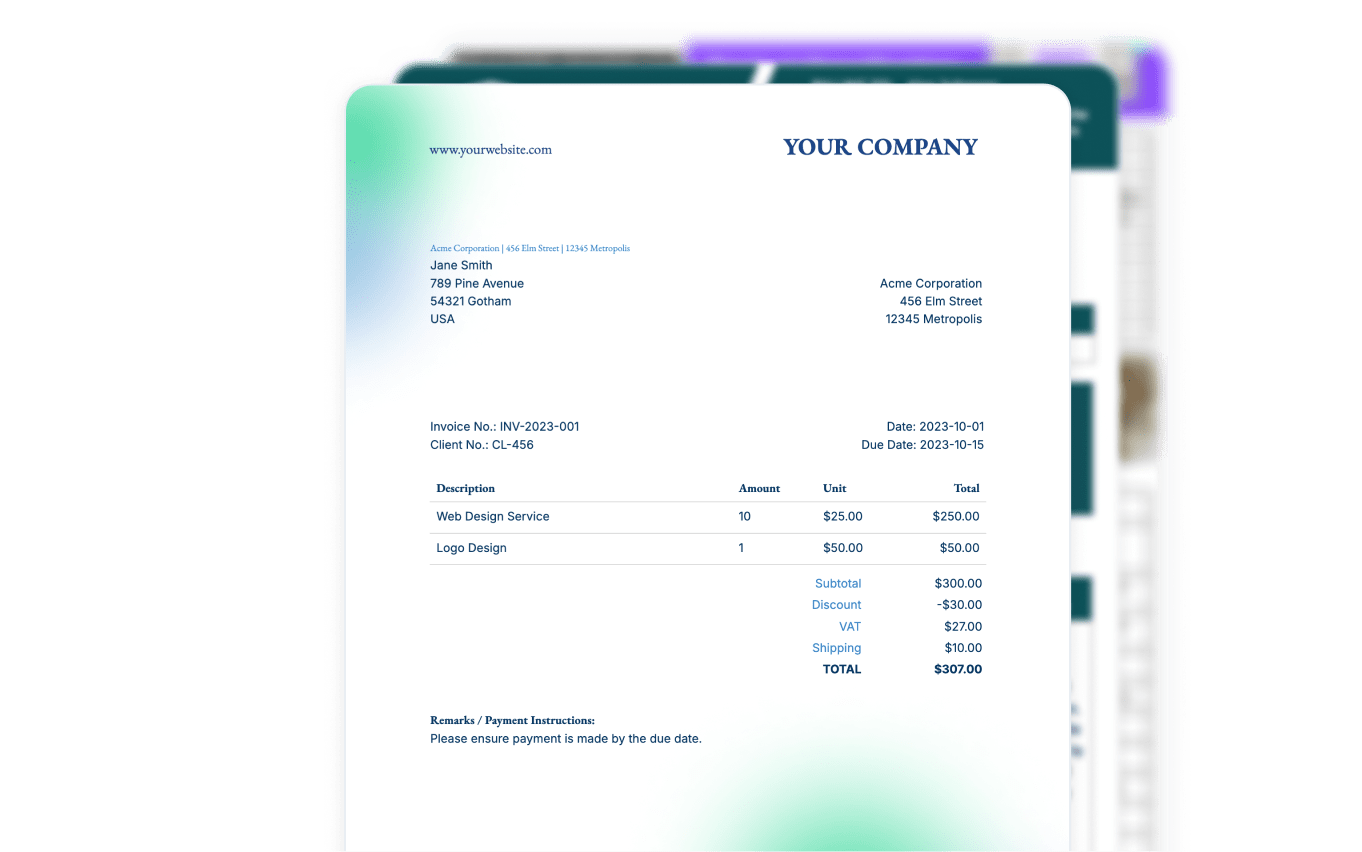
Create invoice templates with tables, logos, and payment details. Line items expand dynamically, and totals calculate from your data source.
Explore Invoice Templates
Certificates & Letters
Design certificates, award letters, or any personalized documents. Batch generate hundreds from a single template with unique recipient data.
Explore Certificate Templates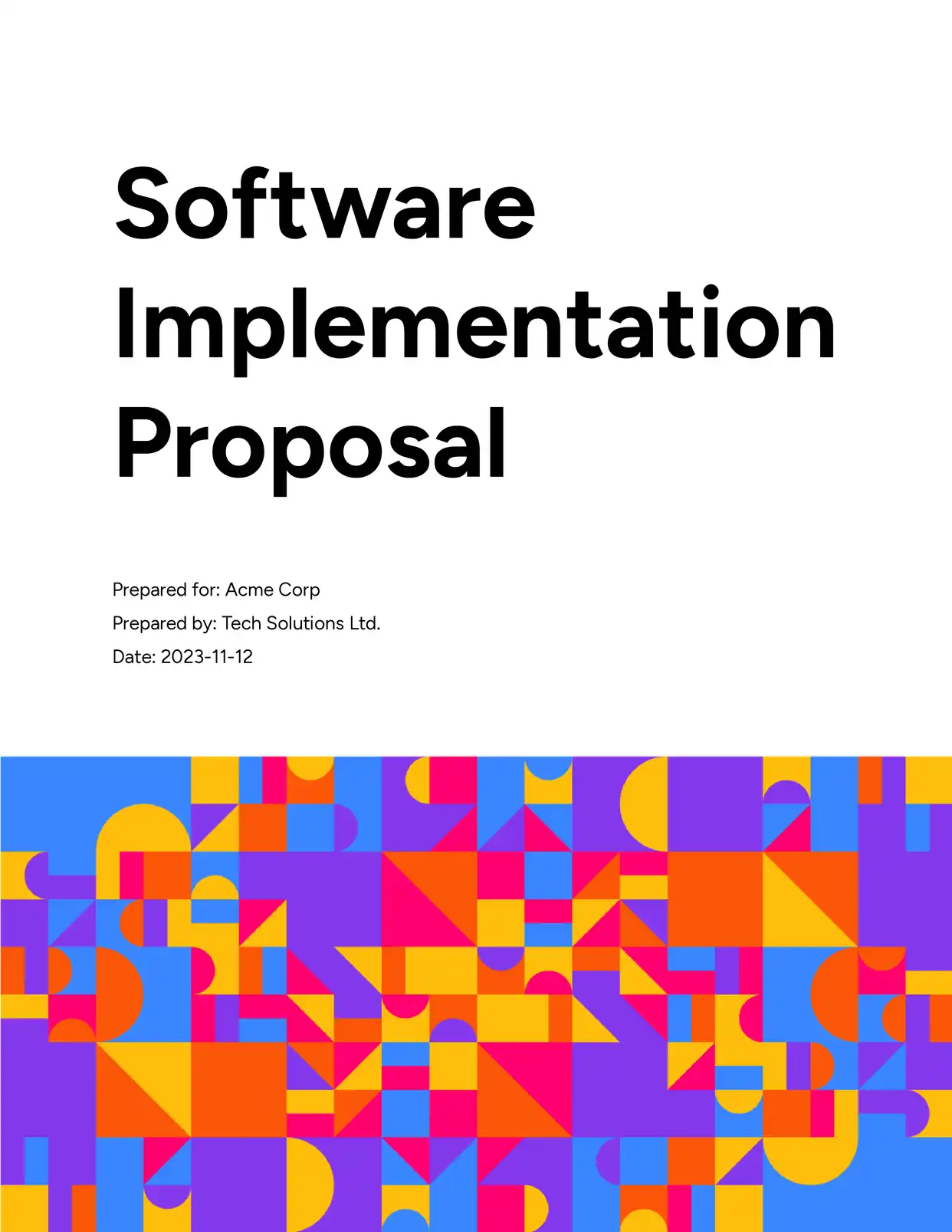
Proposals & SOWs
Build proposals with dynamic scope sections, pricing tables, and timeline breakdowns. Generate polished documents that match your brand from a single shared template.
Explore Proposal Templates
Reports & Summaries
Create monthly reports, audit reports, and financial summaries with dynamic data tables and conditional sections that adapt based on the reporting period.
Explore Report Templates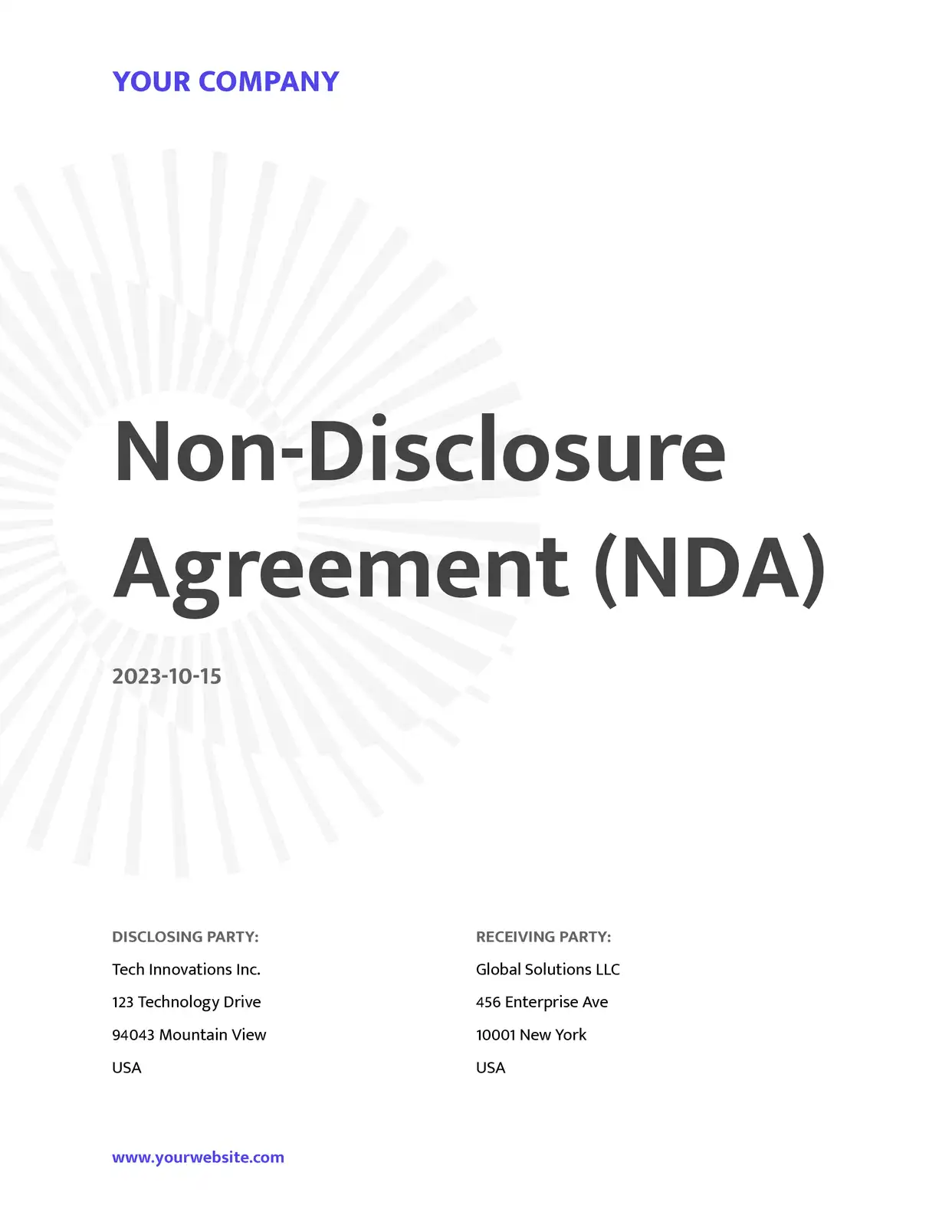
Agreements & NDAs
Generate NDAs, service level agreements, and partnership agreements pre-filled with party details, effective dates, and terms. Use conditional sections to include or exclude clauses based on deal type.
Explore Agreement Templates
Estimates & Quotations
Build detailed cost estimates and quotations with itemized pricing tables. Line items expand dynamically for services, materials, and labor with automatic subtotals.
Explore Estimate Templates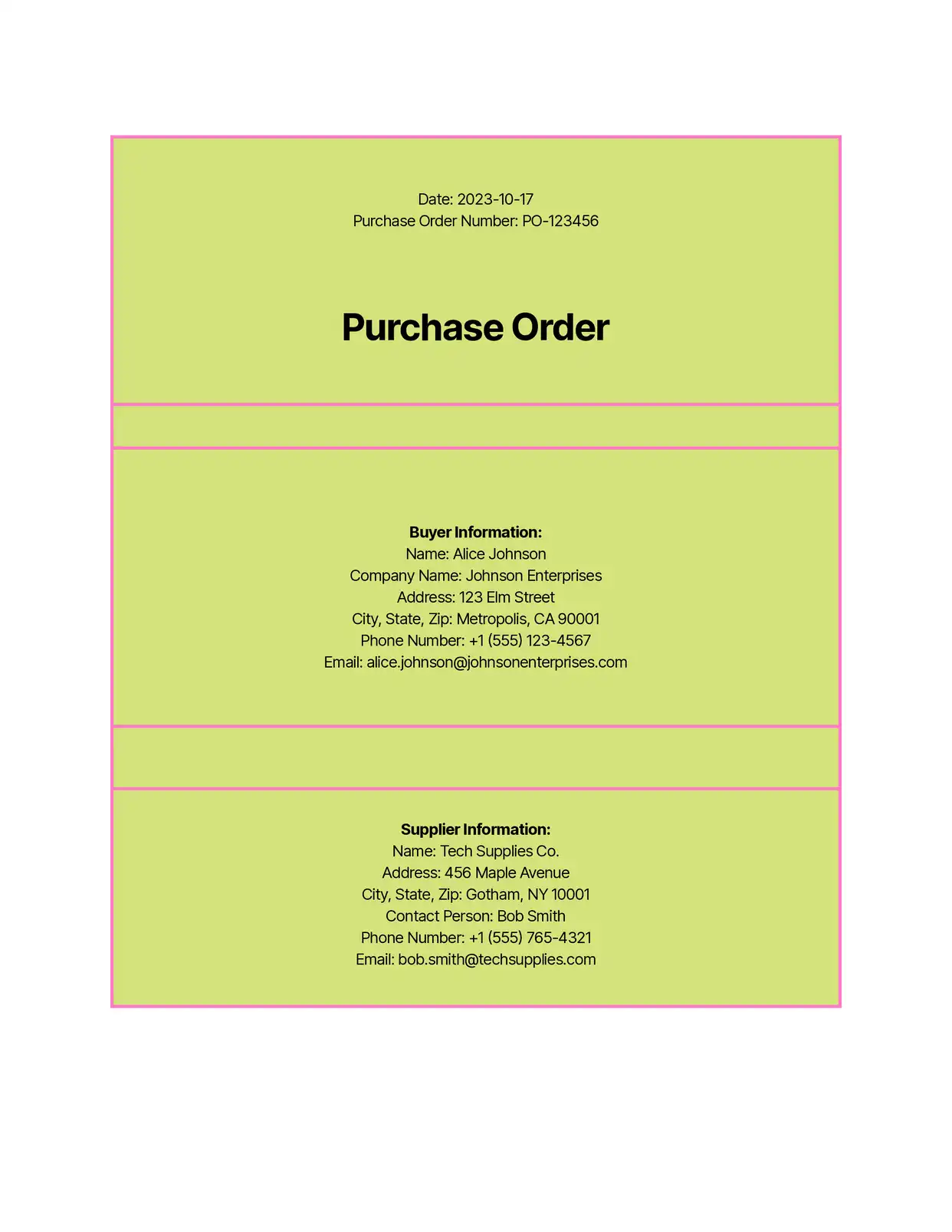
Purchase Orders
Create purchase orders with dynamic item tables listing products, quantities, unit prices, and totals. Linked records from your CRM or inventory system populate the order lines automatically.
Explore Order Templates
Checklists & Inspections
Generate onboarding checklists, safety inspections, and quality assurance documents. Populate checklist items from your data source and batch generate unique checklists per project or employee.
Explore Checklist Templates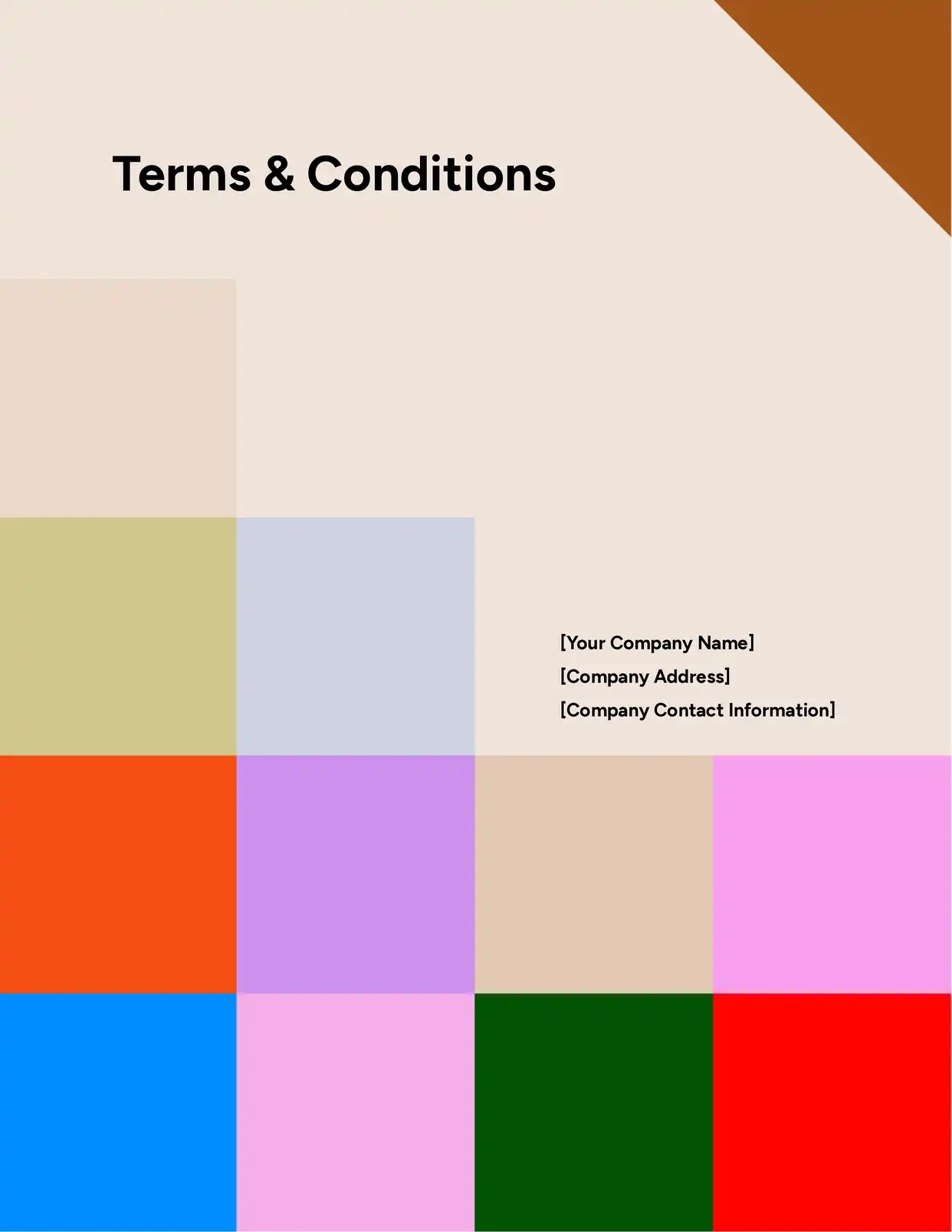
Legal Documents
Automate terms and conditions, cease and desist letters, and compliance documents. Merge party details, dates, and jurisdiction-specific clauses from your data source.
Explore Legal Templates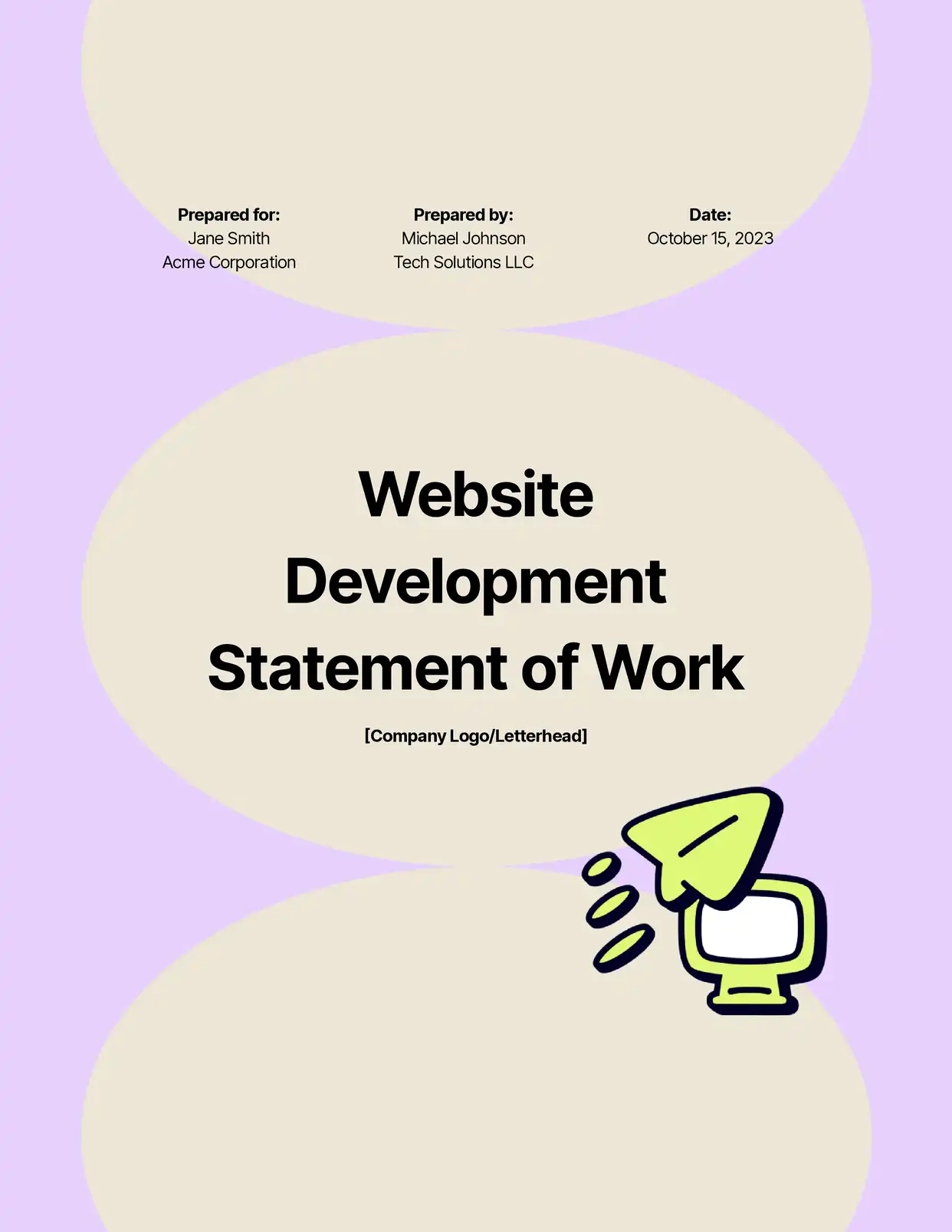
Statements of Work
Generate detailed SOWs with project scope, deliverables, timelines, and payment milestones. Use nested line items for phases, tasks, and sub-tasks in a single template.
Explore SOW Templates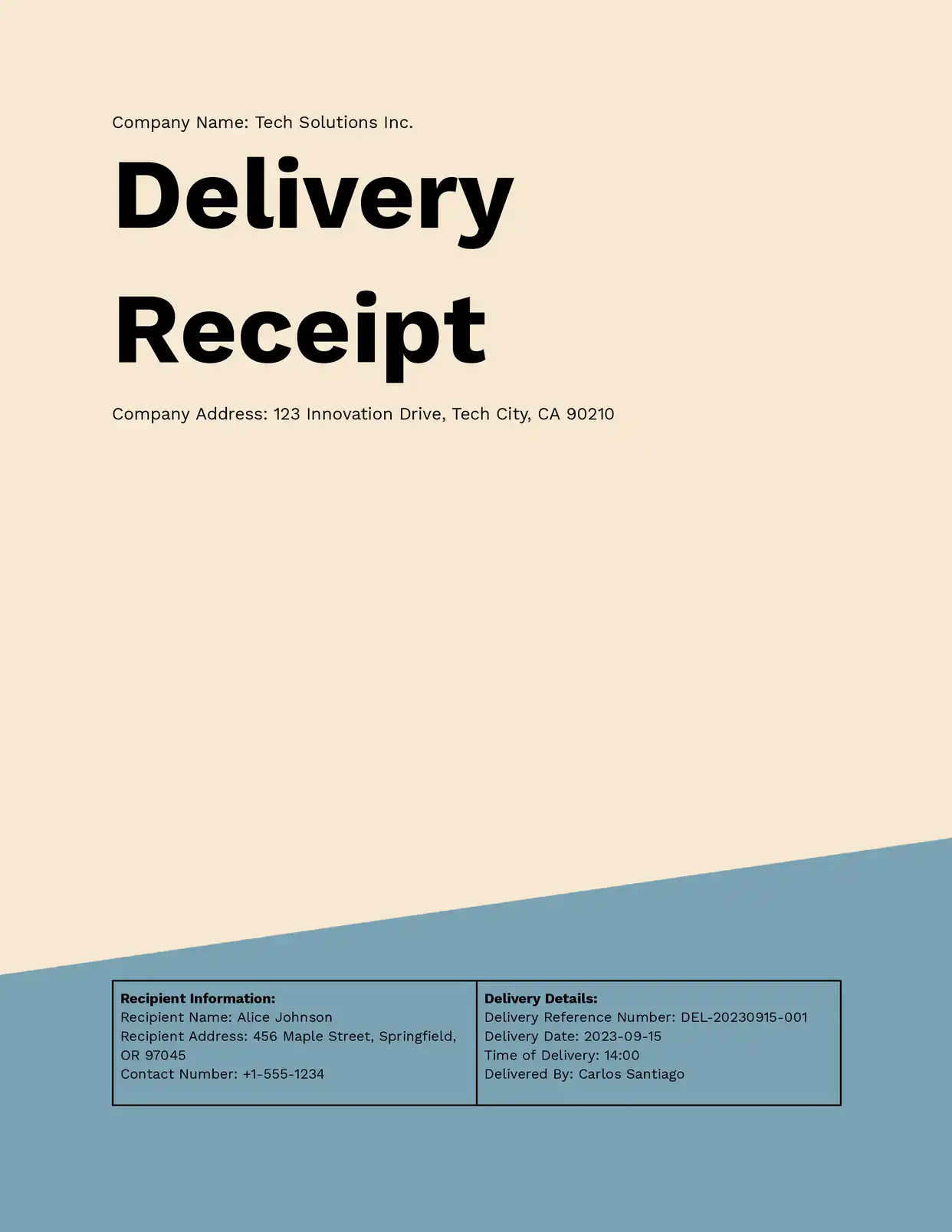
Receipts & Confirmations
Auto-generate payment receipts, delivery confirmations, and order acknowledgments. Pull transaction details, amounts, and customer info directly from your records.
Explore Receipt Templatesand many more...
Customer Voices
Don't take our word for it. Here's what our customers say about us:
I find this tool really great! Very rich, and so easy to use! the parameters are numerous and very well detailed. Preview mode allows you to immediately see our changes. [...] Not to mention the very fast and top-notch support!

Fred de Artistepro
We have been using Airtable for a few years now and it has become our one source of truth. DocsAutomator has made this work for us by providing us with the ability to create documents in seconds instead of minutes or even hours. Game changer.

Jorge Peña
SVP, Delivery Operations, ZAGA.
After struggling with the limits and bugs of AirTable's Page Designer extension for years, I stumbled on the DocsAutomator tool – and I have to say – it's incredible.

Trashcaneron
I've been a Glide developer for a few years now and have a handful of clients that are going to benefit so much with regards to saving a huge amount of time with invoicing and quoting. A big thanks to you and your team mate!

Mitch Francis
We absolutely love using DocsAutomator! The service has been a game changer for our company. We're in the process of moving all our document workflows to DocsAutomator. The functionality is spot-on, and it saves us countless hours.
Xaver
I find this tool really great! Very rich, and so easy to use! the parameters are numerous and very well detailed. Preview mode allows you to immediately see our changes.I use Docsautomator for my training institute managed by Airtable.
Fred de Artistepro
Why Google Docs Templates Win
Compared to proprietary template builders, Google Docs gives you more control with less friction
Multiple team members can edit the same template simultaneously with Google Docs' built-in collaboration. Leave comments, track changes, and suggest edits without leaving the document.
Google Docs automatically tracks every change to your template. Roll back to any previous version if a placeholder is accidentally deleted or formatting goes wrong. No separate version control needed.
Use everything Google Docs offers: custom fonts, colors, headers, footers, page numbers, page breaks, columns, watermarks, and more. All formatting carries through to the generated documents exactly as designed.
Your templates are standard Google Docs files in your own Google Drive. If you ever stop using DocsAutomator, your templates remain accessible. No proprietary formats, no export required.
Start automating & signing in minutes!
Connect Google Docs Templates to Any Data Source









Frequently Asked Questions
- {{fieldName}} — Simple field replacement
- {{fieldName.subField}} — Nested field access
- {{line_items_1}}{{field}} — Line item marker + field
- {{section_NAME}}...{{/section_NAME}} — Conditional sections
Start automating & signing in minutes!
Explore more features
Everything you need for document automation
AI Template Generator
Describe a document and let AI create a professionally designed Word (.docx) template for you.
Word Templates
Upload a Microsoft Word .docx template and generate Word or PDF documents from your data.
E-Signatures
Collect legally binding e-signatures on your generated documents.
Email Automation
Generate documents and email them as PDF attachments automatically.
Dynamic Line Items
Handle invoices, reports, and itemized lists with dynamic line items including nested data.
Conditional Logic
Show, hide, or style content conditionally based on your data.
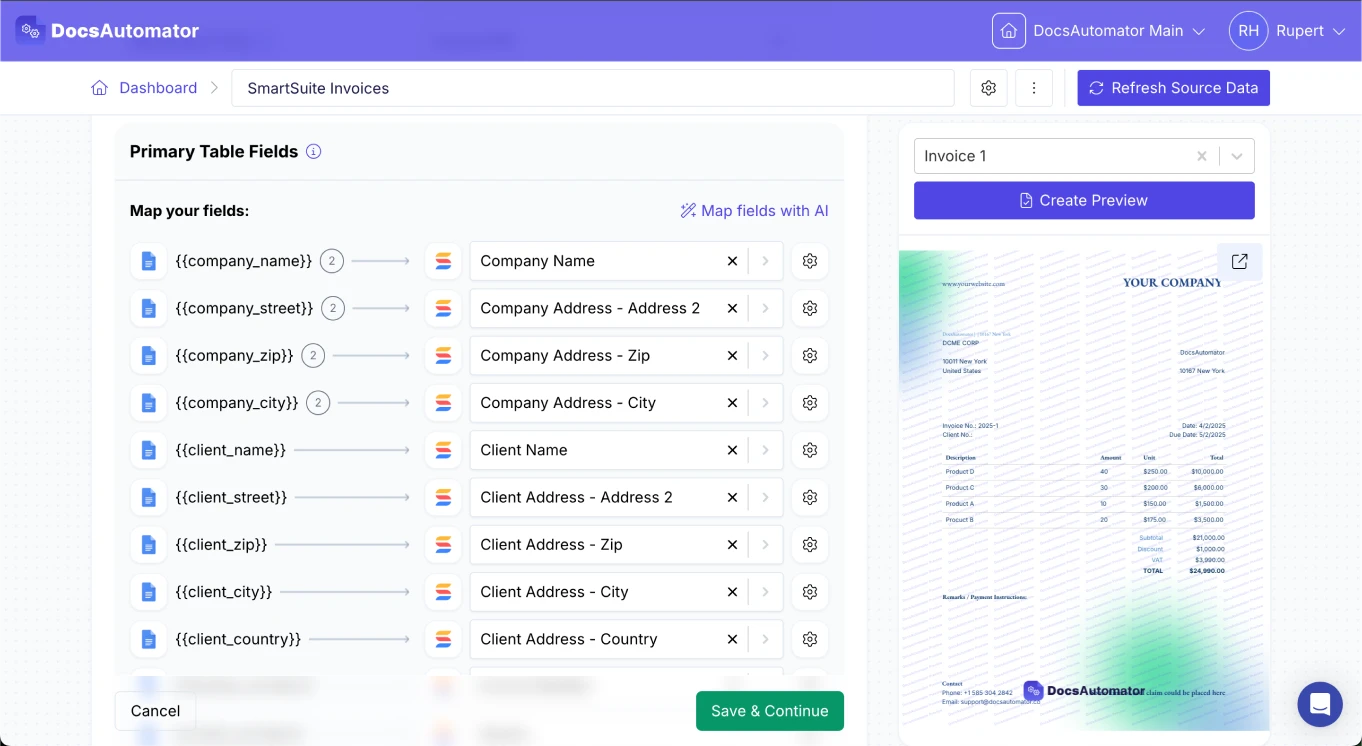
AI Field Mapping
Map or generate sample data in seconds with the help of AI.
PDF Generation & Delivery
Generate PDFs, save to Google Drive or OneDrive, send via email, or trigger webhooks.
Batch Processing
Generate dozens of documents in parallel with queue-based batch processing.
REST API
Generate documents programmatically with sync/async modes and webhooks.
AI & Agents
Give AI assistants the power to generate documents via MCP server.
Teams building templates in Google Docs with DocsAutomator:







Ready to automate your Google Docs templates?
Trusted by 1,215 businesses for their most critical documents
Unlimited testing, no credit card required