Automated Document Email Delivery
Generate Documents & Email Them Automatically
Stop downloading PDFs and attaching them to emails manually. DocsAutomator generates documents and sends them to the right recipients automatically — with conditional delivery, custom templates, and your own email sender.








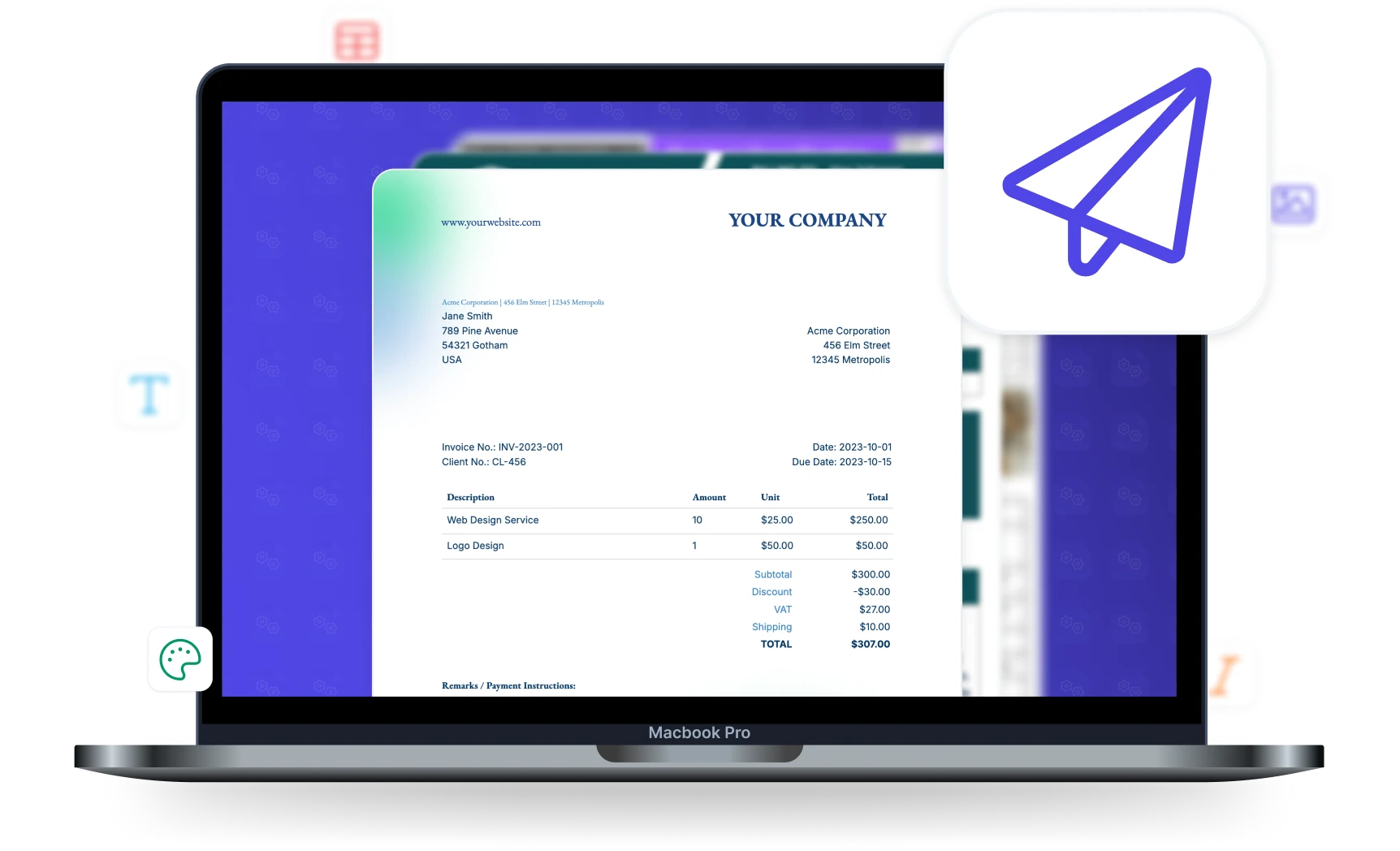
Eliminate Manual Email Work
Every document delivered to the right person without lifting a finger
Manual Email Process
- Generate document, download PDF
- Open email client, write message, attach file
- Look up recipient's email address
- Remember to CC accounting or compliance
- Repeat for every single document
With Email Automation
- Document generated and emailed in one step
- Email template with placeholders personalizes automatically
- Recipient pulled from data source dynamically
- CC/BCC configured once, applied to every email
- Hundreds of documents emailed without intervention
Start automating & signing in minutes!
Key Benefits
Why teams choose DocsAutomator for Email Automation
Automatic PDF Delivery
Generated documents are emailed as PDF attachments instantly. No manual download-and-send. Recipients get their documents within seconds of generation.
Conditional Sending
Send emails only when conditions are met. Invoice emails only when status is "Approved". Reports only to active stakeholders. Control delivery with equals, contains, and other operators.
Send from Your Gmail or Outlook
Emails come from your own Gmail or Outlook account with a custom sender name — not a generic noreply address. Recipients see your brand, building trust and recognition.
Dynamic Email Content
Use placeholders in the email subject, body, and recipient list. Each email is personalized with data from the record that triggered the document.
Email Configuration Options
Full control over who gets what, when, and how
Dynamic Recipients
Use placeholder fields for recipients — send each invoice to the client's email, each report to the manager's email. Add static CC/BCC addresses for accounting or compliance.
Custom Email Templates
Write your own email subject and HTML body with placeholders. Include order numbers, client names, amounts, or any data from your source. Emails look handwritten, not automated.
Dual Email Service
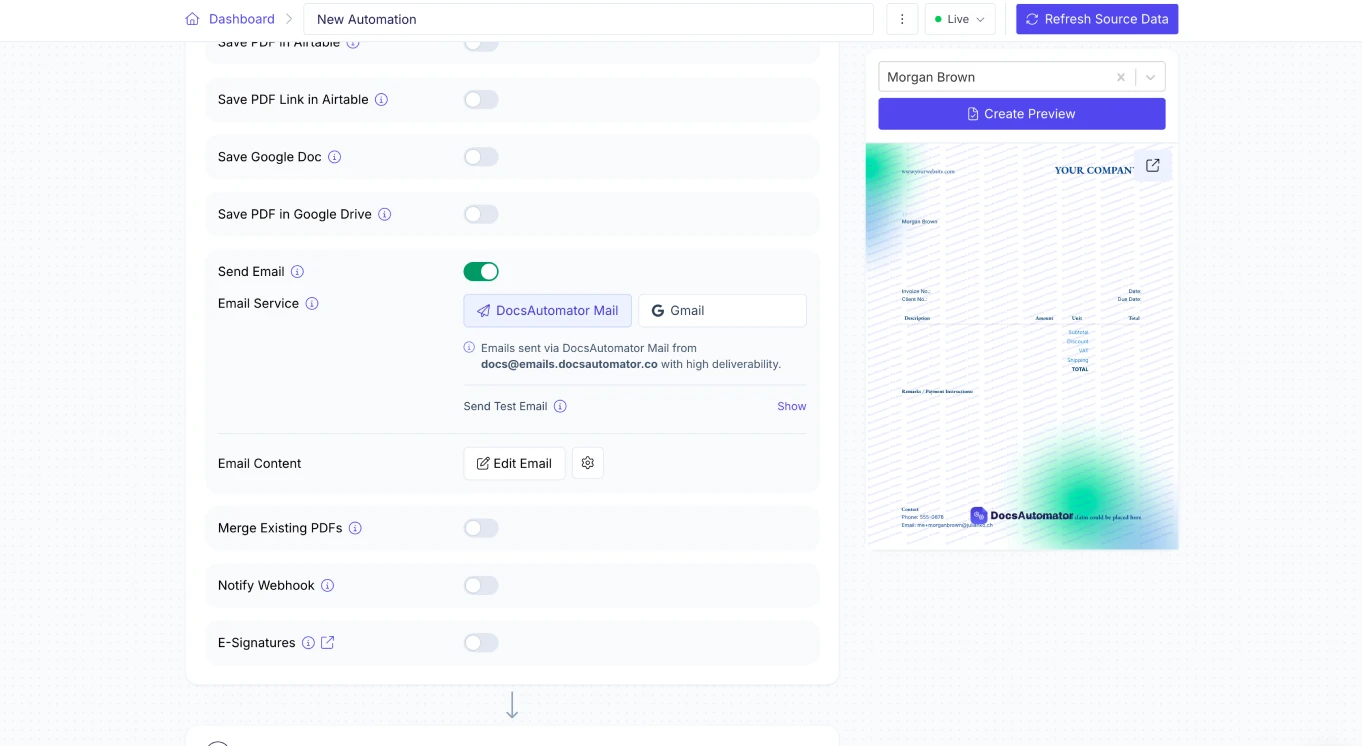
Send via DocsAutomator's built-in email service for reliability, or connect your own Gmail or Outlook account for brand consistency. Switch between them per automation.
Attachment Control
Choose whether to attach the PDF, include just the download link, or both. For large documents or sensitive files, a secure download link with optional expiration may be preferred.
Start automating & signing in minutes!
How it works
Get started in minutes
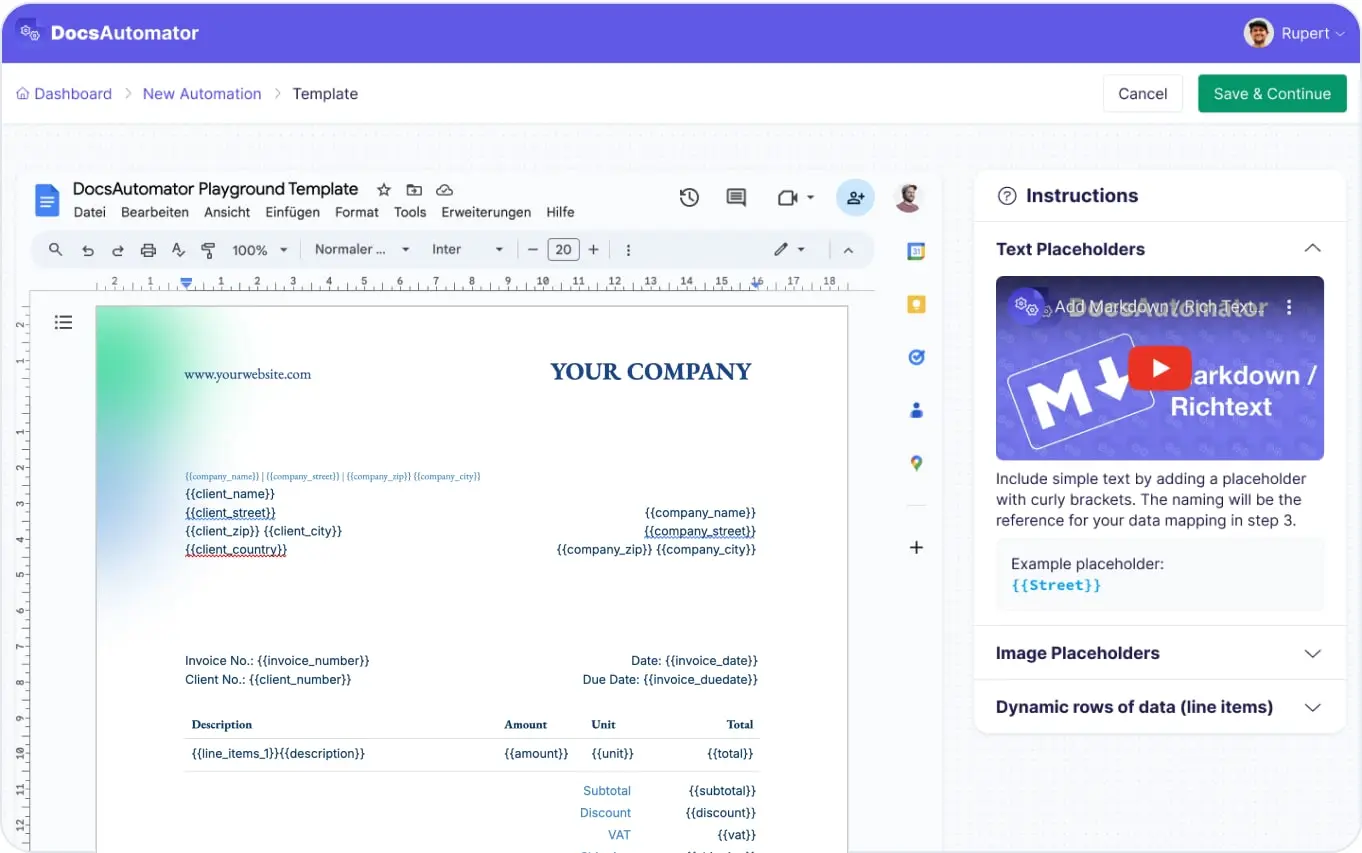
Create Your Template & Automation
Configure Email Settings
Documents Generated & Emailed Automatically
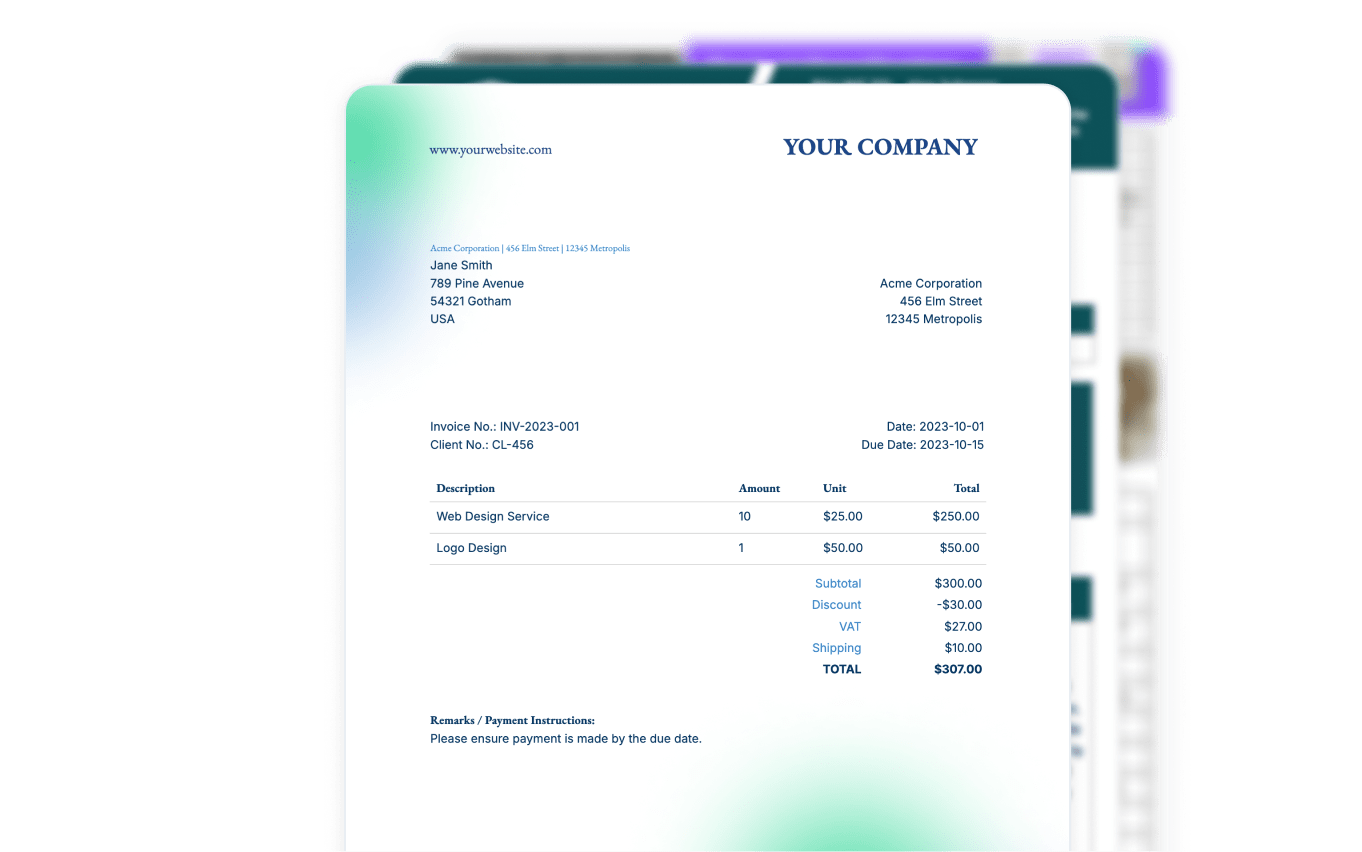
Learn more in our Knowledge Base
Start automating & signing in minutes!
Use Cases
Popular ways teams use Email Automation
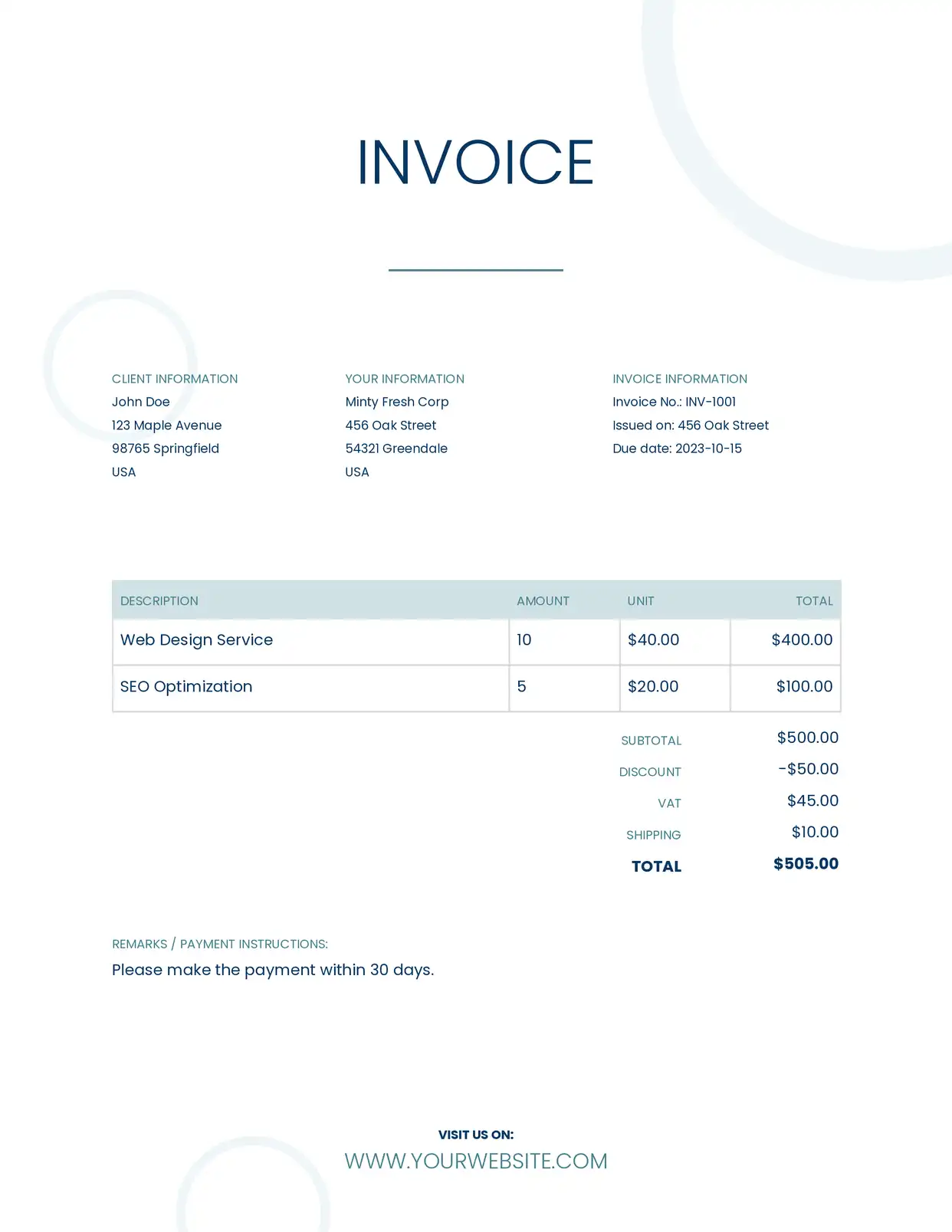
Invoice Emails
Generate invoices and email them to clients automatically when a deal closes or payment is due. Include the PDF as an attachment with a personalized email body.
Explore Invoice Templates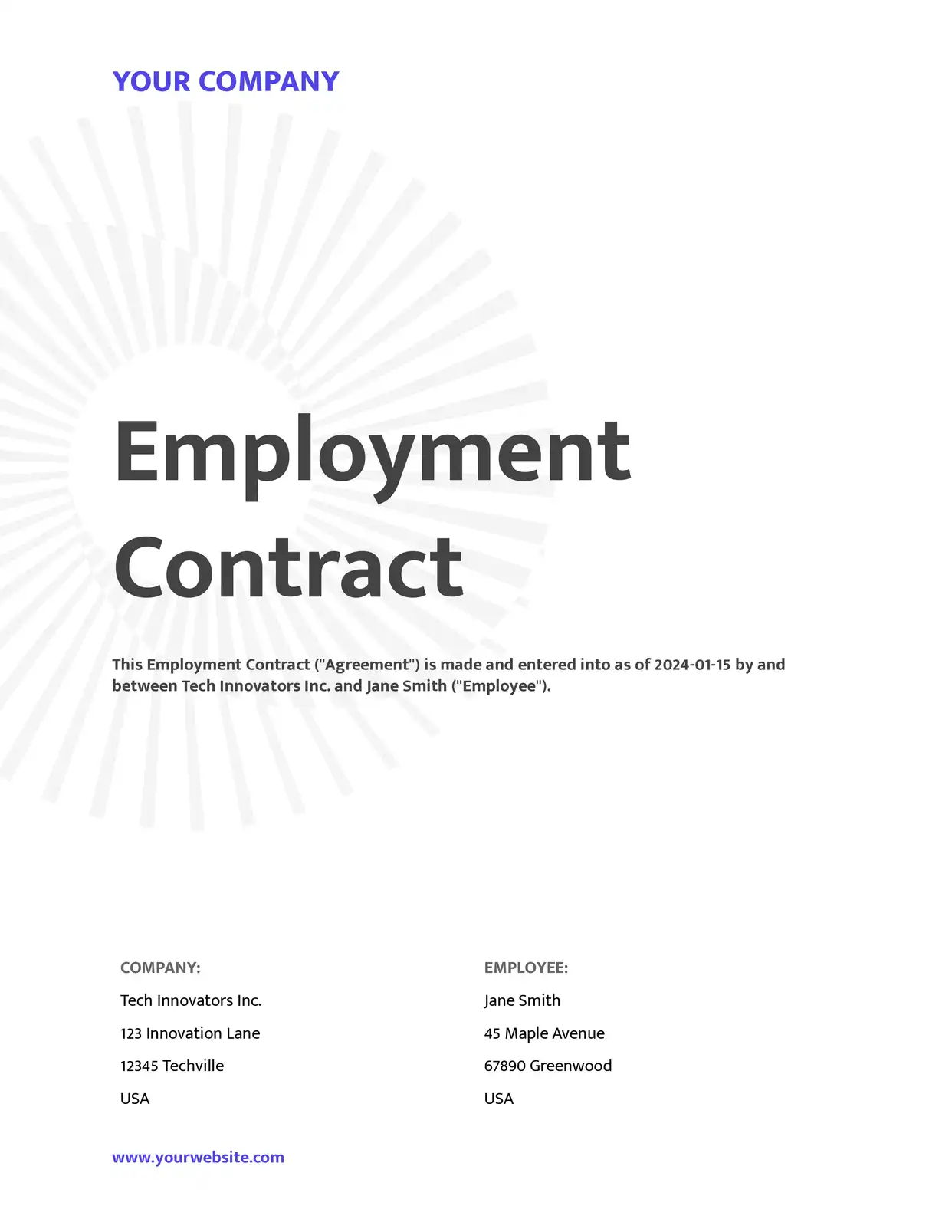
Contract Distribution
Send contracts to clients for review as soon as they're generated. Include conditional sections for different contract types and email the right version automatically.
Explore Contract Templates
Report Distribution
Email weekly or monthly reports to stakeholders automatically. Use conditional delivery to send each department's report only to their team leads.
Explore Report Templates
Certificate Delivery
Generate and email personalized certificates to course completers, event attendees, or award recipients. Each person gets their own certificate attached to a congratulatory email.
Explore Certificate Templatesand many more...
Customer Voices
Don't take our word for it. Here's what our customers say about us:
I wonder why I lost so much time using page designer on Airtable. This is the best solution for regarding functionality, ease of use and price. I definitely recommend is. It s a no brainer - really! He also offers precise and super fast support!

Florence Bouchat
I've been using DocsAutomator in my workflow for quite some time now, and I must say it has truly been a game-changer. This remarkable program effortlessly streamlines the process of generating various documents [...]

Emma Sutton
After struggling with the limits and bugs of AirTable's Page Designer extension for years, I stumbled on the DocsAutomator tool – and I have to say – it's incredible.

Trashcaneron
Great effort and promising product.
Yasin Hassanien
We've created 160 Techpacks in the last couple days, and it has saved at least 640 mindless pain in the rump minutes for us to focus elsewhere.
Jeremy Castro
Just getting started with DocsAutomator because the options within AirTable did not meet my needs. With always updating features and resources, this is quickly becoming the best extension you can choose.
Shannon Bradley
Advanced Email Workflows
Beyond simple attachments — build complete email delivery pipelines
Define rules that control whether an email is sent. Use operators like equals, does not equal, contains, and does not contain against any field in your data. Only send invoices when payment_status equals "due", or skip emails for draft documents.
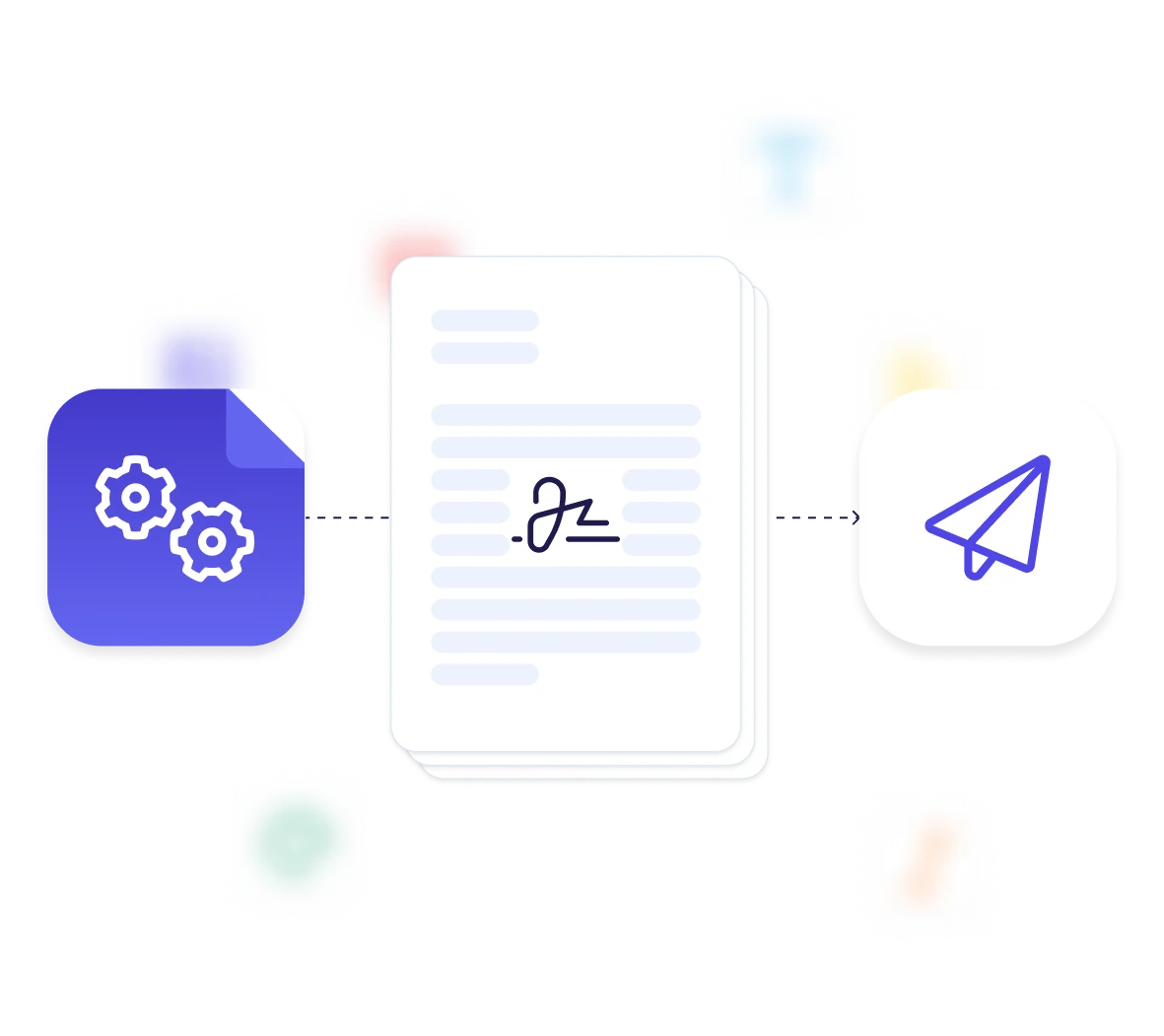
When e-signatures are enabled, DocsAutomator sends a separate signing workflow: invitation email, optional reminders, and completion notification. Customize each email template, button colors, and sender identity.
Trigger both email delivery and webhook notifications on the same document generation. Email the client while notifying your Slack channel or CRM that the document was sent.
DocsAutomator automatically notifies workspace admins when document usage reaches 50%, 80%, 90%, and 100% of the monthly quota. No surprises on your bill.
Start automating & signing in minutes!
Email Documents from Any Data Source








Frequently Asked Questions
Start automating & signing in minutes!
Explore more features
Everything you need for document automation
AI Template Generator
Describe a document and let AI create a professionally designed Word (.docx) template for you.
Google Docs Templates
Build templates in Google Docs, one of the most intuitive document tools on the web.
Word Templates
Upload a Microsoft Word .docx template and generate Word or PDF documents from your data.
E-Signatures
Collect legally binding e-signatures on your generated documents.
Dynamic Line Items
Handle invoices, reports, and itemized lists with dynamic line items including nested data.
Conditional Logic
Show, hide, or style content conditionally based on your data.
AI Field Mapping
Map or generate sample data in seconds with the help of AI.
PDF Generation & Delivery
Generate PDFs, save to Google Drive or OneDrive, send via email, or trigger webhooks.
Batch Processing
Generate dozens of documents in parallel with queue-based batch processing.
REST API
Generate documents programmatically with sync/async modes and webhooks.
AI & Agents
Give AI assistants the power to generate documents via MCP server.
Teams automating document emails with DocsAutomator:







Ready to automate document delivery?
Trusted by 1,215 businesses for their most critical documents
Unlimited testing, no credit card required