Free Google Docs Reports Templates
With DocsAutomator's free Google Docs Templates, a curated collection of professionally designed free document templates, you can streamline your work and enhance your productivity.


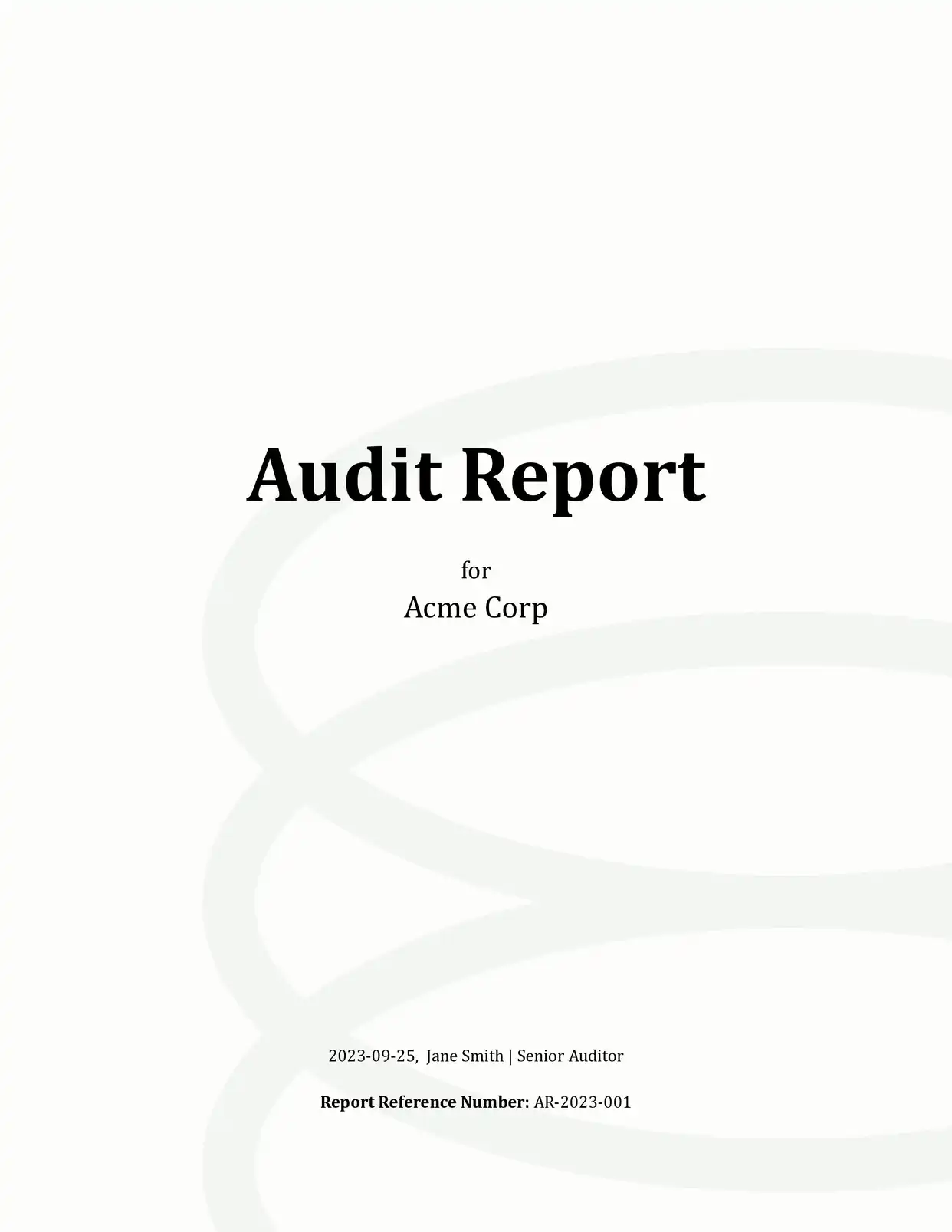
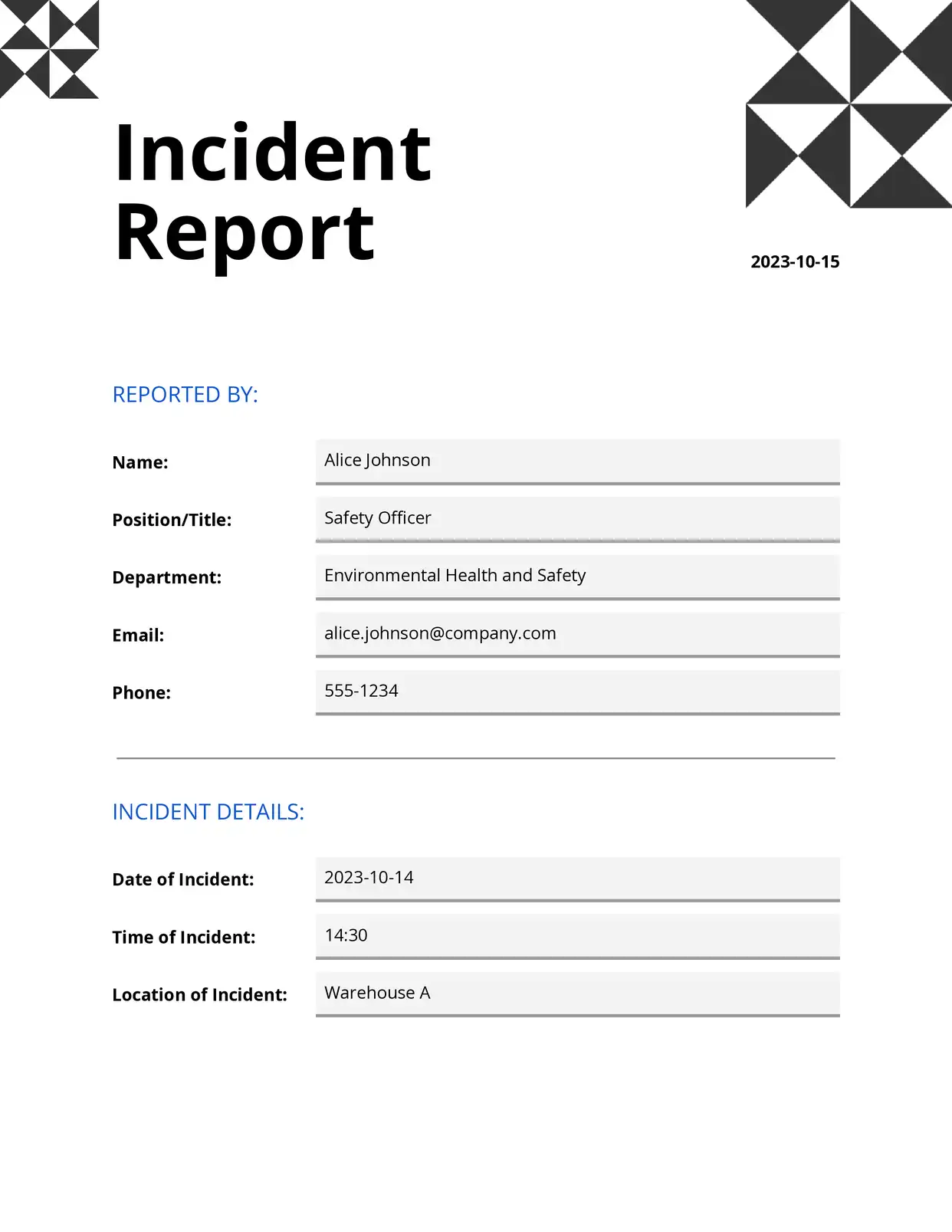
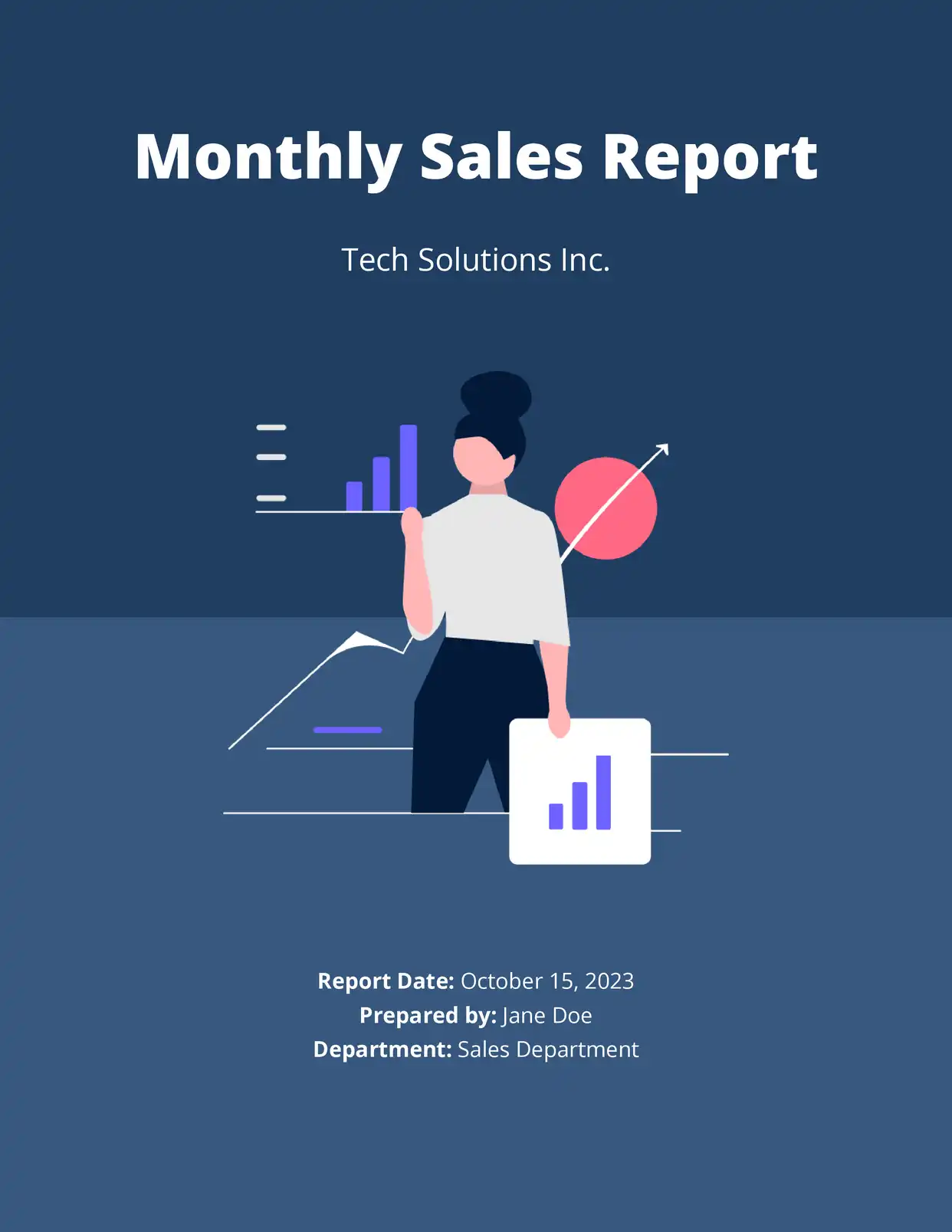
Top 3 Reports Templates
Automate & e-sign documents from your data
Connect these templates to Airtable, Google Sheets, and more. Automatically generate personalized documents and collect legally binding e-signatures.







All Reports Templates


Why choose our free Google Docs Reports templates?
- Professional Formatting - Our free Google Docs report templates feature clean, consistent layouts that enhance readability and professionalism
- Multiple Report Types - Access various report templates including business reports, project status reports, and analytical reports
- Dynamic Sections - Built-in sections for executive summaries, findings, recommendations, and conclusions
- Data Visualization Ready - Dedicated spaces for charts, graphs, and tables to present data effectively
- Automated Table of Contents - Automatically generated table of contents for easy navigation in longer reports
- Customizable Headers - Professional headers and footers that maintain consistency throughout your document
Why use free Reports templates?
Reports are essential communication tools in any professional setting, used to present findings, track progress, and make recommendations. Free report templates provide a structured framework that ensures consistency and professionalism while saving valuable time in document preparation. With DocsAutomator's free report templates in Google Docs, users can focus on content creation rather than formatting, knowing that their reports will maintain a professional appearance and include all necessary sections. These templates are particularly valuable for businesses, researchers, and professionals who need to produce regular reports but want to avoid the complexity of creating formats from scratch.
FAQ for Reports
What types of reports can I create with these templates?
Business reports, project status reports, research reports, financial reports, technical reports, and academic reports
Can I customize the report structure?
Yes, all sections can be modified, added, or removed to match your specific reporting needs
Do the templates include data visualization options?
Yes, there are dedicated sections for charts, graphs, and tables with formatting guidelines
How do I add my organization's branding?
The templates include customizable headers, footers, and style elements for your branding
Can I collaborate with others on the report?
Yes, Google Docs' collaboration features allow multiple users to work on the report simultaneously
Are the templates suitable for formal business reports?
Yes, the templates follow professional formatting standards suitable for business environments
How do I create an executive summary?
Each template includes guidelines and structure for creating effective executive summaries
Can I generate automated page numbers?
Yes, the templates include automatic page numbering and section numbering features
Do the templates work with different page sizes?
Yes, the templates can be adjusted for different page sizes and orientations
How do I handle appendices and references?
The templates include formatted sections for appendices and reference lists with proper styling