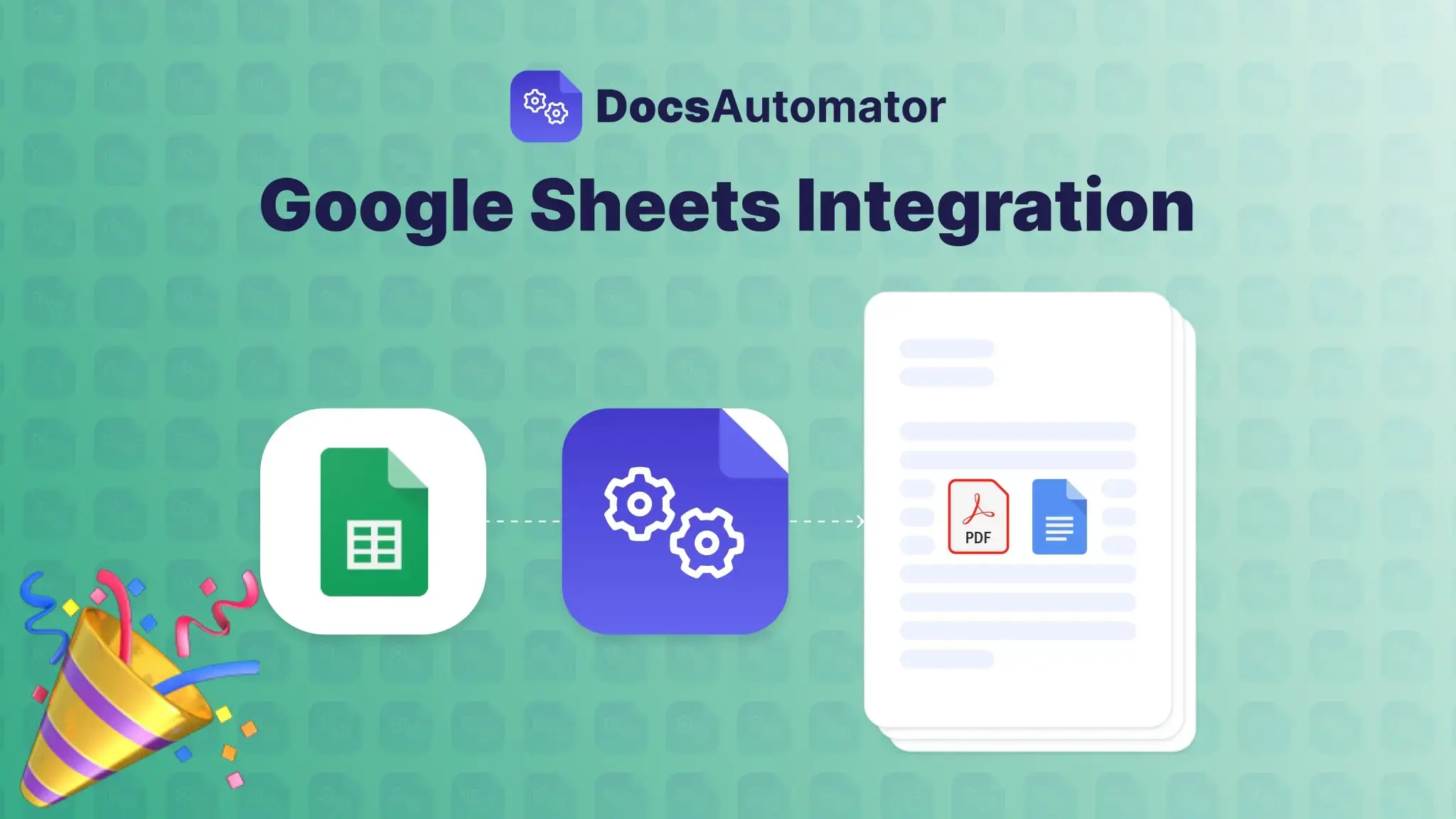
We’re excited to announce our latest integration in DocsAutomator: the Google Sheets integration, designed for business owners, freelancers, and teams who want to automate document creation directly from their spreadsheet data. This new integration lets you transform rows in your Google Sheets into polished PDFs or Google Docs in just a few clicks—making document automation faster and more efficient.
Whether you’re generating invoices, contracts, reports, or any custom documents, this integration empowers you to automate and streamline your entire document workflow without any coding. Here’s everything you need to know about how this integration can save you time and make document creation easier than ever!
Key Features of DocsAutomator’s Google Sheets Integration
The new Google Sheets integration for DocsAutomator is packed with features to simplify and enhance your document generation process. Let’s break down what makes this integration a must-have for businesses and professionals:
1. Effortless Setup and No Coding Required
Setting up the integration with Google Sheets is as simple as pasting a formula or adding an Apps Script button, so you can trigger document creation directly from your spreadsheet. No technical knowledge required—perfect for small businesses and entrepreneurs looking to scale efficiently.
2. Transform Data into Dynamic Documents
Automatically populate document templates with data from your Google Sheets. You can also pull in lists or tables from linked sheets, allowing for complex document structures like multi-item invoices or detailed reports—all while maintaining a professional look.
3. Flexible Storage and File Management Options
Automatically save generated PDFs or Google Docs to specific columns in your primary sheet, and configure settings to store documents directly in Google Drive. Organizing and managing your documents has never been easier.
4. Smart Placeholder Mapping with AI Assistance
Our AI-powered mapping tool suggests the best column-to-placeholder pairings, so your data seamlessly integrates into your document templates. This intelligent mapping feature accelerates setup time and ensures data accuracy.
5. Automated Document Delivery via Email
With DocsAutomator, you can set up rules to send generated documents directly to recipients via email—great for client communication, project updates, and more. Customize delivery settings to streamline workflows and automate document distribution.
How to Get Started with DocsAutomator’s Google Sheets Integration
Ready to transform your Google Sheets into dynamic document generators? If you're new to DocsAutomator, check out our Quick Start Guide for easy setup instructions. For a quick overview, watch our 5-Minute Demo, or take a deeper look with the Full Feature Demo.
Who Can Benefit from DocsAutomator’s Google Sheets Integration?
This integration is designed for anyone who wants to automate and streamline their document workflows. Here are just a few examples of who can benefit:
- Small Business Owners: Quickly generate invoices, contracts, or customer summaries from your Google Sheets data, saving hours of manual work.
- Freelancers and Consultants: Keep client information organized and produce professional documents in seconds.
- Sales and Operations Teams: Use Google Sheets as your data hub to create customized reports and presentations on demand.
Why Choose DocsAutomator for Google Sheets Document Automation?
DocsAutomator’s integration with Google Sheets offers unparalleled flexibility and ease of use, combining intuitive design with advanced automation features. Here’s why our solution is ideal for document automation:
- Scalability: Grow your automation processes as your business expands.
- Customization: Tailor your documents and workflows to fit your brand’s unique needs.
- Speed: Automate document creation and free up time for higher-value tasks.
Try DocsAutomator’s Google Sheets Integration Today
Transforming Google Sheets data into beautifully formatted documents has never been easier. Experience the power of document automation by starting with DocsAutomator for free today. Visit our docsautomator.co and start automating your documents with Google Sheets in just a few clicks.