Notion PDF
Powerful Document Automation & Signing for Notion
Turn data from Notion into stunning PDFs, Google Docs, and Word documents - no coding required.






Some of the teams / institutions automating their Notion documents with DocsAutomator:







Create Documents from your Notion data in a snap
Some examples of our customers and the documents they automate and sign daily

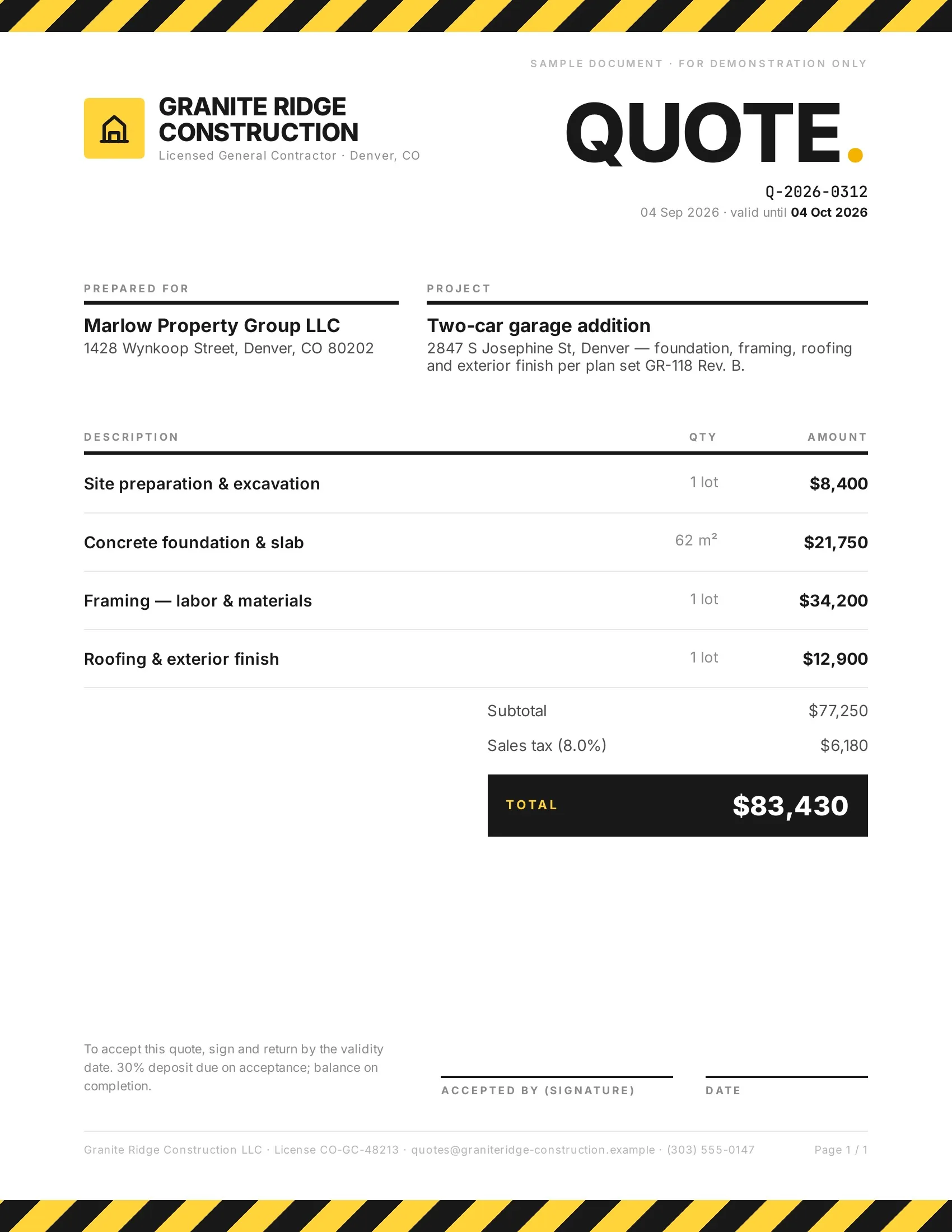 Accepted
Customers accept quotes and change orders in one tap, so work starts sooner.
Quotes · Estimates · Order confirmations · Change orders

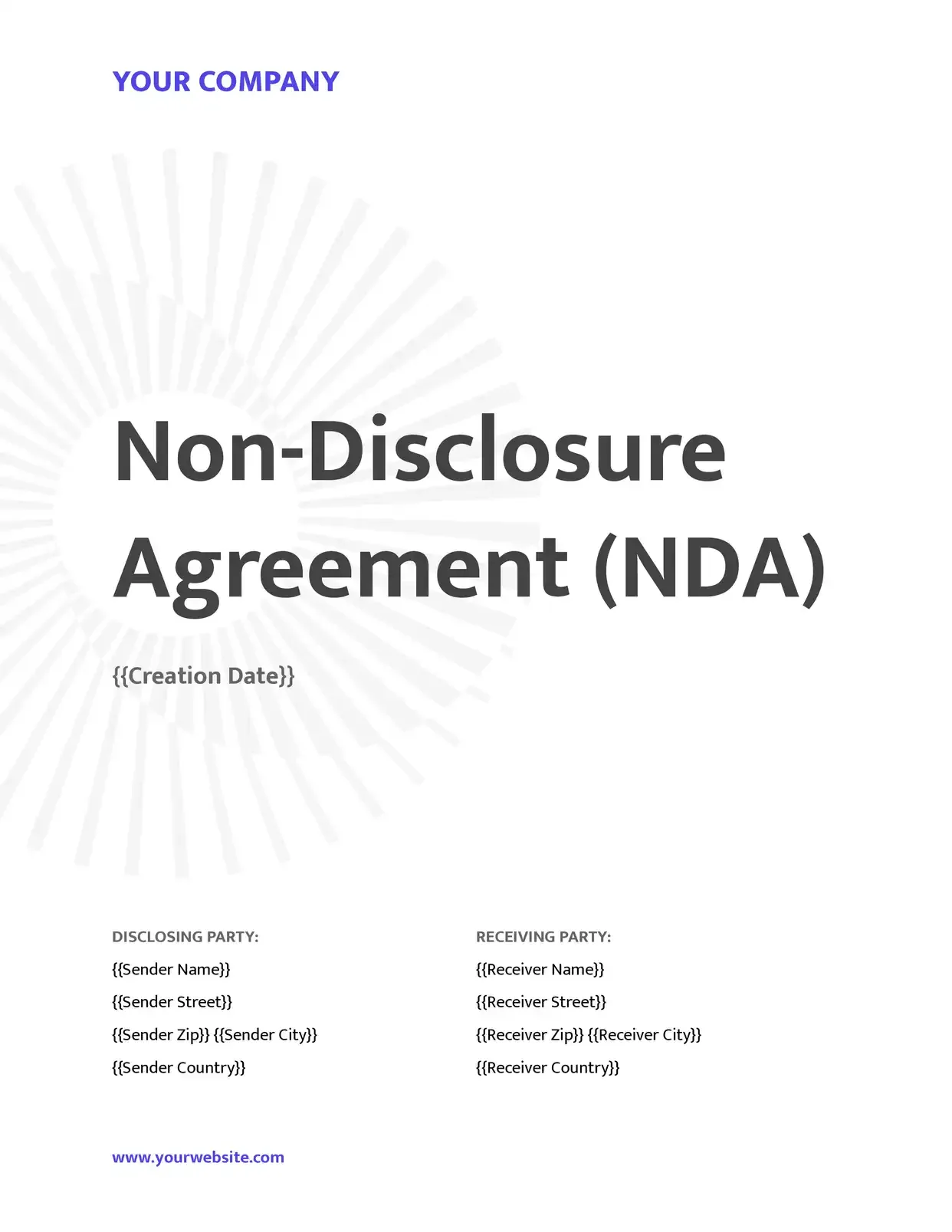 Signed
Agreements go out from your records and come back signed.
Service agreements · Leases · NDAs · Engagement letters

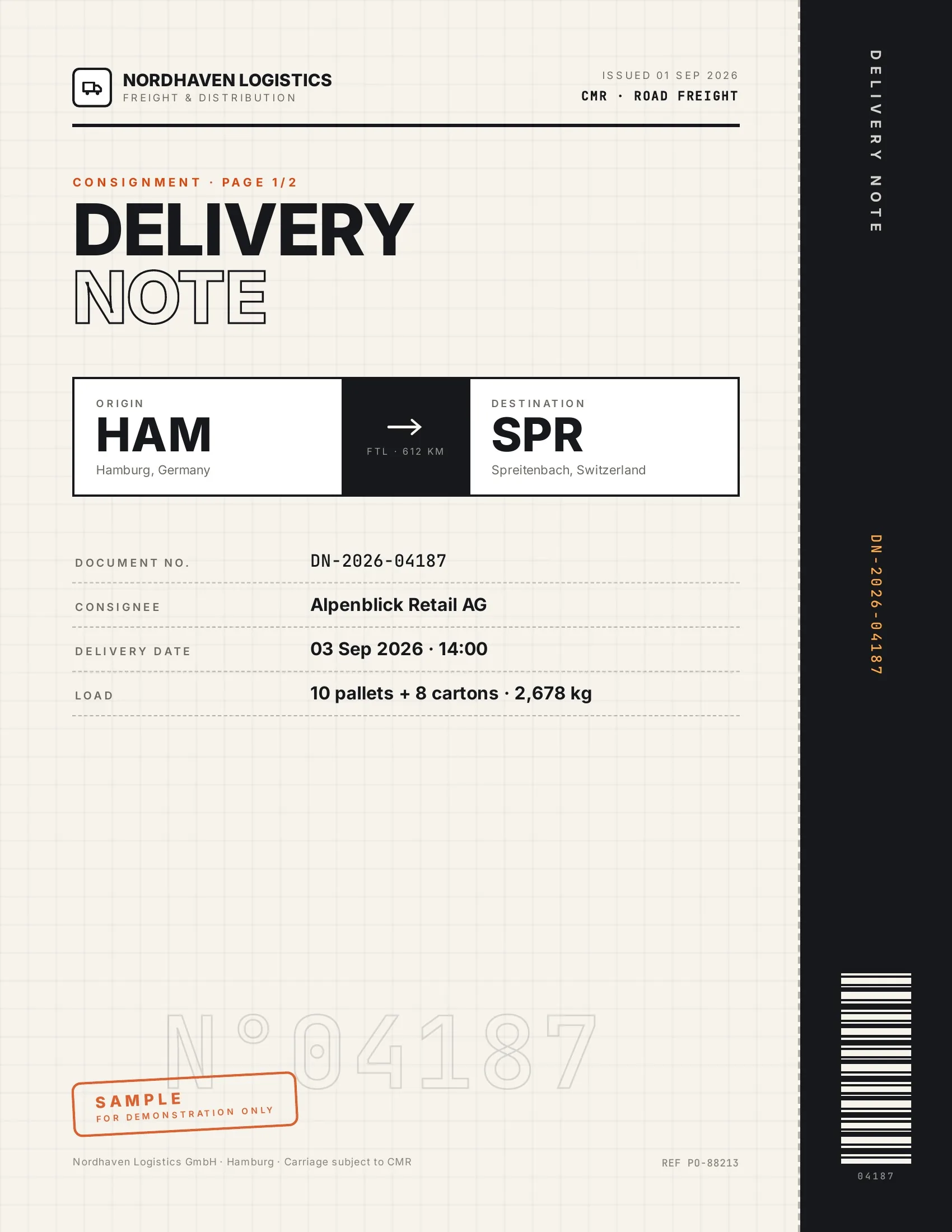 Accepted
Customers accept finished work and deliveries on their phone, on the spot.
Work orders · Delivery notes · Inspection reports · Purchase orders

 Signed
New hires, clients and students sign their paperwork before day one.
Employment contracts · Offer letters · Enrollment forms · Letters of authority
Strong reasons for choosing DocsAutomator to automate & sign your Notion Documents
All you need to effortlessly automate your PDFs
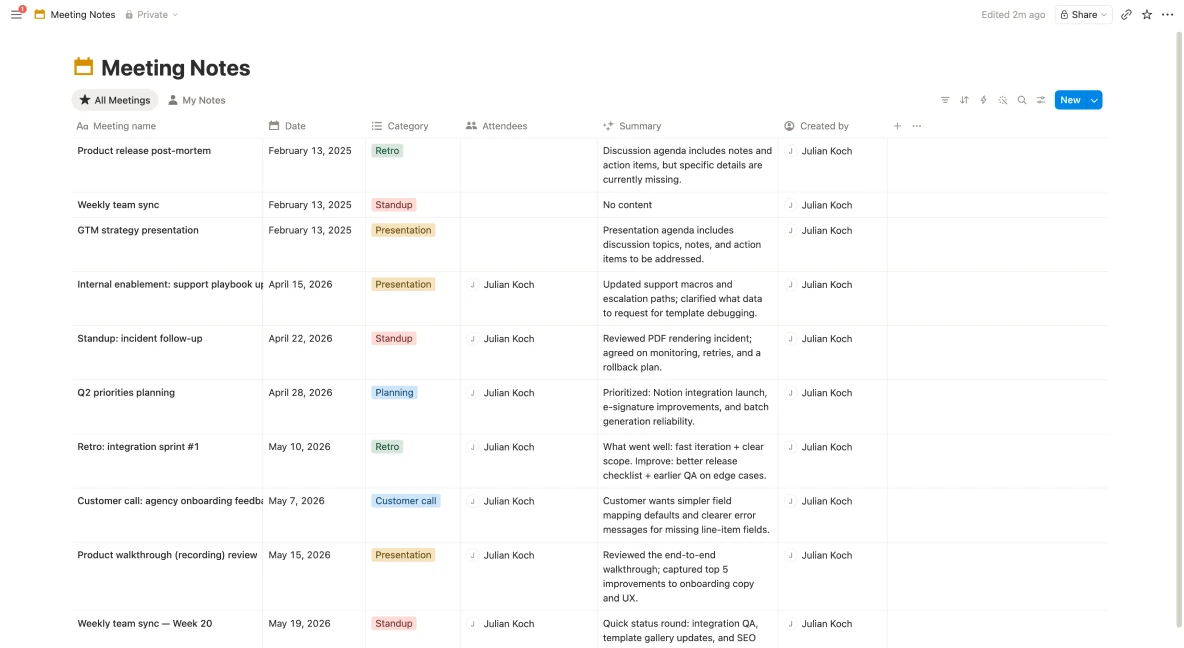

DocsAutomator natively supports all Notion property types

Describe it, the AI agent builds it
Tell it what you need. It drafts the template, connects your data, sets up signing and runs a test. No setup screens.

Bring your own AI agent
Connect Claude, ChatGPT, or your own agent. It creates and sends documents within the limits and approvals you set.
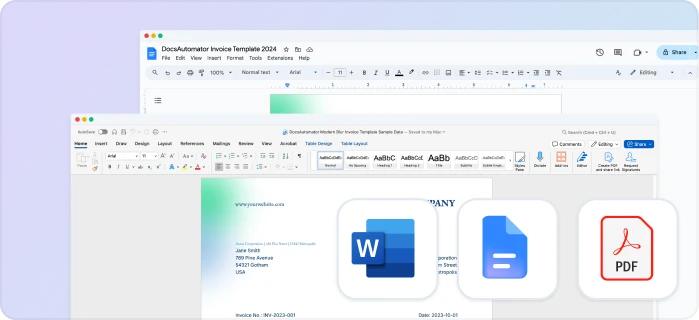
Your own Google Docs, Word or PDF templates
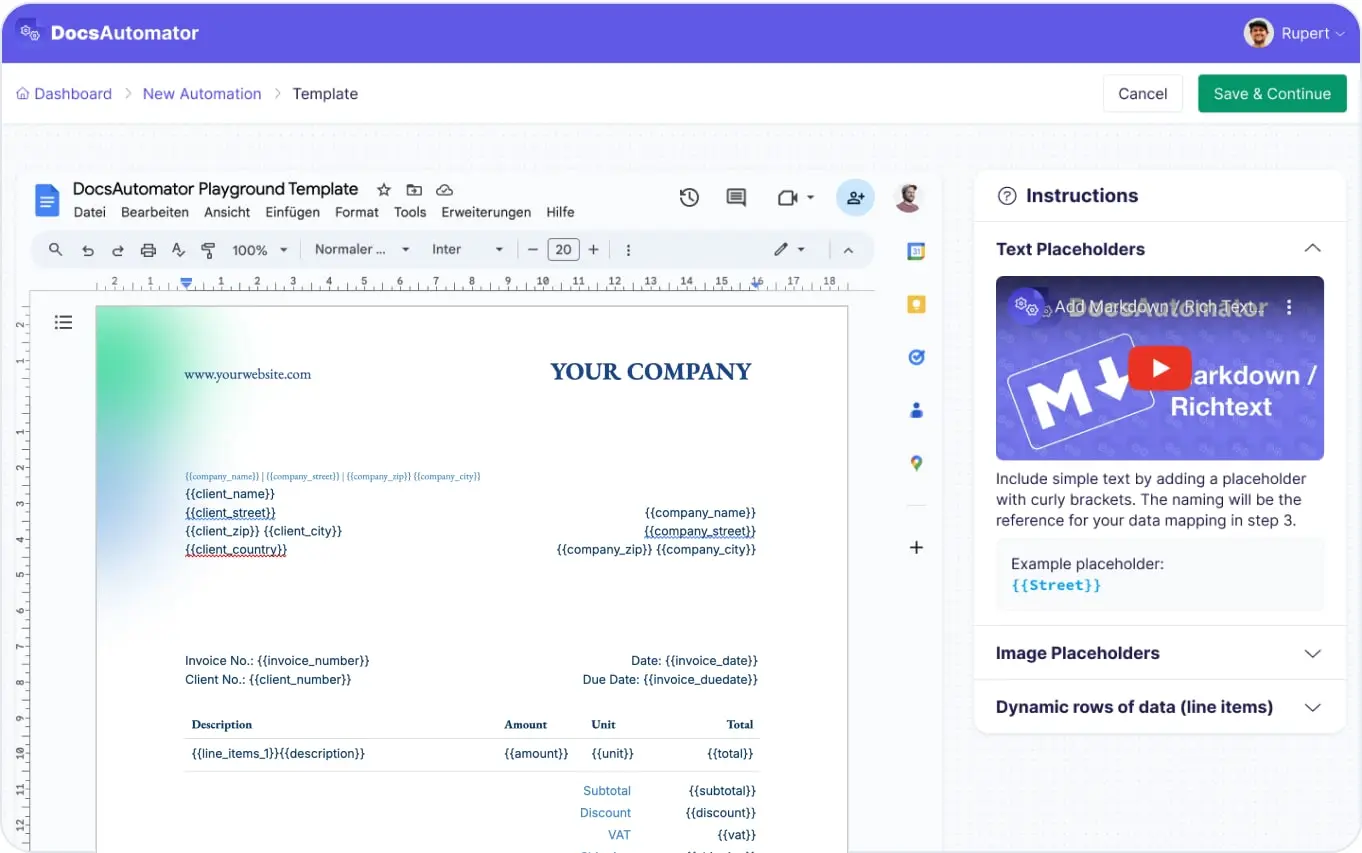
Keep writing your documents where you write them. DocsAutomator fills the placeholders.
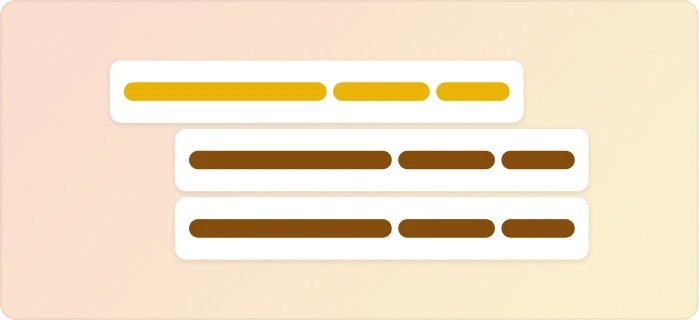
Line items and nested tables
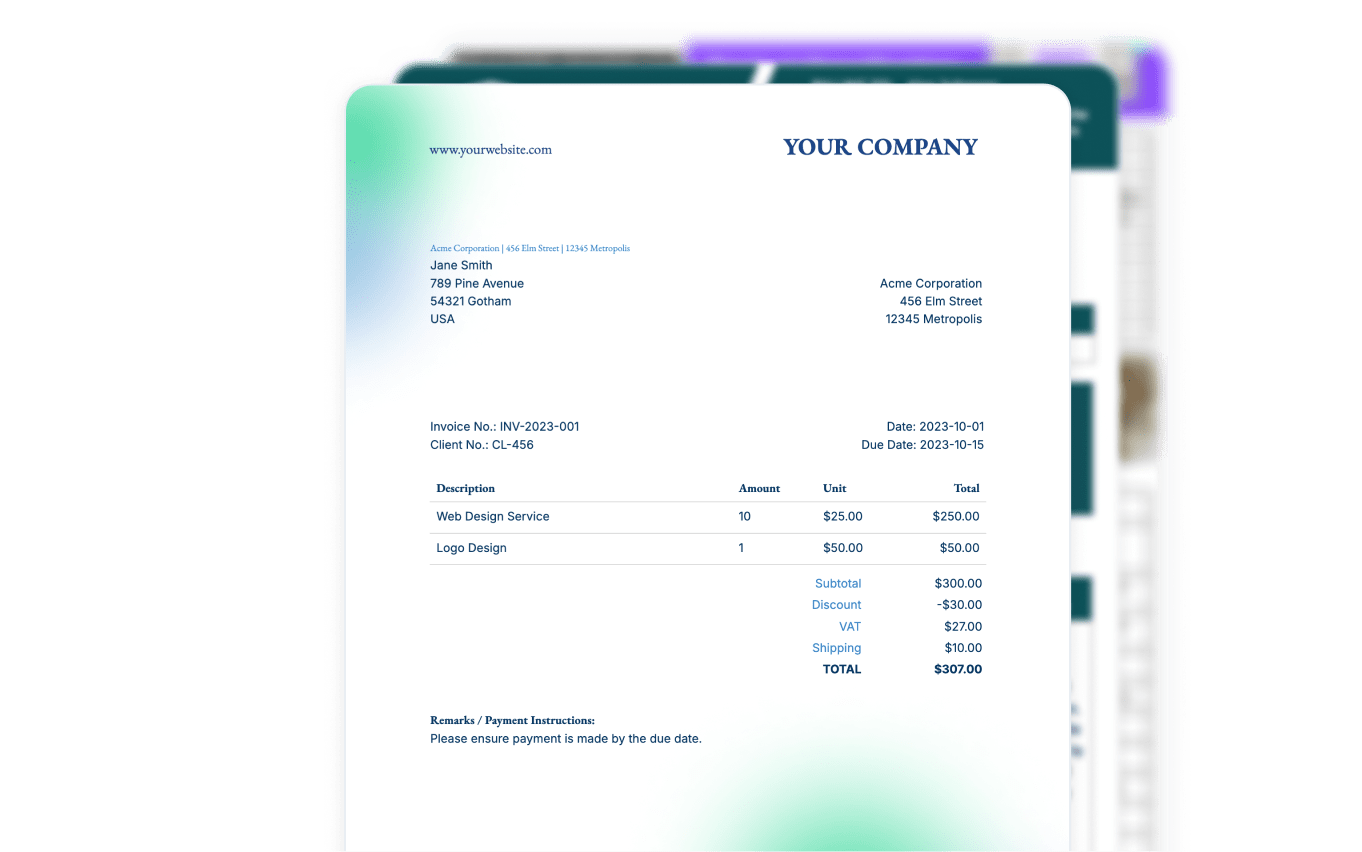
Invoices, quotes and any itemized list, straight from your data.

Conditional content
Sections, styling and images that show or hide based on the data.

Preview mode
Unlimited previews until you're happy – no wasted credits on testing.
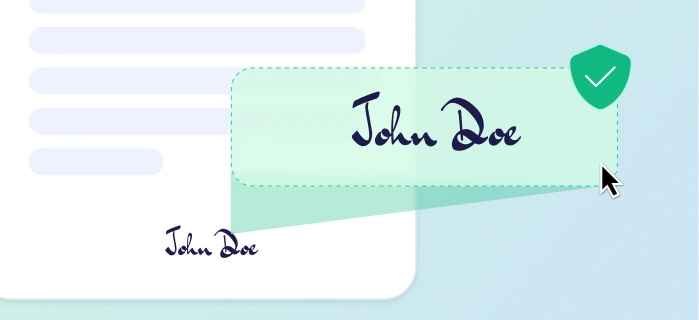
E-signatures, sent automatically
Legally binding, with a full audit trail. Nobody chases anyone.
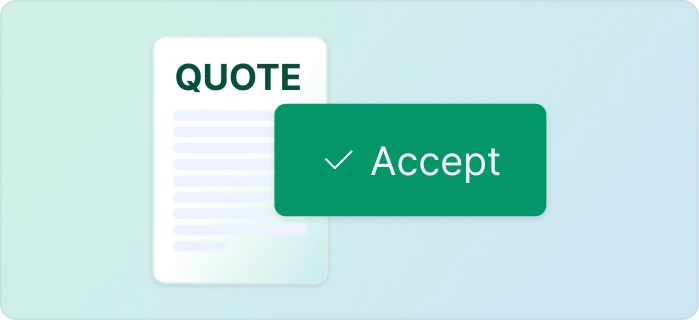
One-click acceptance for quotes
Your client accepts with one click. Recorded, no signature ceremony.
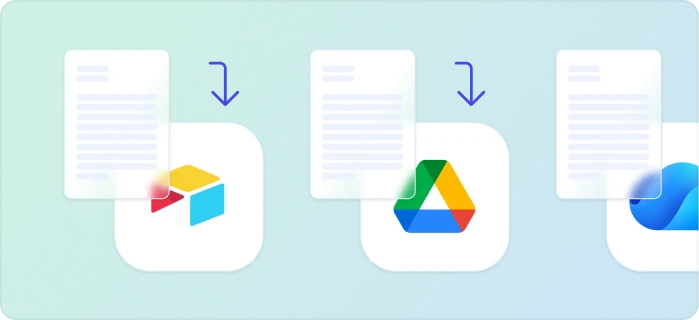
Signed or accepted copies delivered and filed automatically
Every finished document is emailed and saved back to your Airtable, Notion, sheet, or Drive folder.
Start automating & signing in minutes!
Set up in minutes, save weeks of work
Three easy steps to automate and sign your documents
Create a Google Docs or Word template
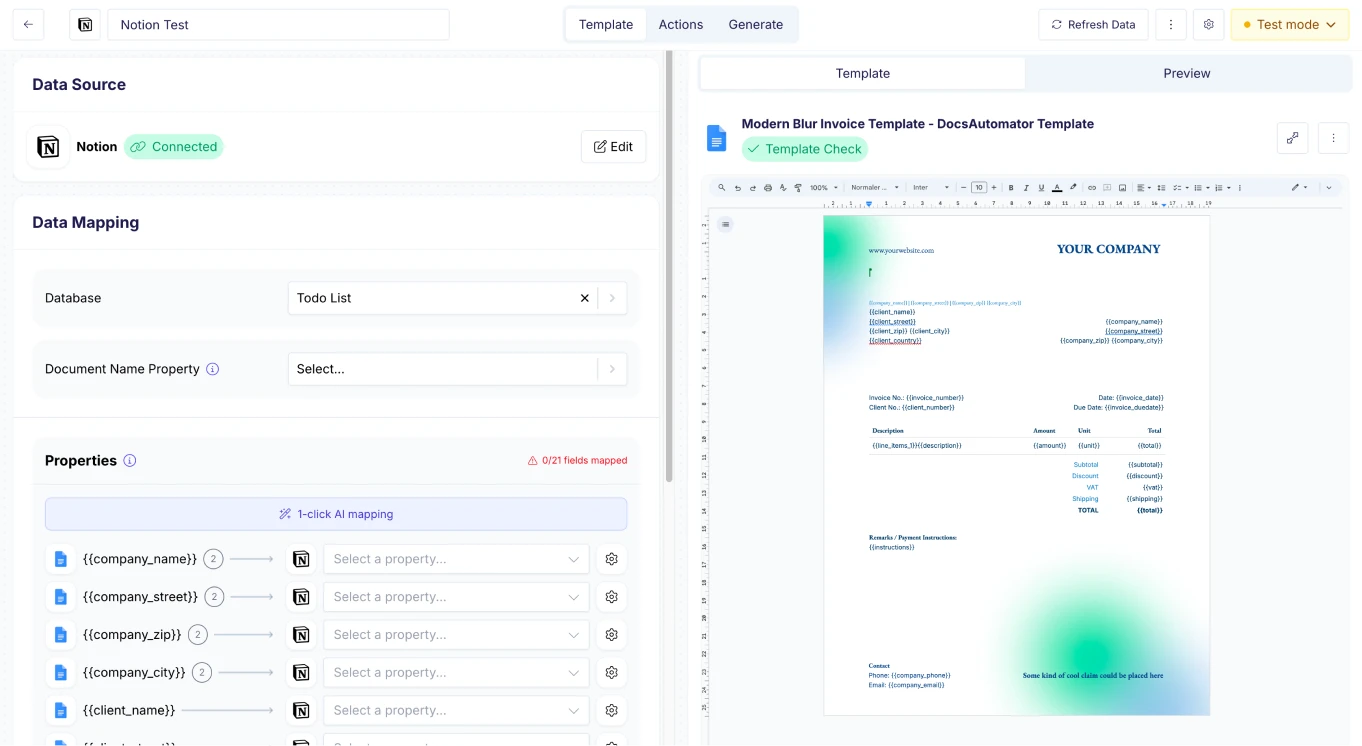
Map Data & Preview
Start Automating & Signing Documents
Step by Step Implementation Guide
Start automating & signing in minutes!
Frequently Asked Questions
- Create a Google Docs or Word template with placeholders for your Notion properties
- Connect Notion as your data source, map properties & preview the result
- Trigger document generation from Notion — manually or fully automated
- Title & Text (rich text) properties
- Number properties
- Date & Date range properties
- Select & Multi-select properties
- Checkbox properties
- URL, Email & Phone properties
- Relation & Rollup properties
- Formula properties
- Files & Media properties
- Notion's built-in automations with a webhook action (paid plans)
- A Notion button block that calls the DocsAutomator webhook
- Zapier or Make — connect Notion database triggers to DocsAutomator
- n8n workflows for more complex automation logic
- The DocsAutomator REST API, triggered from any external system
- Pull values from related database entries into your document
- Use rollup properties to include aggregated data (sums, counts, lists)
- Create dynamic line item tables from related database entries
- Combine data from multiple Notion databases in a single document
- Save the PDF to Google Drive or OneDrive
- Send the PDF via email
- Write the document URL back to a property in your Notion database
- Trigger a webhook for further downstream processing
- Merge the output with an existing PDF
Start automating & signing in minutes!
Customer Voices
Don't take our word for it. Here's what our customers say about us:
DocsAutomator is a great service & I've been using it for around 6-months now. Automating document creation is quick, simple & highly effective, for both myself & for my clients.

Vivek Kuvelker
After struggling with the limits and bugs of AirTable's Page Designer extension for years, I stumbled on the DocsAutomator tool – and I have to say – it's incredible.

Trashcaneron
Very flexible and easy to use doc creation tool. Improvements and new features are getting added on a regular basis. The support is top notch 👍🏼 Thanks Rupert for making my life easier 🤩
Stefan
I have to write 20 analysis reports about start-ups per year. It took me up to one week for the 40 pages. With the new airtable AI fields, combined with DocsAutomator, I'm down at around 6 hours of work per report and saved me almost 700h per year.

Christoph Bernhard
We're a leading Glide Agency who use DocsAutomator to provide our clients with stunning PDFs straight from their data. The platform is fast, solid and intuitive to use. And the support from Rupert is second to none. Highly recommended.

Mark Brooks
Co-Founder, V88
DocsAutomator have helped me creating super complex documents which I had no clue how to create these with other tools as Zapier or Make.com. I have never been helped so quickly. I'm currently recommending this tool to all of my friends.

Stefan
More integrations

Airtable
Airtable combines spreadsheet and database features for data organization and collaboration.

Google Sheets
Google Sheets is a cloud-based spreadsheet app for real-time collaboration.

Google Forms
Google Forms is a free online tool to create forms to collect and organize data efficiently.

Glide
Glide makes it easy to build custom business software powered by your data - without code.

Softr
Turn your siloed data and workflows into powerful custom software for your business, with AI built in.

SmartSuite
SmartSuite replaces disconnected point solutions with a modern platform that scales across functions.

Noloco
The fastest way to create custom internal tools, client portals, CRMs and other business tools.

ClickUp
Glide makes it easy to build custom business software powered by your data - without code.

Zapier
You can automate a simple task or build an entire automated system - all on Zapier.

n8n
Flexible AI workflow automation for technical teams.

Make
AI automation you can visually build and orchestrate in real time.

API
Use our API to build connect your custom app and use the power of DocsAutomator.
Start automating & signing in minutes!
Ready to automate & sign your Notion Documents?
Join 7,500+ businesses saving hours on document creation
Unlimited testing, no credit card required