Free Google Docs Agreements Templates
With DocsAutomator's free Google Docs Templates, a curated collection of professionally designed free document templates, you can streamline your work and enhance your productivity.

Top 3 Agreements Templates
Automate & e-sign documents from your data
Connect these templates to Airtable, Google Sheets, and more. Automatically generate personalized documents and collect legally binding e-signatures.





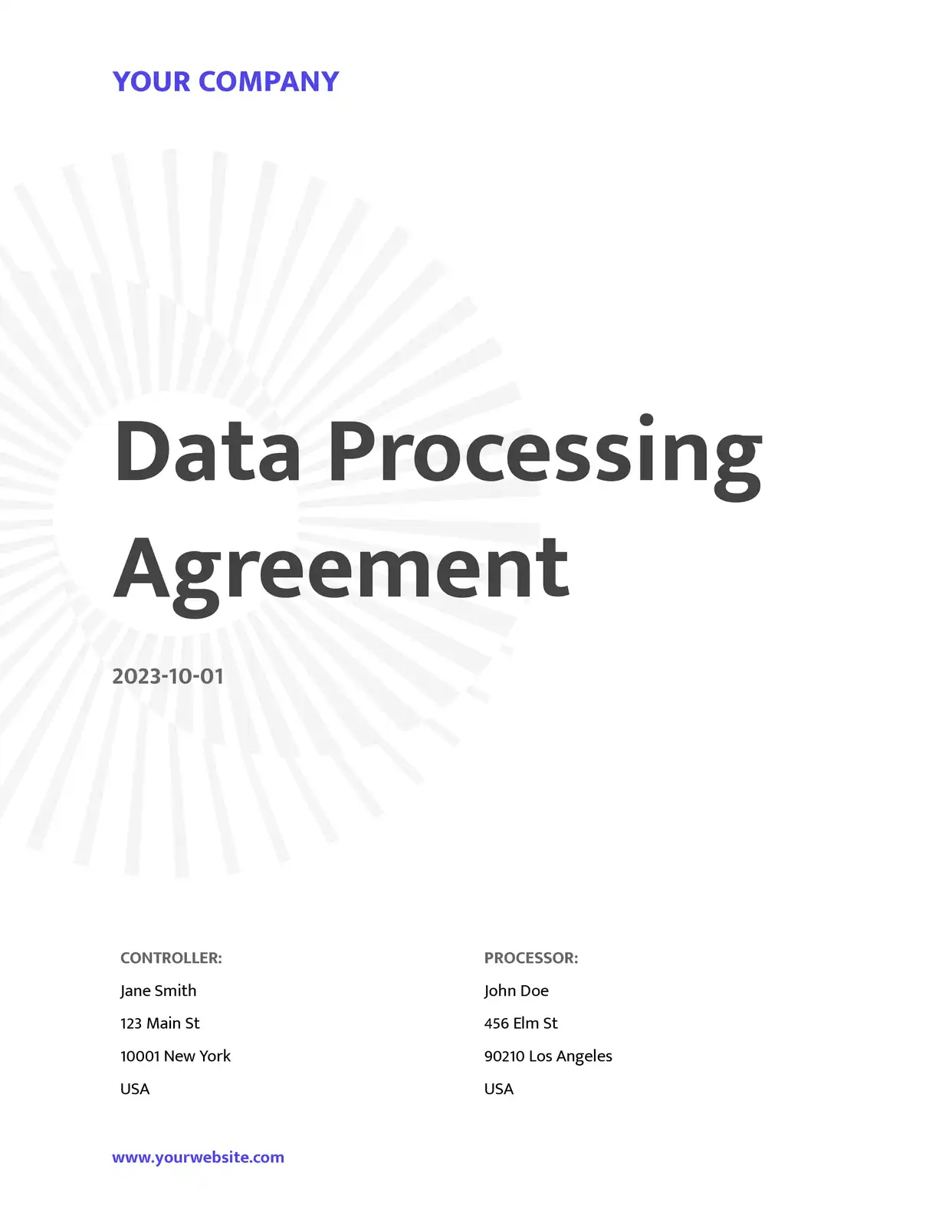
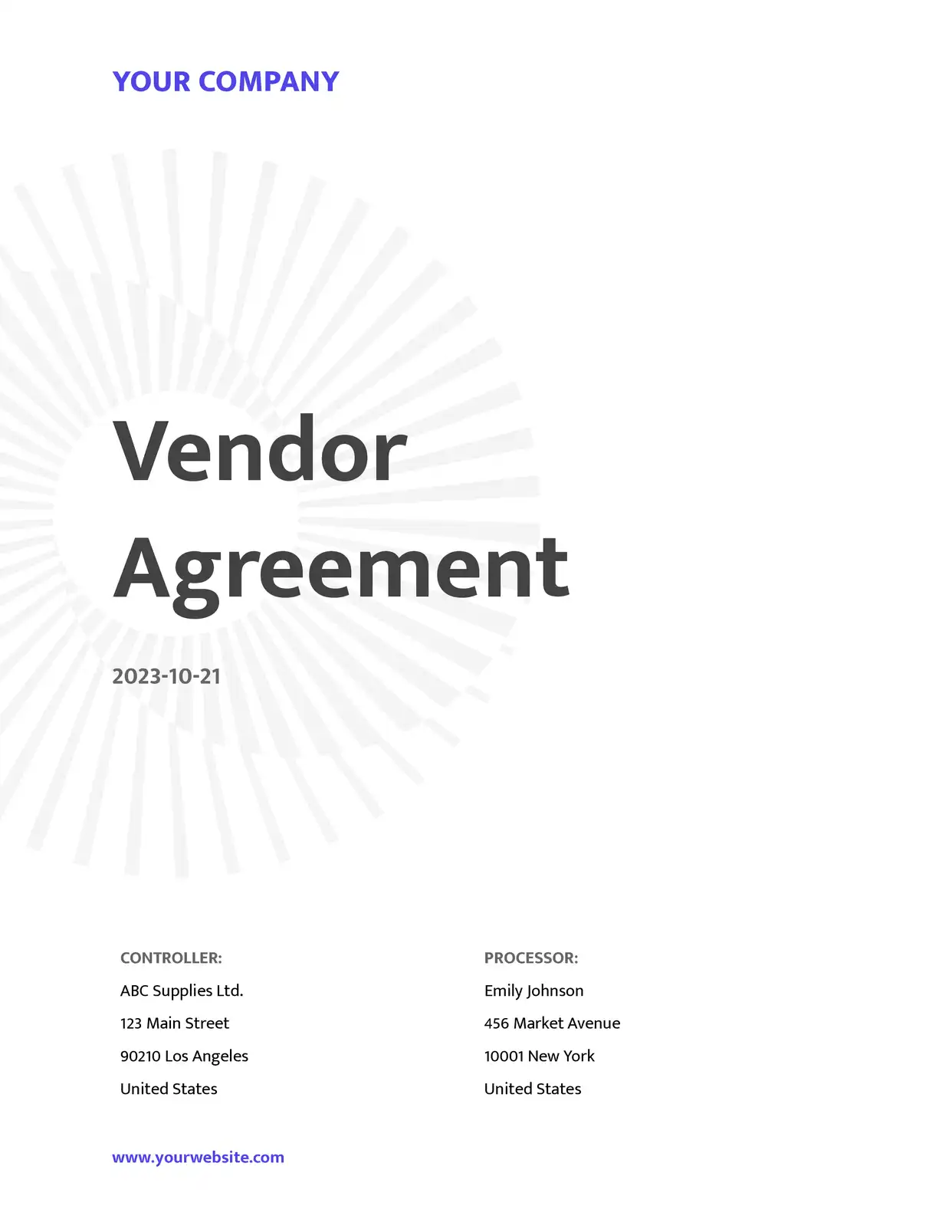
All Agreements Templates
Why choose our free Google Docs Agreements templates?
- Professional Free Google Docs Agreement Templates - Access legally-informed agreement templates designed for various business needs
- Customizable Agreement Templates in Google Docs Format - Easily modify terms, conditions, and clauses while maintaining professional legal structure
- Automated Agreement Generation - Transform your free Google Docs agreement templates into dynamic documents that auto-populate with party information using DocsAutomator
- Comprehensive Template Collection - From service agreements to NDAs, our free templates cover various business agreement types
- Version Control and Tracking - Keep track of agreement versions and changes directly in Google Docs
- Cloud-Based Collaboration - Share, review, and edit agreements with team members and stakeholders in real-time
Why use free Agreements templates?
Creating agreements from scratch can be time-intensive and expensive. Free templates offer structured starting points with essential legal clauses. DocsAutomator's Google Docs offerings enable customization, automate generation processes, and support efficient batch creation. Whether drafting service agreements, NDAs, or partnership contracts, these resources streamline workflows while reducing documentation expenses. Cloud-based storage and collaborative capabilities improve organization and updates management.
FAQ for Agreements
How do I access the free agreement templates in Google Docs?
Visit the template gallery, select your desired agreement template, and click 'Use Template' to create an instant copy in your Google Drive. No registration required for basic access.
Are these agreement templates legally valid?
Templates provide a solid foundation for common agreements. However, legal counsel review of final documents is recommended to ensure compliance with specific jurisdictional requirements and business needs.
Can I customize these free Google Docs agreement templates?
All agreement templates are fully customizable. You can modify terms, conditions, clauses, and formatting while maintaining professional structure. DocsAutomator can also automate the customization process.
What types of agreement templates do you offer?
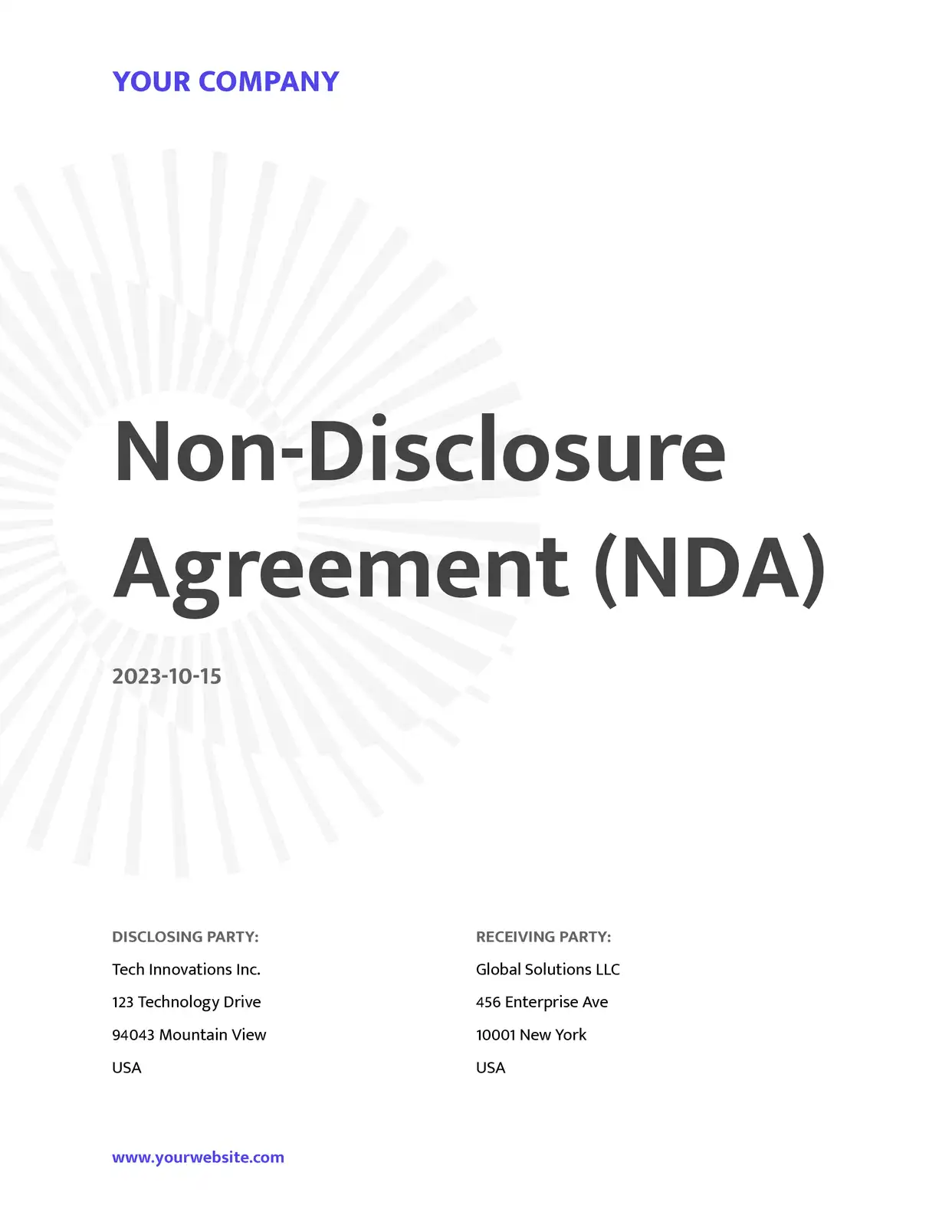
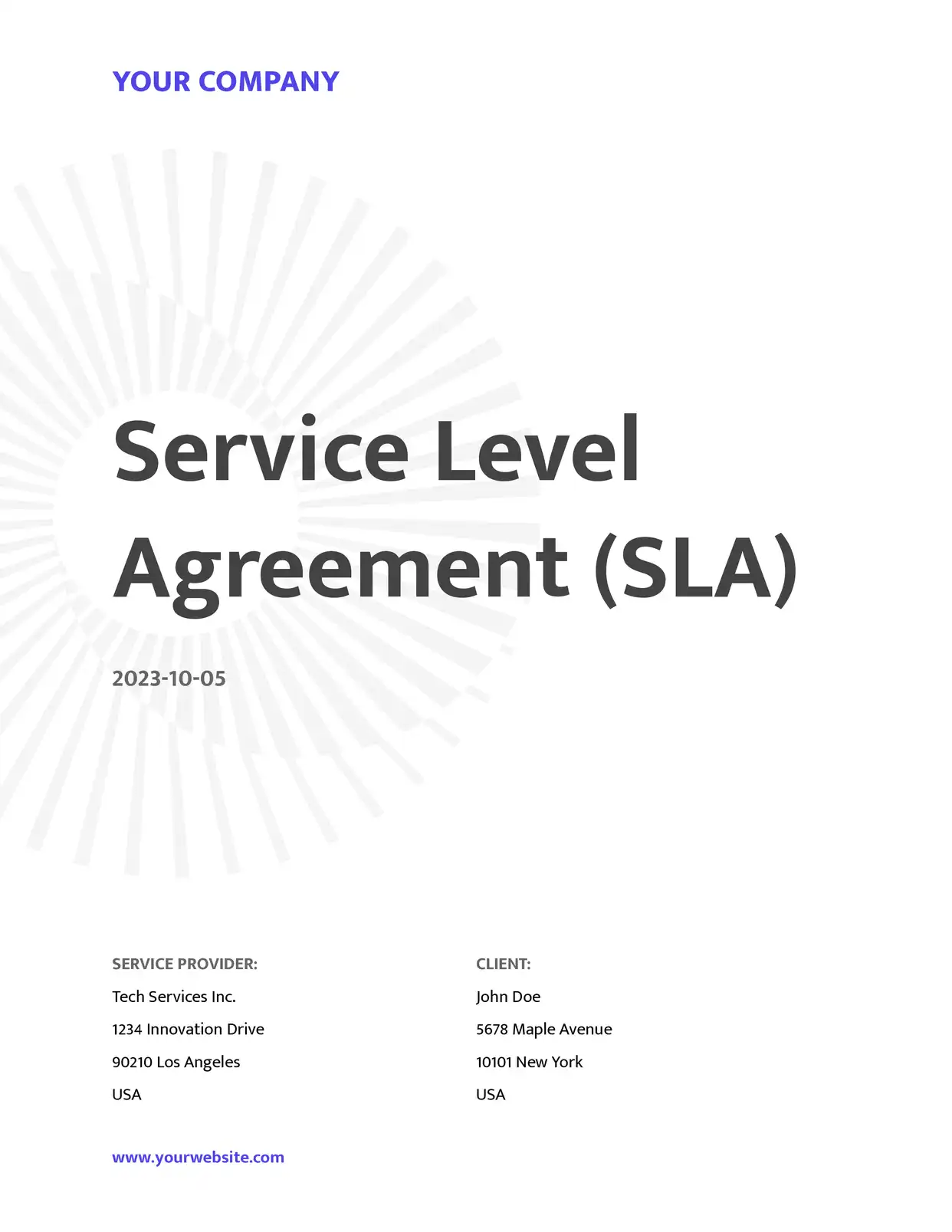
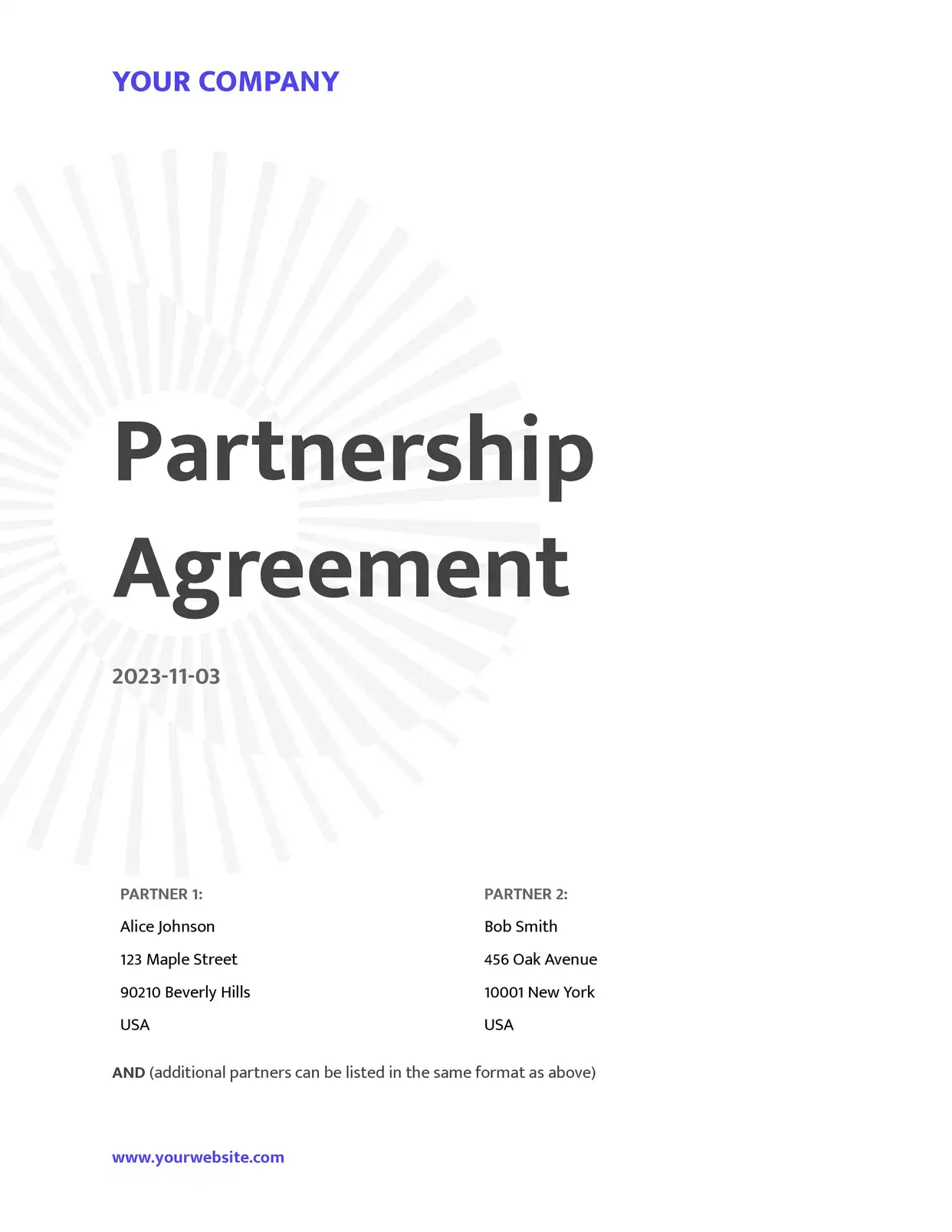
The collection includes Service Agreements, Non-Disclosure Agreements (NDAs), Partnership Agreements, Contractor Agreements, Employment Agreements, and License Agreements.
Can I automatically generate multiple agreements?
Using DocsAutomator with templates allows automatic generation of multiple personalized agreements using data from Google Sheets or other integrated platforms.
How often are agreement templates updated?
Templates are regularly reviewed and updated to reflect common business practices. Always ensure agreements meet current legal requirements in your jurisdiction.
Can I save my agreements in different formats?
Agreements can be saved as PDFs or Google Docs. DocsAutomator can automatically generate and store agreements in preferred formats.
Are the templates suitable for international use?
Templates follow common agreement structures, but modification may be necessary to comply with local laws and regulations in your jurisdiction.
Can multiple people collaborate on an agreement?
Google Docs' collaborative features allow multiple team members to review and edit agreements simultaneously, with full version history tracking.
Is my agreement data secure?
Agreements benefit from Google's secure cloud infrastructure, and DocsAutomator ensures additional data protection measures for automated document generation.