Free Google Docs Receipts Templates
With DocsAutomator's free Google Docs Templates, a curated collection of professionally designed free document templates, you can streamline your work and enhance your productivity.

Top 3 Receipts Templates
Automate & e-sign documents from your data
Connect these templates to Airtable, Google Sheets, and more. Automatically generate personalized documents and collect legally binding e-signatures.







All Receipts Templates
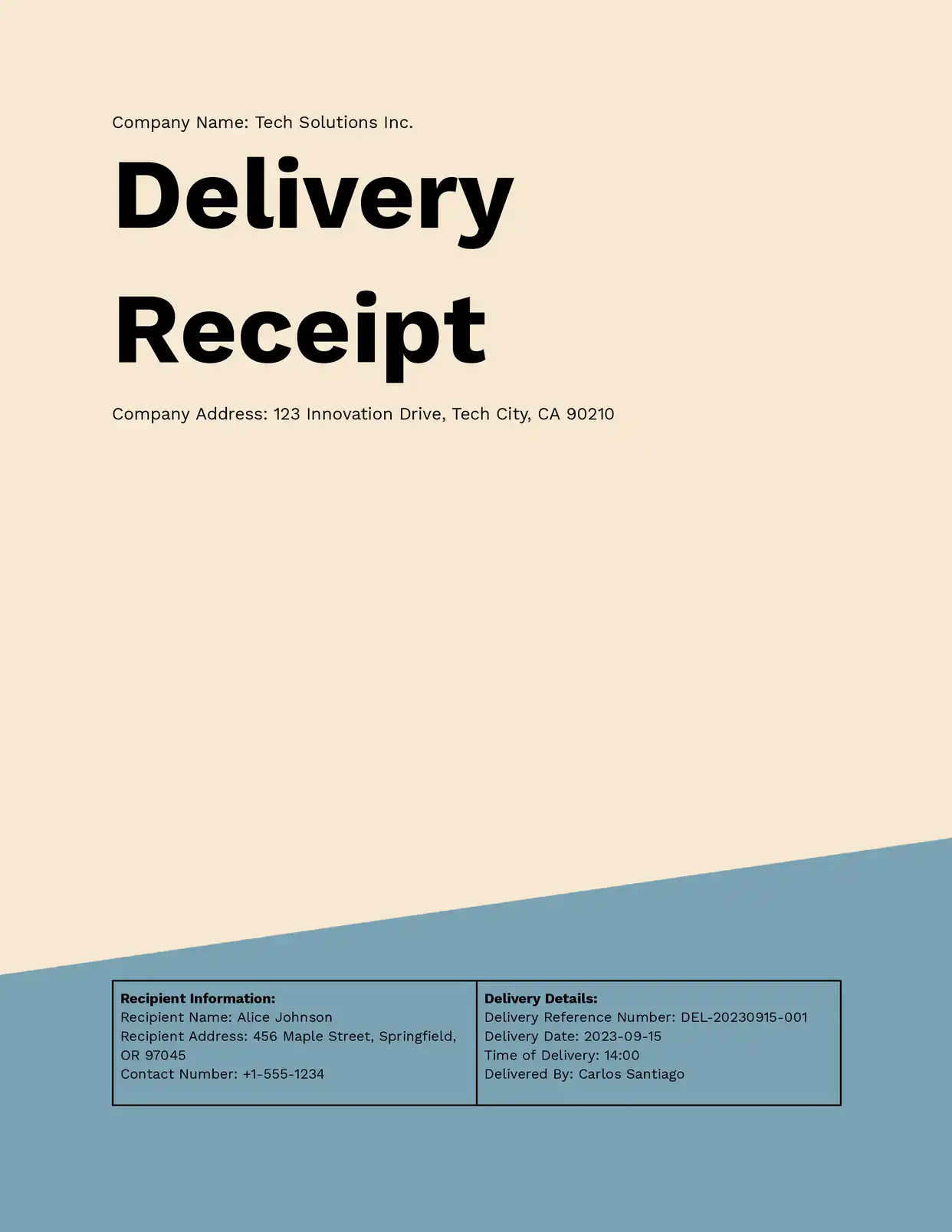
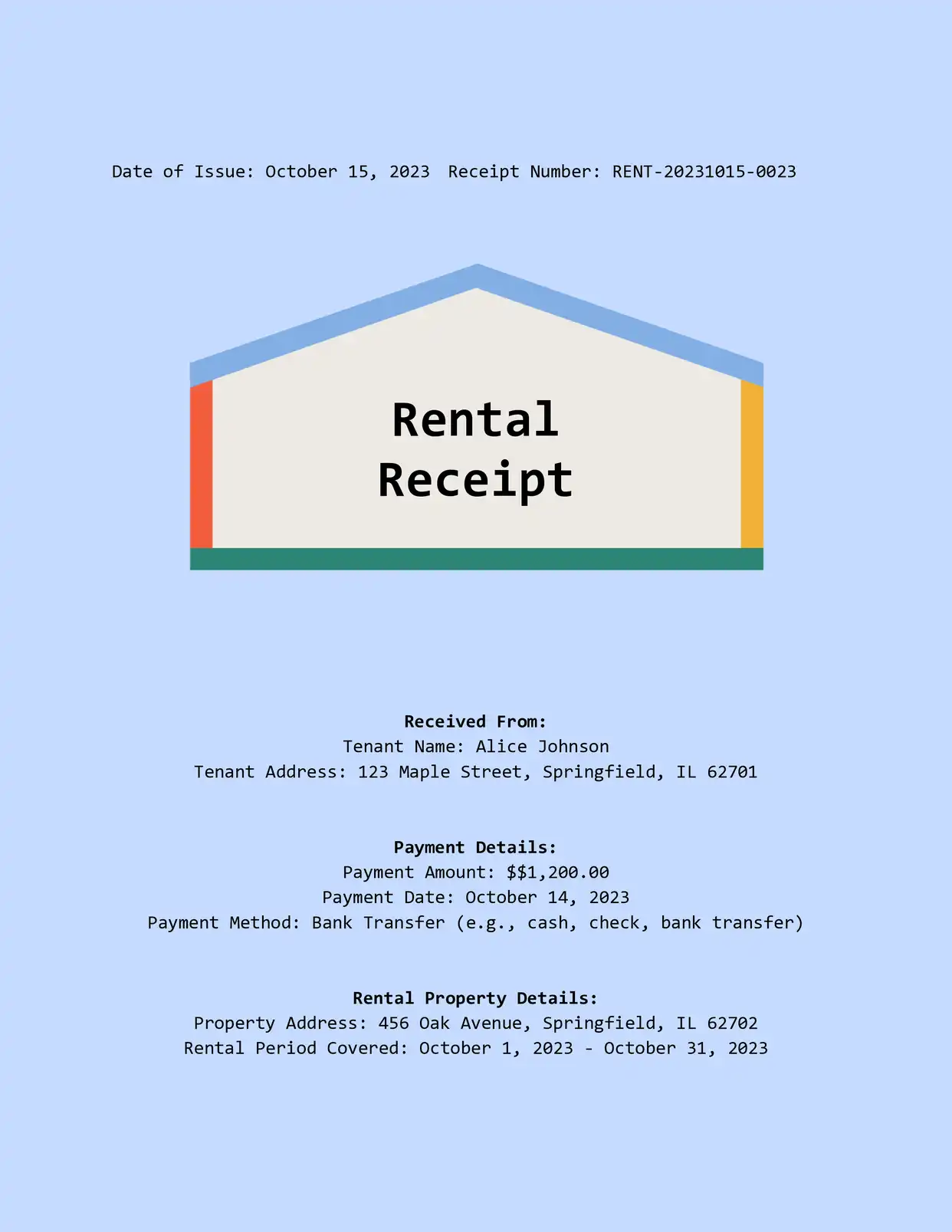

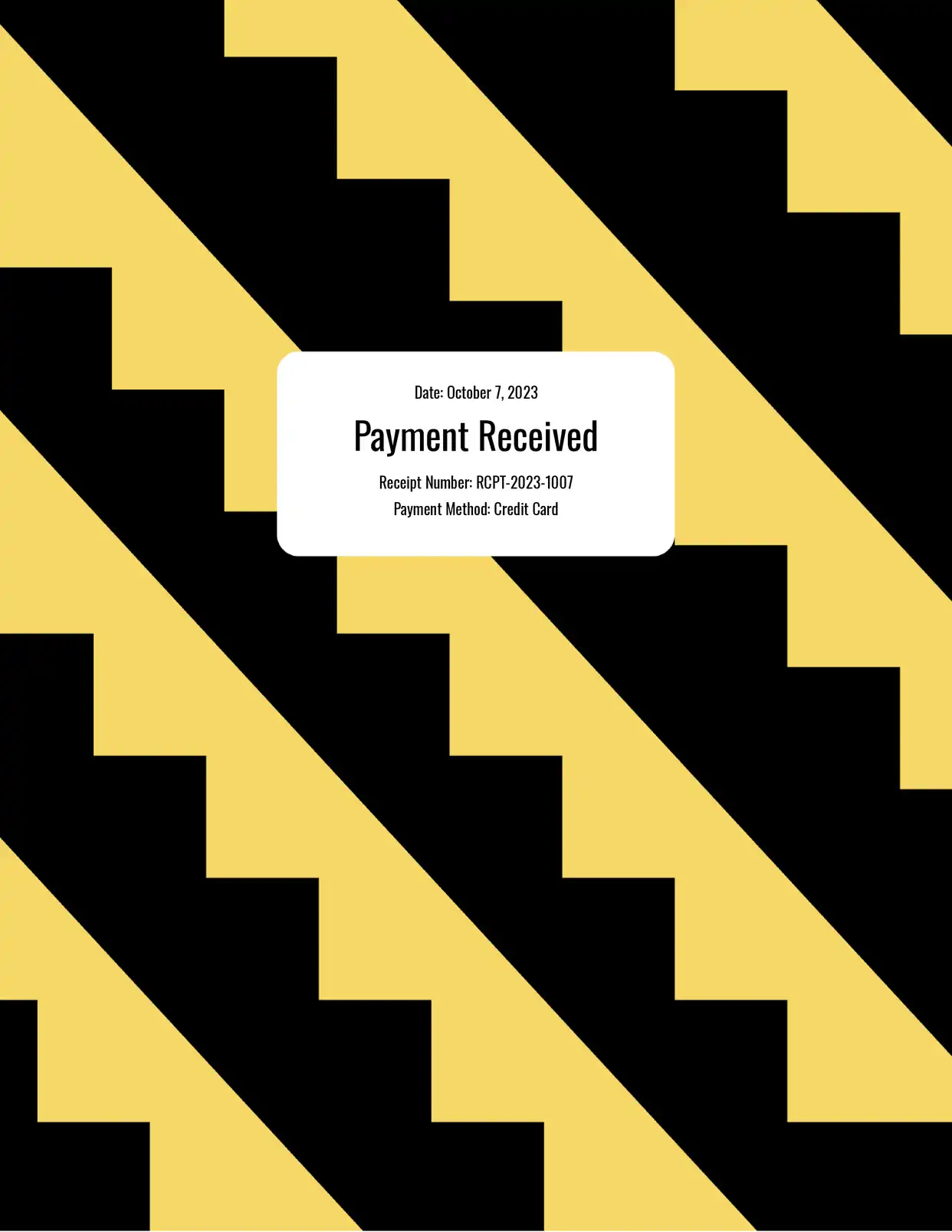

Why choose our free Google Docs Receipts templates?
- Professional Design - Our free Google Docs receipt templates feature clean, professional layouts that enhance your business credibility
- Automatic Numbering - Built-in receipt numbering system helps you maintain organized financial records
- Multiple Formats - Choose from various receipt template styles including sales receipts, rent receipts, and service receipts
- Easy Customization - Quickly modify our Google Docs receipt templates with your business information and branding
- Itemized Listing Support - Include detailed product or service descriptions with quantities and individual prices
- Tax Calculation - Pre-formatted sections for tax calculations and totals ensure accuracy
Why use free Receipts templates?
Proper receipt documentation is crucial for both businesses and customers, serving as proof of purchase and important records for accounting and tax purposes. Free receipt templates provide a professional and standardized way to create these essential documents without the need for expensive accounting software. With DocsAutomator's free receipt templates in Google Docs, businesses can quickly generate professional receipts that include all necessary transaction details while maintaining compliance with basic accounting requirements and providing a professional image to customers.
FAQ for Receipts
What information should I include in the receipt template?
Our templates include spaces for essential receipt elements including: Business name and contact information, Receipt number, Date of transaction, Item descriptions and prices, Payment method, Tax information
Can I customize the receipt number format?
Yes, the receipt numbering system can be customized to match your existing accounting system.
Does the template calculate totals automatically?
Yes, the templates include automatic calculations for subtotals, taxes, and final amounts.
Can I add my business logo to the receipt?
Yes, there's a designated space for your company logo and branding elements.
Are these receipts suitable for tax purposes?
Yes, the templates include all standard information required for basic tax documentation.
Can I generate receipts in different currencies?
Yes, the templates can be adapted to work with any currency and pricing format.
How do I save completed receipts?
Receipts can be saved as Google Docs or exported as PDFs for professional distribution.
Can I track receipt history?
Yes, Google Docs maintains a revision history of all changes made to your receipts.
Are these templates compatible with mobile devices?
Yes, you can create and view receipts on any device with access to Google Docs.
How do I handle refunds or corrections?
The templates can be modified to clearly indicate refunds, corrections, or cancelled transactions.