Free Google Docs Meeting Notes Templates
With DocsAutomator's free Google Docs Templates, a curated collection of professionally designed free document templates, you can streamline your work and enhance your productivity.

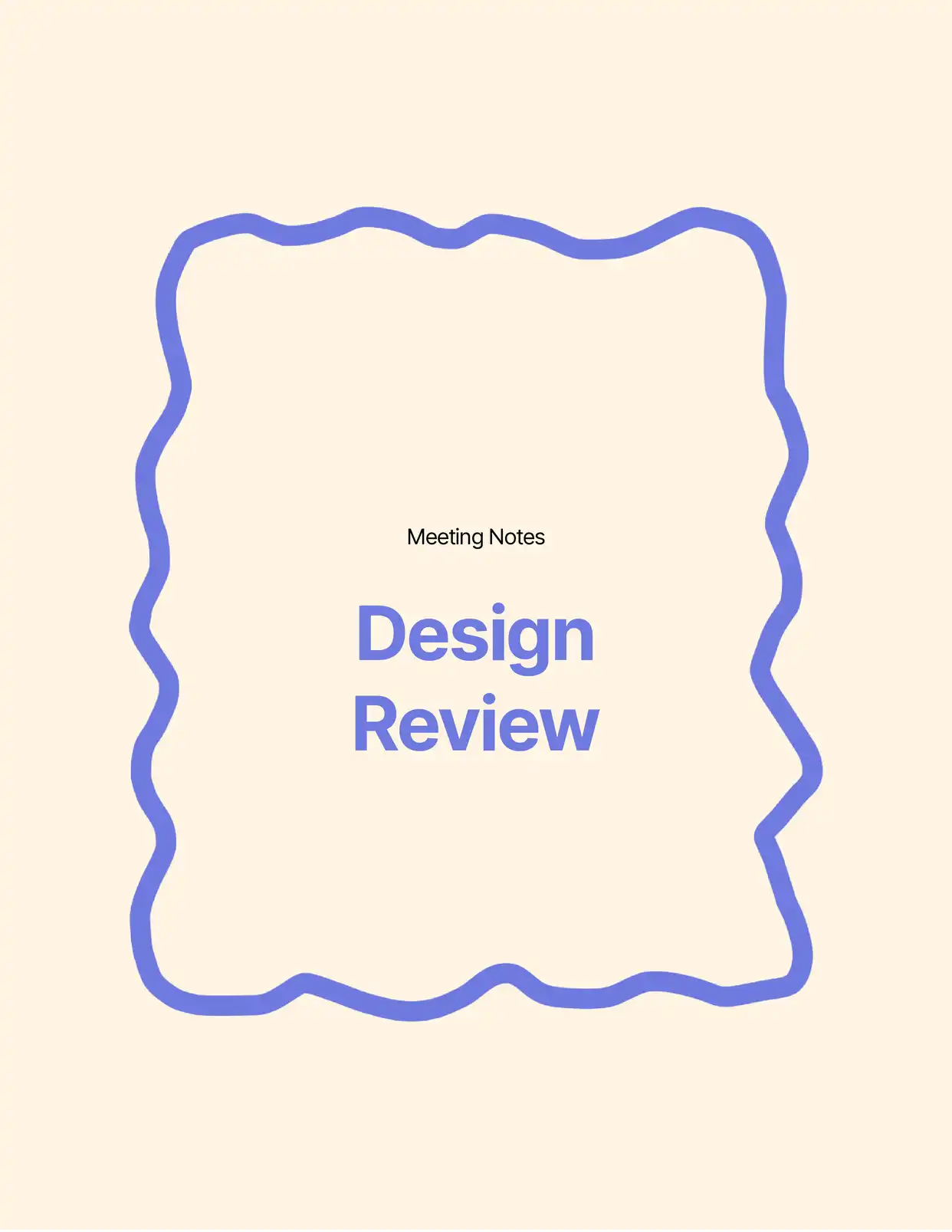
Top 3 Meeting Notes Templates
Automate & e-sign documents from your data
Connect these templates to Airtable, Google Sheets, and more. Automatically generate personalized documents and collect legally binding e-signatures.





All Meeting Notes Templates

Why choose our free Google Docs Meeting Notes templates?
- Professional Structure - Our free Google Docs meeting notes templates provide a clear, organized format for capturing essential meeting information
- Action Item Tracking - Built-in sections for tracking action items, decisions, and follow-ups within Google Docs
- Collaborative Features - Take advantage of Google Docs' real-time collaboration for live note-taking during meetings
- Automated Headers - Pre-formatted headers for date, attendees, and agenda items save time during meeting documentation
- Customizable Formats - Easily adapt the meeting notes template to match different meeting types and company requirements
- Mobile-Ready Design - Access and edit meeting notes from any device through Google Docs
Why use free Meeting Notes templates?
Effective meeting documentation is crucial for organizational success and follow-through on important decisions. Free meeting notes templates provide a standardized approach to capturing and organizing meeting information, ensuring no crucial details are missed. Using DocsAutomator's free meeting notes templates in Google Docs streamlines the note-taking process, improves meeting efficiency, and creates a searchable record of discussions and decisions. These templates help maintain consistency across all team meetings while saving valuable time that would otherwise be spent creating meeting documentation from scratch.
FAQ for Meeting Notes
What information is included in the meeting notes templates?
Our templates include sections for: Meeting date and time, Attendees list, Agenda items, Discussion points, Action items, Decisions made, Next steps
Can I customize the meeting notes template?
Yes, all meeting notes templates are fully customizable to match your organization's specific meeting structure and branding.
How do I share meeting notes with attendees?
Meeting notes can be easily shared through Google Docs' sharing features or automated distribution through DocsAutomator.
Can multiple people take notes simultaneously?
Yes, Google Docs' collaborative features allow multiple participants to contribute to the meeting notes in real-time.
Are there templates for different types of meetings?
Yes, we offer templates for various meeting types including team meetings, board meetings, client meetings, and project reviews.
How do I track action items from meetings?
The templates include dedicated sections for action items with assignee and due date fields.
Can I integrate meeting notes with my calendar?
Yes, DocsAutomator supports integration with Google Calendar for automated meeting details population.
Are the templates available in different languages?
Yes, templates can be customized for different languages and regional formats.
How do I organize historical meeting notes?
Templates include features for date organization and searchable content to easily find past meeting information.
Can I automate the creation of meeting notes?
Yes, DocsAutomator allows you to automate meeting notes creation with pre-filled information from your calendar or other data sources.