Free Google Docs Sheets Templates
With DocsAutomator's free Google Docs Templates, a curated collection of professionally designed free document templates, you can streamline your work and enhance your productivity.

Top 3 Sheets Templates
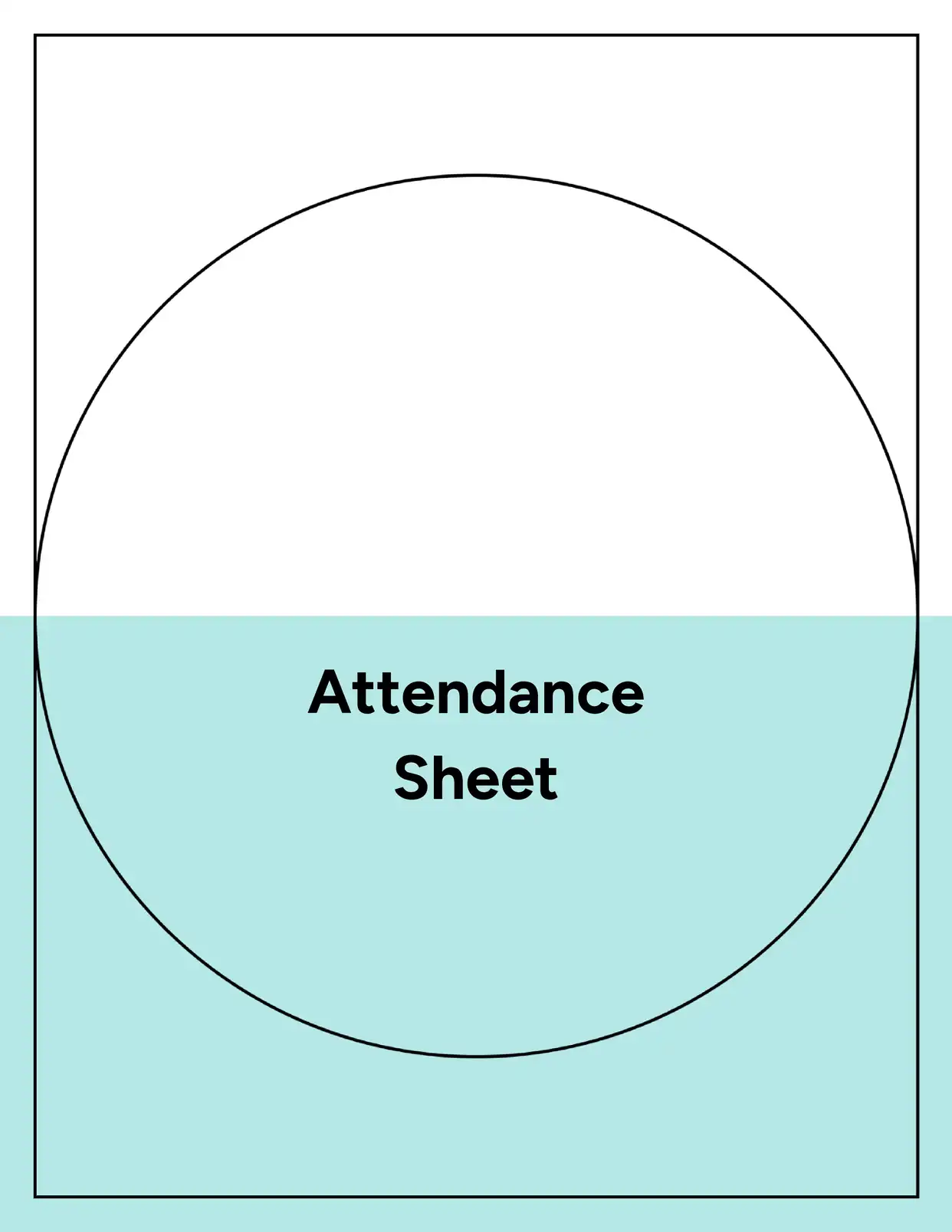
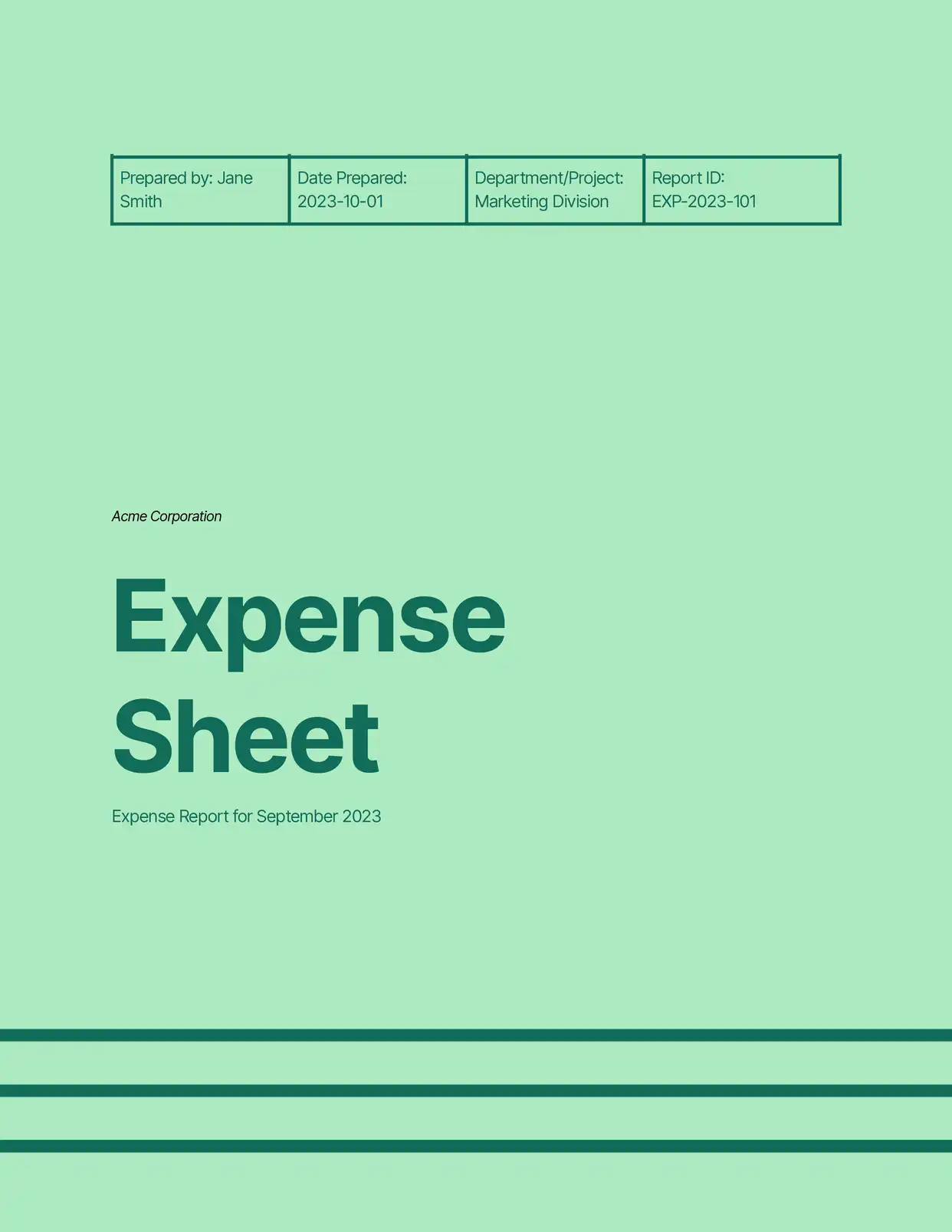
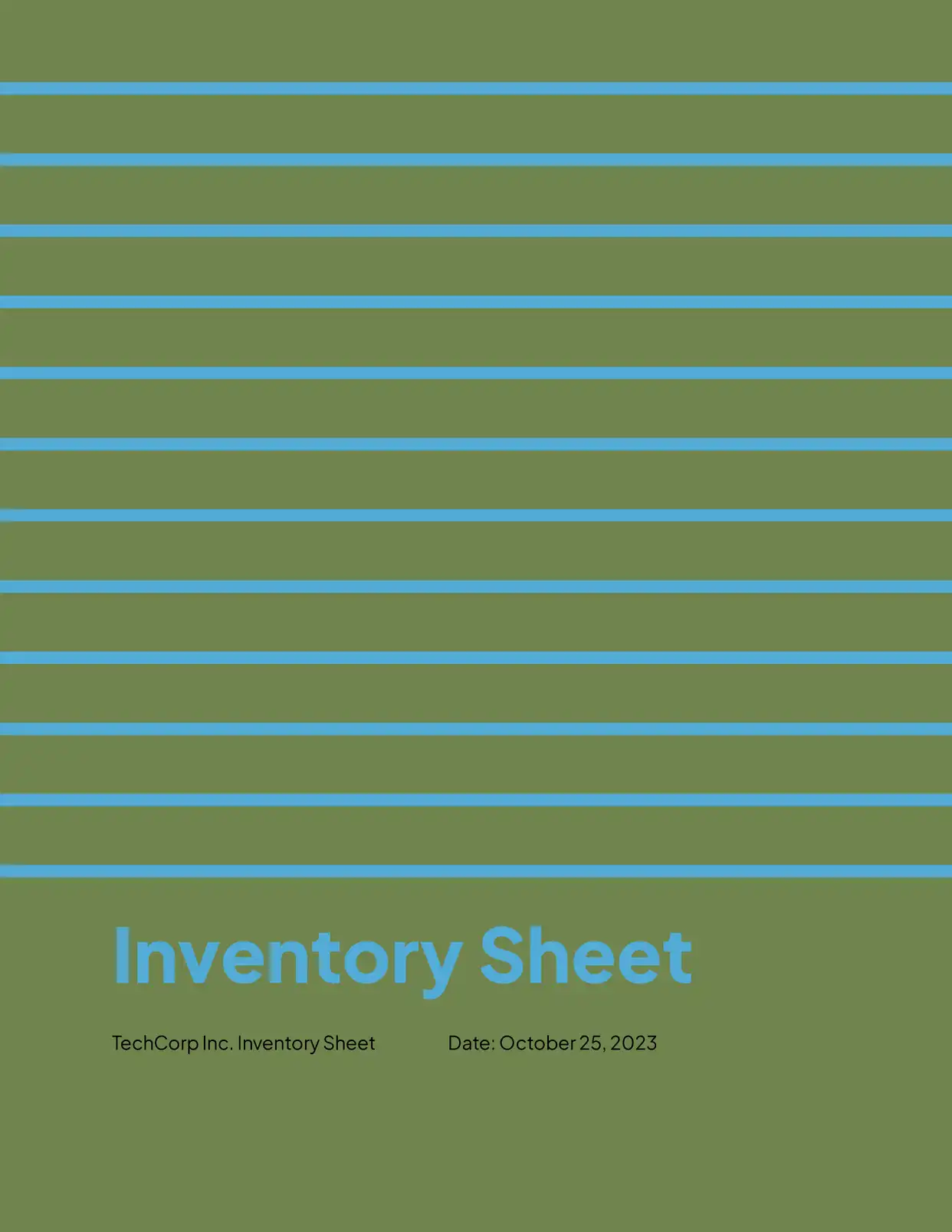
Automate & e-sign documents from your data
Connect these templates to Airtable, Google Sheets, and more. Automatically generate personalized documents and collect legally binding e-signatures.







All Sheets Templates

Why choose our free Google Docs Sheets templates?
- Professional Formatting - Our free Google Docs sheet templates feature clean, well-structured layouts for data organization
- Multiple Sheet Styles - Access various sheet templates for different purposes, from simple tables to complex data tracking
- Easy Integration - Seamlessly connect with DocsAutomator for automated document generation from your sheets
- Customizable Design - Modify columns, rows, and formatting to match your specific data presentation needs
- Business-Ready - Pre-designed sheets for common business uses like inventory tracking, project management, and data collection
- Cross-Platform Compatibility - Work with your sheets across all devices that support Google Docs
Why use free Sheets templates?
Sheet templates provide essential structure for organizing and presenting data effectively. Whether you're tracking information, creating reports, or managing data sets, using a professionally designed sheet template ensures consistency and clarity in your documentation. DocsAutomator's free sheet templates in Google Docs offer the perfect starting point for creating organized, professional-looking data presentations without spending time on basic formatting. These templates help maintain data organization standards while providing the flexibility to adapt to specific business needs.
FAQ for Sheets
What types of sheets can I create with these templates?
Our templates support various sheet types including data tracking sheets, project management sheets, inventory lists, contact lists, progress tracking sheets, and resource allocation sheets
Can I customize the column and row structure?
Yes, all templates can be modified to add or remove columns and rows as needed
How do I integrate sheets with DocsAutomator?
Our templates are designed for seamless integration with DocsAutomator's automation features
Can I add formulas to the sheets?
While Google Docs sheets support basic tables, complex formulas are better handled in Google Sheets
Are the templates printer-friendly?
Yes, all sheet templates are optimized for both digital viewing and printing
How do I share sheets with my team?
Use Google Docs' built-in sharing features to collaborate with team members
Can I convert the sheet format to other file types?
Yes, sheets can be exported to various formats including PDF and Word
How do I maintain consistent formatting across multiple sheets?
Templates include predefined styles that can be easily applied across documents
Is it possible to create linked sheets across documents?
Yes, you can create references and links between different sheet documents