Free Google Docs Statements Templates
With DocsAutomator's free Google Docs Templates, a curated collection of professionally designed free document templates, you can streamline your work and enhance your productivity.

Top 3 Statements Templates
Automate & e-sign documents from your data
Connect these templates to Airtable, Google Sheets, and more. Automatically generate personalized documents and collect legally binding e-signatures.






All Statements Templates
Why choose our free Google Docs Statements templates?
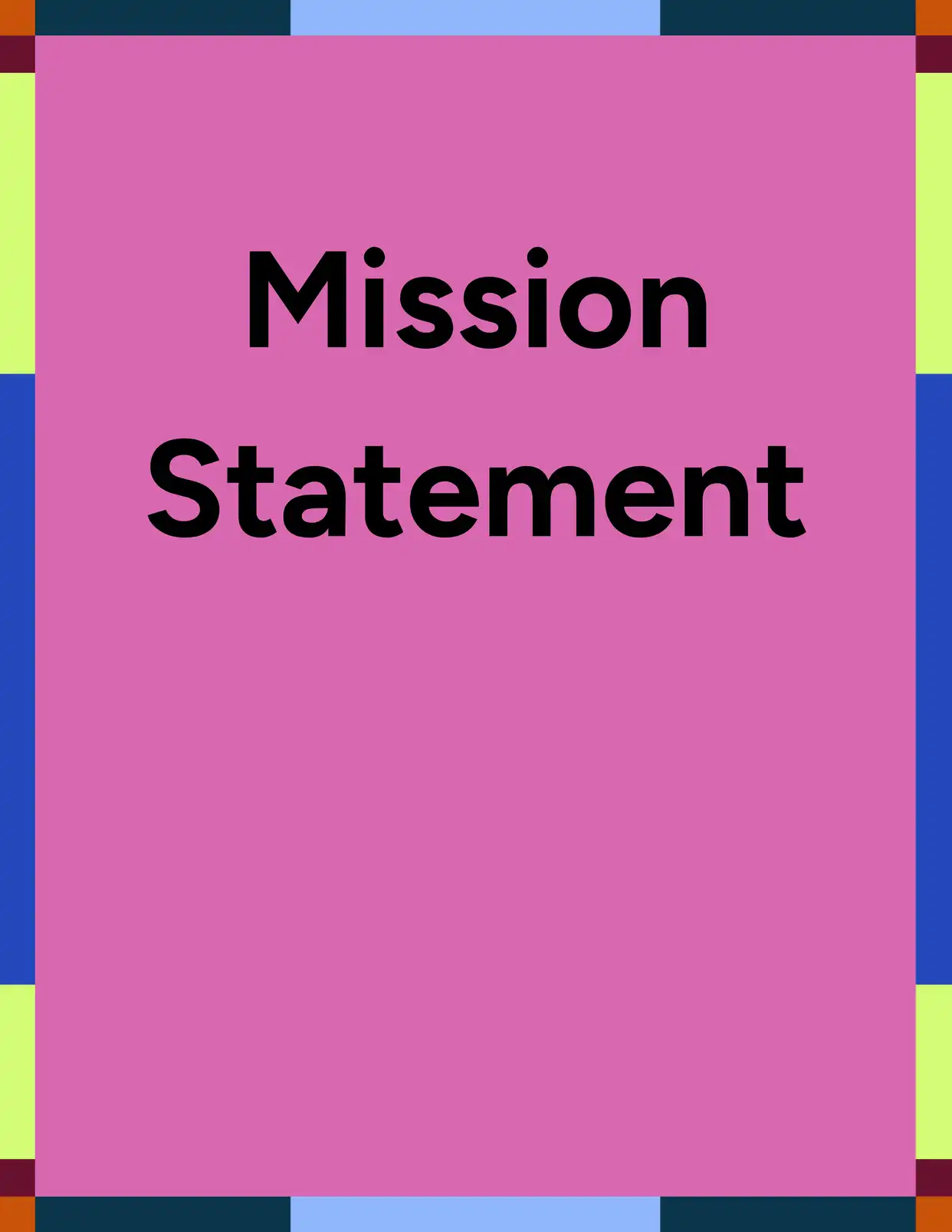
- Free Google Docs Statement templates designed for clarity, professionalism, and ease of use - Pre-designed templates emphasizing professional presentation and user accessibility.
- Fully customizable and editable directly in Google Docs—no special software required - Complete flexibility to modify content and formatting within the familiar Google Docs environment.
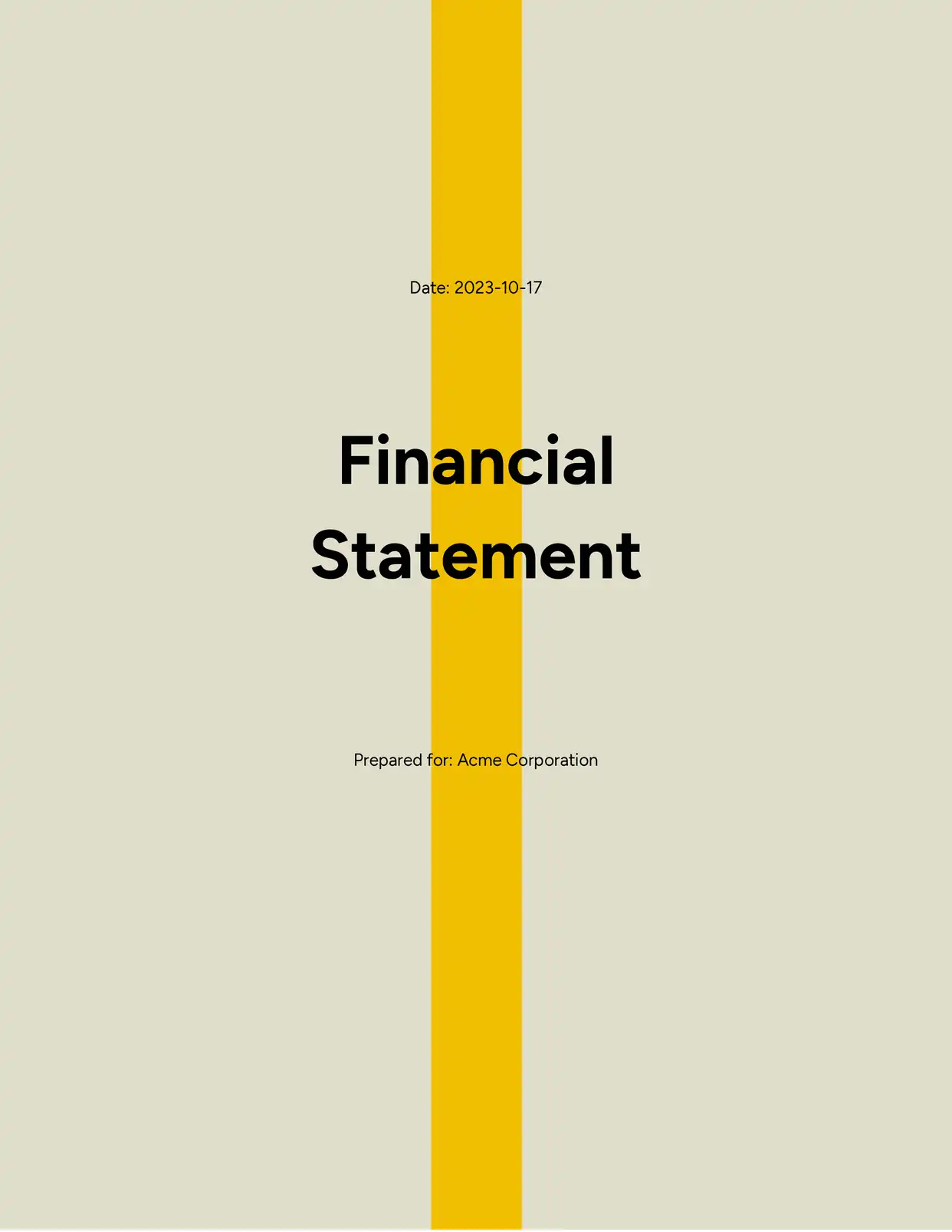
- Pre-formatted templates for financial statements, income statements, personal statements, and more - Diverse template options covering multiple statement types for various business and personal needs.
- Save time with ready-to-use layouts tailored for business, academic, and personal needs - Professionally structured frameworks eliminating setup time across different use cases.
- Free Google Docs Statement templates perfect for freelancers, small businesses, and students - Accessible resources designed for individuals and organizations with varying experience levels.
- Accessible from anywhere, anytime with cloud-based convenience - Remote access capabilities leveraging cloud infrastructure for seamless workflow integration.
Why use free Statements templates?
Free Statement templates help you communicate key information clearly and efficiently. Whether you're drafting a financial report, a personal statement, or a formal business document, using a pre-designed template ensures a professional appearance and consistent structure. These templates save time, reduce errors, and make it easier to present your message with confidence.
FAQ for Statements
What can a Statement template be used for?
Statement templates serve financial reports, personal declarations, income summaries, and similar documents requiring clear, consistent information presentation formats.
Are the free Google Docs Statement templates customizable?
Yes, all templates are fully editable in Google Docs, allowing adjustments to content, layout, and styling for specific requirements.
Do I need to pay to use these templates?
No, the Google Docs Statement templates are completely free to use and download.
Will I need special software to use the templates?
No special software needed—just a Google account to open, edit, and save everything directly in Google Docs.
Who should use a Statement template?
Students, business owners, accountants, job applicants, and anyone needing structured information presentation benefit from these templates.